How-to · 3 steps
How to use Monid
in Muse.
and let it take it from there.
Paste one line into Muse.
Send it in the main chat. Muse reads the quickstart, finds the OpenAPI spec at monid.ai/openapi.json, and builds its own connector to api.monid.ai. There is nothing to install.
Give Muse the key.
The key never goes in the chat. Muse keeps it in its secure store and works with a stand-in token.
- 1Create an API key at app.monid.ai/access/api-keys and copy it. It starts with monid_.
- 2Paste it into the Secrets tab in Muse. Not into the chat.
- 3Approve the connection when Muse asks. A standing permission means it will not ask on every call.
Say the job.
Click one. Paste the sentence, fill in the brackets. Muse picks the tools; every call is metered from one balance.
Get quotes from five movers



Watch a product price every morning
Read every review before I book
Find who to write to, then write


Brief me on a topic

One key. 1,700+ tools.
Muse builds a tool when one is missing. These are the ones it never has to.


1,700+ tools across 55 providers in total
Browse the catalog →Read more
View all →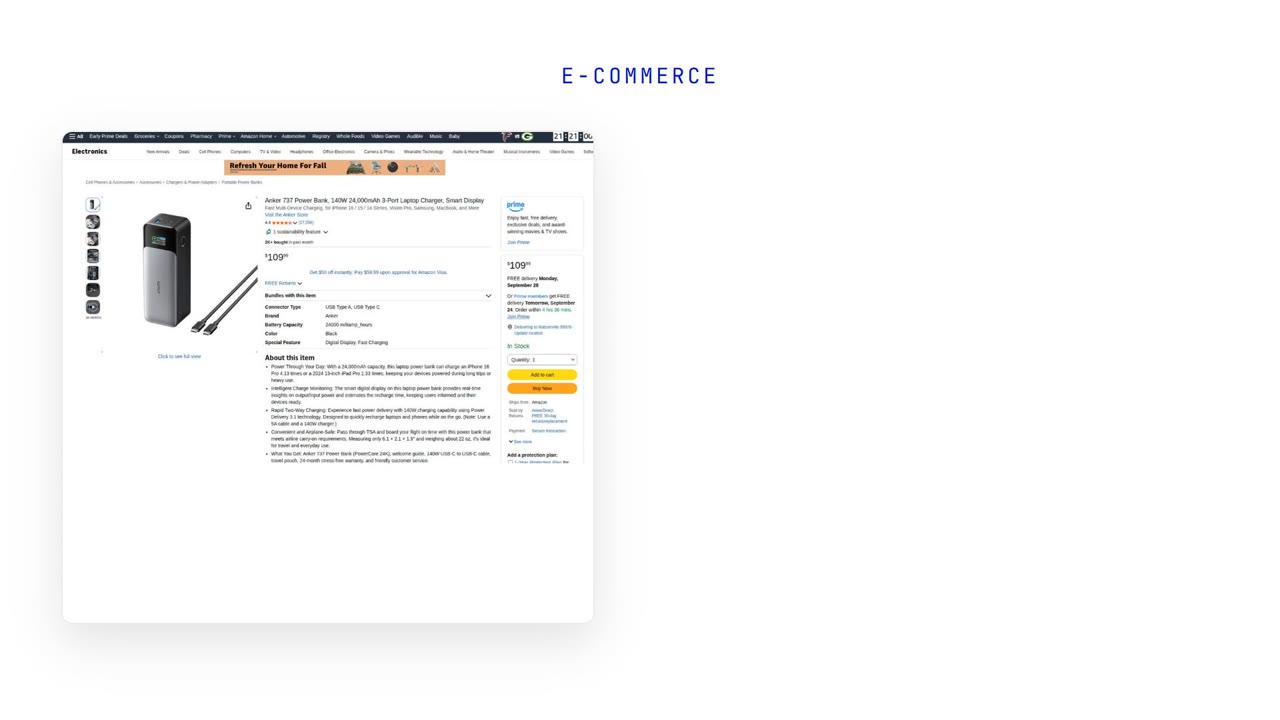
Read any page on the web
MrScraper on Monid: one call to clean Markdown through the anti-bot wall, and 19 sites that hand back typed fields.
Stop depending on one scraping vendor
What it costs you when the one API you built on starts returning a challenge page instead of the page.
Monitor competitor prices automatically
A typed product record every morning, and what to do with the days the number moves.