How to Use the Apollo Email Finder for Work Emails
Find a work email from a name and company domain, keep the matching and catch-all labels, and export a contact row for review.
Find a work email and keep the labels you need to review it. Paste this into your agent:
Set up https://monid.ai/SKILL.md, then use Monid to find a work email for the person and company domain I provide. Inspect Apollo people match first, disable personal-email and phone reveals, and test one row. Return email presence, email status, match confidence, and catch-all labels. Keep the address in my private export and do not send email.
Planning estimate: 1 min setup · 0.8-1.7 hrs saved on copying 50 rows; review time excluded.
Sales representatives searching for an Apollo email finder usually need a usable contact row, not another browser tab. With a 50-person worksheet, you still have 50 identity decisions to make: which company belongs to each person, which address came back, and which rows need attention.
Copying an address alone loses the useful context. A returned email, a matching confidence label, and a catch-all flag answer different questions; flattening them into a single “ready” column hides those differences.
We'll use Monid, the tool layer for AI agents, to retrieve a contact and turn its labels into a private review table. The lookup covers contact enrichment; it does not prove inbox ownership, authorize outreach, or send messages. You'll prepare the input, read a real result, and export the fields without treating a match as permission to send.
Here is the outcome from our one-contact test on November 4, 2026. The address and identity are excluded from this public preview.
| Review field | Observed result |
|---|---|
| Contact records returned | 1 |
| Work email present | Yes |
| Email status | verified |
| Match confidence | high |
| Catch-all domain | true |
| Catch-all verdict | allow |
| Suggested next action | Review identity and catch-all before sending |
How to use the Apollo email finder with Monid
Give your agent a person's name and employer domain, then ask it to keep the returned status labels beside the email. Monid supplies the tool call through one key and balance; your agent handles the worksheet and review rules.
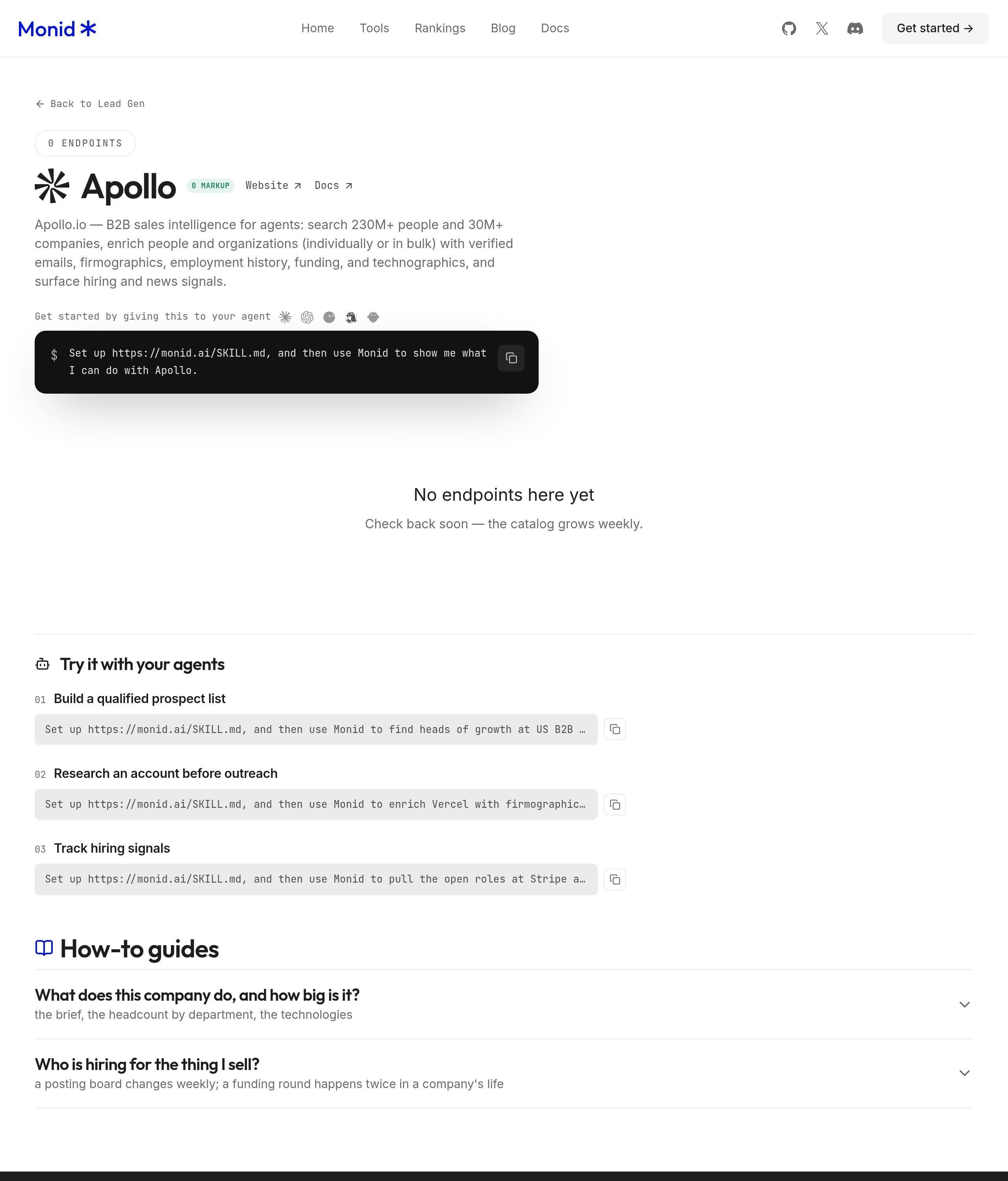
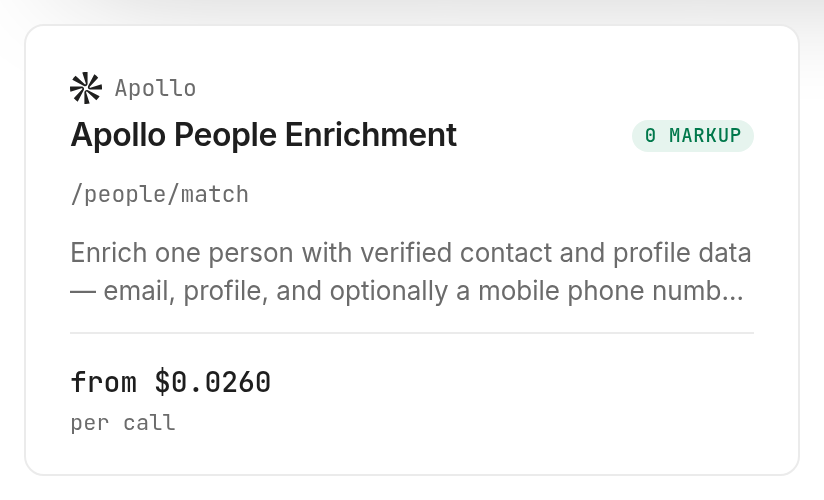
An endpoint is the particular callable tool you select. For this task, select Apollo's people match tool, identified as /people/match, rather than asking the agent to invent an address from a company naming pattern.
If you are choosing between browsing profiles and a repeatable worksheet task, our Apollo extension versus API guide explains that route decision. Here, you already know the person and want a contact row to review.
Step 1. Install and add your key
Connect your agent or install the CLI before requesting a lookup. Keep the key in your local configuration rather than a worksheet or shared prompt history.
For agents: get an API key at app.monid.ai, hand it to your configured agent, and use the opening prompt. The agent quickstart explains the setup.
For humans: use the two commands below; the CLI quickstart covers configuration.
npm install -g @monid-ai/cli
monid keys add -k <your-api-key> -l main
Step 2. Give your agent a name and company domain
Provide the name you already have and the employer's email domain without www, a URL path, or an @ prefix. Keep your original worksheet row ID so a response stays attached to its input even after sorting or filtering.
Use my worksheet's first_name, last_name, and employer_domain columns. Start with one selected row. Use the employer domain exactly as supplied, disable both reveal options, and stop after the first response. Keep the original input beside the returned result so I can review the identity.
Use a small limit when testing a list: here, that means selecting one input row before making any calls. The lookup accepts one person per request; a spreadsheet with many rows is a sequence of decisions and calls, not a single bulk lookup.
Step 3. Request the work contact only
Ask for the work-email lookup with reveal_personal_emails and reveal_phone_number set to false. Those options control additional paid reveals, so leave them disabled for a work-email task.
Our call returned one person, one email, and a Matched result. Processing between the recorded start and completion timestamps took 1.152 seconds; that measures this lookup, not installation or worksheet preparation.
Step 4. Read and export the table
Export the input row ID plus email, email_status, match_confidence, email_domain_catchall, and email_domain_catchall_verdict into your private worksheet. Add a separate next_action column for your review decision; it is your workflow's annotation, not a returned provider field.
Keep blank values blank and preserve the response's labels exactly. Turning a missing email into a guessed address changes the task from enrichment into speculation.
How do you read the results?
Read identity, email status, and domain behavior separately. Our real result combined verified, high, and a catch-all flag of true, so one positive label did not remove the need to inspect the other fields.
Keep identity and email status separate
match_confidence: high is the returned confidence label for the match. email_status: verified is the returned email status; neither label is a response from the intended recipient confirming that they own the inbox.
Review the returned employer and title against your original record before attaching the email to a CRM contact. If the person has changed companies, updating the company context is a separate decision from accepting the address.
Editorial decision rule: preserve the original input, keep the returned values, and mark conflicting company information for review. Do not overwrite an existing contact just because a response completed successfully.
Treat catch-all as its own review signal
Our test returned email_domain_catchall: true and email_domain_catchall_verdict: allow. Keep both values; the verdict is a provider label, not an instruction to start outreach.
Use a separate email verification workflow before sending. Finding an address and evaluating a sending decision belong to different stages of the list.
A useful worksheet preserves those stages in separate columns. Put the original employer domain next to the returned company context, keep status labels unchanged, and record the date of the lookup so a later reviewer knows which information was available at that point.
Preserve missing results instead of deleting them
Retain an input row when no address is available, with an empty email cell and a review action. That keeps your lookup count honest and prevents the same unresolved input from silently returning to the queue.
Our test had one address found and zero records without an email. This one-record example establishes the response shape, not an accuracy percentage or expected coverage for your list.
For your own pilot, report submitted rows, returned records, addresses present, and rows sent to review. Count each separately so a completed request never becomes a synonym for a usable contact.
How much does it cost?
The base work-contact lookup is $0.026 per call, Verified 2026-11-04, on monid.ai/tools/apollo. Our completed lookup billed one unit at that base price.
Separate the base lookup from paid reveals
The live pricing lists an additional $0.026 for personal emails and an additional $0.208 when a mobile phone is actually returned, Verified 2026-11-04. These are optional tiers; our work-email test enabled neither.
Keep both reveal options disabled in reusable prompts as well as code. A request for a work address does not require collecting extra contact channels, and changing those flags changes the price of the task.
Budget for attempts and preserve the bill
The inspected billing notes state that a no-match consumes nothing, while attaching a name to a known company incurs the base charge even without an email or title. An empty email cell therefore is not sufficient evidence that the request was free.
Store the run's cost and billedUnits alongside its completion status in your private audit record. The preview table omits those technical fields because the reader's contact-review task needs the email labels first.
Free discovery and inspection let you check the tool before authorizing a paid lookup. Our measured spend was one base-priced call, with no optional reveal charges; failed-request charging was not part of this test.
How do you do this in your own code?
Use the same name-and-domain input through query parameters, then transform the completed response into a row. Monid keeps discovery, schema inspection, and execution in the same CLI workflow.
Inspect the input before requesting data
These free commands find the tool and show its schema and price. --include-unavailable exposes catalog status information; it does not authorize a paid request.
monid discover -q "apollo email finder" -l 5 --include-unavailable -j
monid inspect -p apollo -e /people/match
The schema places the person identifiers in queryParams, so use --query rather than sending them as a JSON body with -i. Matching the schema avoids an empty or misplaced payload.
Request one row and retain its reference
The following is an input-shape example: replace the placeholder strings with your own authorized contact information. Its parameter structure matches our executed call, including the two disabled reveal flags.
monid run -p apollo -e /people/match \
  --query '{"first_name":"FIRST_NAME","last_name":"LAST_NAME","domain":"EMPLOYER_DOMAIN","reveal_personal_emails":false,"reveal_phone_number":false}' \
  -w -j
Read status before consuming output.person. Save the run ID if you need to retrieve the same response later; retrieving a run avoids submitting the lookup again merely to recover its output.
For a larger implementation, the existing Apollo contact-list implementation guide covers the list-oriented angle. This tutorial keeps the scope on reviewing one known contact before expanding the workflow.
Keep the row transformation small: copy the provider labels, record email presence, and assign a review action using your team's rule. Do not convert a null field into a positive status or collapse every completed response into “send.”
Which lookup should you use for this job?
Use the tested contact match when you know the person and employer. Keep discovery and sending outside the lookup's promise: the result enriches a known contact rather than producing a complete outreach campaign.
| Use case | Best endpoint | Why? |
|---|---|---|
| Find a work contact from a name and employer domain | Apollo /people/match | Tested with both reveal flags disabled; one person and email returned. Base $0.026 per call, Verified 2026-11-04. |
For a repeating worksheet, deduplicate identical inputs before submitting them. Keep your review rule stable across the file so two people looking at the same labels reach the same next action.
When should you use something else?
Use an existing workspace workflow when the contact already belongs there, and choose a separate verification step when your next action is sending. You are reading the Monid blog; this route resells access to the lookup rather than replacing every part of your sales process.
Apollo's own workspace is the direct destination when you want to work inside Apollo. Moving a single contact into an agent adds no benefit when your team already handles that entire task in its workspace.
Hunter's browser email finder offers a name-and-domain form for a manual lookup. Choose that interface when you need to enter a contact by hand and do not need an agent to move the response into another workflow.
The concrete limit here is scope: the tested call resolves one person. Your agent must manage list iteration, file export, review decisions, and any downstream integration; the lookup does not perform those jobs for you.
Conclusion
You now have a repeatable route from a known name and employer domain to a private contact row with the original email and catch-all labels preserved. The pitch's copying estimate assumes 50 rows at one to two manual minutes each, or 0.8 to 1.7 hours, excluding identity review; its one-minute setup allocation assumes a configured agent and available key, rather than a measured installation. Start with one contact and expand only after the input, output, and review rule agree, so your list stays understandable when another teammate picks it up.
FAQ
Is the Apollo email finder free through Monid?
Discovery and inspection are free; execution uses the listed billing rules. The base lookup is $0.026 per call, Verified 2026-11-04, on the Apollo tools page.
What information do I need to find a work email?
Use the person's name and employer domain for this workflow. Keep your input row ID and original company information so you can review the returned match before updating a contact.
Do I need to install an extension or write code?
You can give the task to a configured agent without writing code. The CLI is the alternative for a developer who wants to place the same query inside an existing script.
How many people can I look up at once?
The tested people match call accepts one person. A worksheet requires repeated calls, so select one row for a pilot and deduplicate inputs before processing the rest.
Does an empty email mean the lookup was free?
An empty email does not establish that the call was free. The inspected notes distinguish a no-match from a billable company-associated match; use the completed run's cost record to reconcile your worksheet.
Does a verified email mean I can send immediately?
A returned verified label is an email status, not inbox ownership confirmation or permission to send. Keep identity review and any separate sending checks in your workflow, especially when a catch-all flag is present.
Is using an email finder legal?
Rules vary by jurisdiction, and you must check the rules that apply to your collection and use. A returned email does not decide that question for you.
Published November 2026.