How to Use the Crunchbase API in Your Agent
Search companies, pass their identifiers into profile lookups, and build an agent research table that keeps missing funding data explicit.

Give your agent company records it can trace back to the right organization. Paste this into your agent:
Set up https://monid.ai/SKILL.md, and then use Monid to search Crunchbase for Stripe with limit 1. Show the returned permalink and UUID before fetching its organization profile. Keep missing funding amounts empty. Export a company research table and stop after the two calls.
1 min setup target · 0.5-1 hrs saved estimate for a 30-record copying task.
Developers searching for the Crunchbase API need company data inside an agent, with identifiers that survive the next lookup. A name search is only the beginning: our Stripe query reported a count of 72 while returning one entity under the requested limit.
Copying a name into the next prompt loses the link between the selected company and its profile. Asking a model to fill the gaps also turns absent funding values into a research problem you cannot audit.
We'll use Monid, the OpenRouter for agent tools, to search, preserve identifiers, and retrieve profiles through one key and balance. The finished table separates returned company attributes from missing financial evidence. Follow three stages: select the company, fetch its profile, and export only returned values.
Here is the company row from the November 7, 2026 calls, before we build the workflow:
| Organization | Permalink | Employee enum | Operating status | Funding amount returned |
|---|---|---|---|---|
| Stripe | stripe | c_05001_10000 | operating | No |
How to use the Crunchbase API with Monid
Use Monid to discover a callable tool, inspect its accepted inputs, and make a small search before fetching a profile. An endpoint is a callable operation with its own input schema and price; this guide uses the Crunchbase tools through that workflow.
Step 1. Install and add your key
For agents: get an API key at app.monid.ai, then give your agent the key and this instruction. The agent quickstart explains the setup.
set up https://monid.ai/SKILL.md
For humans: install the CLI and save your key using the documented commands below. The CLI quickstart covers the local setup.
npm install -g @monid-ai/cli
monid keys add -k <your-api-key> -l main
Step 2. Discover the company search
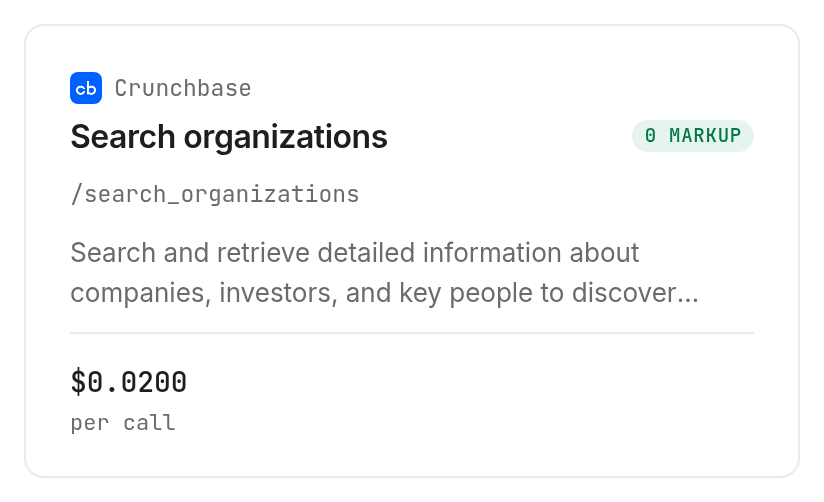
Search the catalog and inspect organization search before paying for a request; both commands are free. The inspected inputs are query parameters, so use --query rather than putting them in a JSON body.
monid discover -q "crunchbase api" -l 6 -j --include-unavailable
monid inspect -p crunchbase -e /search_organizations
Step 3. Search for one company
Set a small limit when testing; this request uses the concrete name stripe and asks for one result. Read the returned identifier before accepting the match, because a search count is not a promise that the first entity is your intended company.
monid run -p crunchbase -e /search_organizations \
  --query '{"query":"stripe","limit":1}' -w -j
Step 4. Fetch the selected company
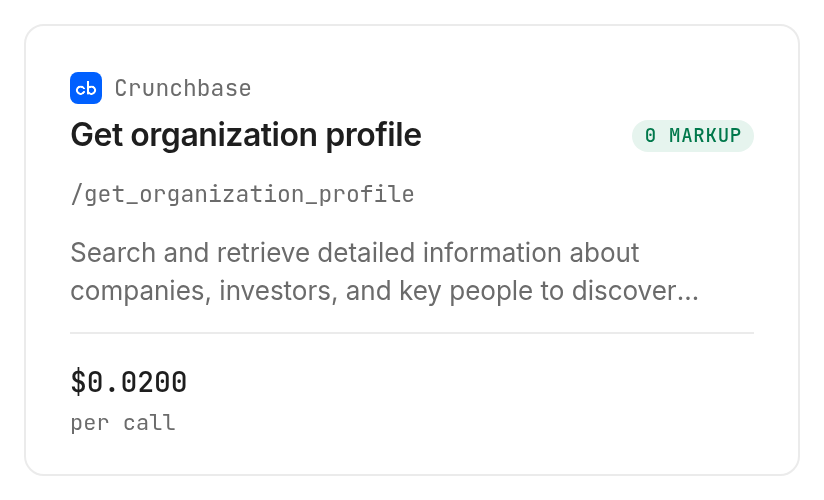
Pass the returned identifier.permalink into organization profile, preserving the UUID alongside it in your own table. Our selected search row returned stripe, and the profile returned the same UUID.
monid inspect -p crunchbase -e /get_organization_profile
monid run -p crunchbase -e /get_organization_profile \
  --query '{"slug":"stripe"}' -w -j
Step 5. Add a known investor separately
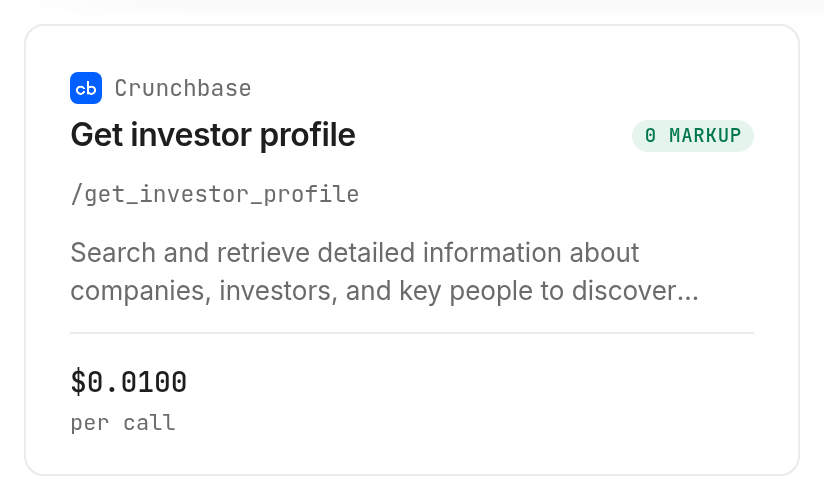
Use investor profile when you already have the investor's permalink; our test used sequoia-capital, an example supplied by inspection. This is a separate investor record, not evidence that the investor funded the company in the previous step.
monid inspect -p crunchbase -e /get_investor_profile
monid run -p crunchbase -e /get_investor_profile \
  --query '{"slug":"sequoia-capital"}' -w -j
Why identifiers matter before you enrich a company
Identifiers keep a selected organization attached to its later profile. In our Monid responses, Stripe's search and profile shared UUID 6f83ddd7-d637-61f8-06b2-438a0037605f and permalink stripe.
Keep selection separate from enrichment
Search answers which records match the input; a profile answers what the selected record contains. Store your original query with the accepted identifier so a reviewer can reconstruct how the agent chose the organization.
For a company list, treat each accepted match as a deliberate selection. Compare the returned description, categories and location with your intended organization before spending another call on its profile. If that comparison fails, leave the input unresolved rather than attaching the wrong company's attributes.
Count actual entities
The search response contained data.count: 72 and one element in data.entities. Your export should count the array elements it received, not label the count field as the number downloaded.
The inspected schema exposes query and limit; it does not expose a pagination parameter. Do not create a loop that assumes an undocumented page or cursor field exists. A one-row test establishes the response shape for that request, not an exhaustive company dataset.
The 3 ways to pass company data into an agent
Choose a route according to whether you need a fresh lookup, a human selection, or a record already in your system. Monid handles the callable data step; your agent still owns matching decisions and export logic.
| Route | Billing or input basis | Fits | Limitation |
|---|---|---|---|
| Monid tool calls | Per call for the tested operations | Fresh search and profile retrieval inside an agent | Returned properties do not include every research field |
| Human-reviewed source record | A record selected by a researcher | Ambiguous organizations requiring context | Manual handoff needs provenance |
| Your existing company database | Stored records you already hold | Reusing accepted identifiers and attributes | Records need an explicit freshness policy |
Retrieve through the agent
Choose callable retrieval when the next step needs the returned JSON immediately. Give the agent a named input, a limit, a spending ceiling and an explicit stop condition. The opening prompt stops after search and company profile, avoiding an open-ended research loop.
Supply a reviewed record
Choose a human-reviewed record when selecting the organization is the difficult part. Include the source URL, selected identifier and observation date with the data you provide to the agent. A pasted company name alone discards the decision the researcher already made.
Reuse your accepted identifiers
Choose your database when the organization is already resolved and the stored fields answer the task. Reuse the accepted permalink for a later refresh instead of searching the same name every time. Keep the latest observed values separate from earlier snapshots so changes remain visible.
How do you read and export the results?
Read the actual properties and preserve absent fields as absent. The Monid run envelope contains execution details, while output.data contains the provider's returned records.
Separate company and investor properties
For search, company attributes live inside output.data.entities[0].properties. For the company profile, they live in output.data.properties. The investor response has separate investor_properties and organization_properties objects under output.data.
That distinction matters for a shared export. Do not assume every record has the same nesting, and do not flatten two different ranks into a single unlabeled score. Our investor response contained principal investor rank 12 and organization rank 13, which are separate returned fields.
The table below is the measured output summary from November 7, 2026. It contains public organizations and aggregate values, with no personal records.
| Observation | Stripe search | Stripe profile | Sequoia Capital profile |
|---|---|---|---|
| Records received | 1 entity | 1 profile | 1 profile |
| Permalink | stripe | stripe | sequoia-capital |
| City value | South San Francisco | South San Francisco | Menlo Park |
| Employee enum | c_05001_10000 | c_05001_10000 | c_00051_00100 |
| Operating status | operating | operating | operating |
| Organization rank | 71 | 71 | 13 |
| Investment count | Not returned | Not returned | 2509 |
| Funding amount | Not returned | Not returned | Not returned |
| Execution seconds | 6.783 | 4.094 | 5.978 |
Execution times use each run's startedAt and completedAt, excluding local setup and polling. The three calls completed successfully; no empty or failed request was part of this sample.
Preserve missing financial evidence
The Stripe responses included preview_properties.funding_total.is_present: true, alongside presence flags for founding and last-funding dates. Those flags do not contain the amount or date, so the export must leave those values empty.
These calls cover company matching and basic profile attributes. They do not deliver a funding ledger or a complete investment history. For a research task requiring financial evidence, keep that as a separate collection stage; the funding-data route comparison discusses that broader choice.
Export a traceable table
Save the raw response before flattening it. Keep the accepted identifier, observation date, run ID and original query next to the selected company attributes, then generate CSV or a database row from those saved records.
For downstream rules, distinguish not_returned from a numeric zero. An absent investment count does not mean no investments, and a missing funding amount does not mean the company raised nothing. That separation lets your agent request more evidence without silently changing the business conclusion.
Your useful first deliverable is a resolved company record, not a valuation or investment recommendation. In this sample, the company row supports category and operating-status review; the investor row supports a separate investment-count summary. Neither row establishes a relationship between Stripe and Sequoia Capital.
How much does company research cost?
The tested Monid operations bill per call, with discovery and inspection free. Organization search costs $0.02 per call, Verified 2026-11-07.
The company profile lookup costs $0.02 per call, Verified 2026-11-07. The investor profile lookup costs $0.01 per call, Verified 2026-11-07.
Our three successful receipts charged one billed unit each at those prices. Returning one entity under the search limit did not change its per-call billing shape. This sample establishes successful-call charges; it does not establish the charge for a failed or empty request.
Budget by accepted work
Search first and fetch a profile only after accepting the match. If the search already contains every property your task requires, use that result without adding a profile call merely because the workflow can make one.
Limit the number of names and calls independently. A small result limit controls the response you request, while a call ceiling stops retries or repeated enrichment from expanding the job. Record actual receipt costs with your output so the next batch starts from observed usage.
Which endpoint should you use for each job?
Use the operation that directly answers the next question; all three rows below were inspected and run successfully through Monid on November 7, 2026.
| Use case | Best endpoint | Why? |
|---|---|---|
| Resolve a company name | crunchbase/search_organizations | Returns candidate identifiers and company properties; per call, Verified 2026-11-07, $0.02 |
| Retrieve an accepted company | crunchbase/get_organization_profile | Accepts its permalink and returns the selected profile; per call, Verified 2026-11-07, $0.02 |
| Inspect a known investor | crunchbase/get_investor_profile | Returns investor and organization property groups; per call, Verified 2026-11-07, $0.01 |
When should you use something else?
Use Crunchbase for human source review when the organization needs contextual investigation before automation. Use your existing company database when it already contains an accepted record and fresh enough values for the job.
You're reading the Monid blog, and Monid provides access to the tools described here. The limit matters: the tested company profile added no funding amount beyond the search result, and the investor profile supplied an investment count without a deal list.
If your decision is about human research versus scripted access, the seat-versus-call guide addresses that split. This guide's decision rule is narrower: automate a lookup only when the returned fields answer the question your next step actually asks.
Conclusion
You now have a repeatable company selection workflow, a separate investor lookup, and a table that preserves missing financial values. Discover and inspect through Monid before choosing the next paid call. The pitch's 0.5-1 hours saved is a planning estimate for avoiding 1-2 minutes of copying across 30 already-selected records; the one-minute setup is a target, not a measured onboarding result. Preserve identifiers and evidence gaps, and your agent can produce company research you can trace and reuse.
FAQ
Is discovery free?
Yes. Discovery and inspection are free; data calls are paid.
Do I need to write code?
No. An agent can follow the opening prompt.
How many results did the search return?
One entity, with a separate count of 72.
Are failed calls charged?
Our successful-call sample establishes no failure-billing rule.
Can I schedule lookups?
Yes. Schedule your application to make the calls.
Can I use the data for any purpose?
Rules vary by location and use; check your applicable rules.
Published November 2026.


