How to Use the Google News API in Your Agent
Get Google News search results into your agent, preserve sources and publication dates, and build a repeatable article table.
Get Google News articles into your agent with sources and dates attached. Paste this into your agent:
Set up https://monid.ai/SKILL.md, and then use Monid to search Google News for NASA in US English over the last seven days. Inspect prices first, collect at most three articles with the Apify Google News scraper, and preserve titles, sources, publication dates and URLs.
Budget 1 min setup · 1-2 hrs saved per month under the planning assumptions below.
If you're a developer searching for a Google News API, your immediate job is to move headlines into a script without losing three things: the source, the publication date and the article link. Copying titles from a browser gives your agent text but leaves you rebuilding the evidence trail.
A search response also needs interpretation. A publication date is different from the moment you fetched the record, and a Google News link is different from a publisher URL. Treating those fields as interchangeable breaks deduplication and makes a daily briefing repeat old stories.
We'll use Monid, the OpenRouter for agent tools, to discover a search tool, inspect its input and retrieve a small article table. One key and one balance handle access; your script handles storage and presentation. Start with one bounded query, preserve the returned fields, then repeat only after checking the receipt.
Here's the finished preview from our October 28, 2026 run. These are actual returned source labels and timestamps, with titles omitted to keep personal names out of the example.
| Returned record | Source | Publication time in UTC | Link type | Image |
|---|---|---|---|---|
| 1 | NASA (.gov) | 2026-10-26 07:00 | Google News RSS article | null |
| 2 | USDA (.gov) | 2026-10-24 23:30 | Google News RSS article | null |
| 3 | Space | 2026-10-26 10:00 | Google News RSS article | null |
How to use the Google News API with Monid
Use the tested Apify search through Monid to retrieve a bounded JSON array, then read its run receipt before adding a recurring job. An endpoint is the named tool operation you call; inspect tells you which inputs that operation accepts.
Step 1. Install and add your key
Choose the setup path that matches how you work. Keep your API key in your own environment rather than in the article query or an exported dataset.
For agents
Get a key at app.monid.ai, then give your agent the key and this instruction:
set up https://monid.ai/SKILL.md
The agent quickstart explains the discovery workflow.
For humans
Install the CLI and save your key under a local label:
npm install -g @monid-ai/cli
monid keys add --label main --key <your-api-key>
The CLI quickstart covers setup. Your key authorizes calls; it isn't a Google credential.
Step 2. Discover and inspect the search
Run discovery first, then inspect the tested Apify Google News search. Both commands are free, and the schema tells you which settings bound the request.
monid discover -q "google news api" -l 10 -j --include-unavailable
monid inspect -p apify -e /data_xplorer/google-news-scraper-fast -j
Choose NASA as a public organization query, US:en for US English, and 7d to avoid the tool's one-hour default. Set maxArticles to three for the first test; zero means no limit in this schema, so zero is the wrong test setting.
The maintainer's tool description separates keyword searches from topic collection. This walkthrough uses one keyword only, which also keeps the result cap easy to understand.
Step 3. Collect three articles
Send this exact tested body to the Apify tool. URL decoding, description extraction and image extraction are disabled so the first call focuses on headline records.
monid run -p apify -e /data_xplorer/google-news-scraper-fast \
  -i '{"keywords":["NASA"],"maxArticles":3,"timeframe":"7d","region_language":"US:en","decodeUrls":false,"extractDescriptions":false,"extractImages":false}' \
  -w 60 -j
The call completed with HTTP 200, three results and three billed units. Processing between startedAt and completedAt took 5.717 seconds; that is one observation, not a response-time promise.
Step 4. Read and save the response
Read output as the article array and keep the surrounding receipt separately. The receipt reports completion, resultCount, billedUnits and cost; those fields describe the run rather than an article.
The measured charge was $0.001 per returned result, Verified 2026-10-28, giving a three-result run total of $0.003, Verified 2026-10-28. See the live Apify tool listing for the current unit price.
To retrieve this completed run without launching another search, use its recorded ID:
monid runs get -r 01M61MFG3SHED5VM96NQF6C1NW -o nasa-news.json
Store the JSON before transforming it. A CSV export is a projection of those records; retain the original response so a later change to your spreadsheet columns doesn't discard collection metadata.
Why preserve sources and dates before writing a briefing?
Preserve evidence fields because a briefing needs to distinguish what an article says from when and where you found it. The three returned records demonstrate the difference: their publication times preceded the collection timestamp, and their array order was not chronological.
Keep publication time separate from collection time
Use publishedAt or publishedTimestamp for the article's returned publication time. Use metadata.scrapeTimestamp for collection, and retain the raw timestamp string when building your own normalized date column.
Our first and third records were both published on October 26, but the third carried a later time. Sorting by array position would therefore produce a different order from sorting by publication time. Decide which ordering your briefing needs and label it.
Treat source labels and links as evidence
Keep source alongside url, even when you shorten a headline for display. The tested sources were NASA (.gov), USDA (.gov) and Space; all three links pointed to Google News RSS article URLs because decoding was disabled.
A source label doesn't establish that you've fetched the publisher page. For a summary grounded in full article text, follow the separate news article extraction workflow after selecting relevant links. The search output in this test contained no article body or description.
For news article scraping, define a separate output contract: clean Markdown text, publisher URL and publication date. Keep the search title alongside the extracted article title so your agent can distinguish discovery metadata from the page it actually reads. Article extraction and news search solve consecutive tasks; neither a snippet nor a headline substitutes for the publisher text.
Preserve missing values explicitly
Keep null images as null rather than substituting an unrelated thumbnail. Every image field in this run was null, consistent with the image extraction setting we sent.
The practical result is a useful headline feed, not a finished visual news product. Your display needs a text-only state, and your summarizer needs a rule against turning a title into an invented account of the article.
The 3 ways to collect Google News results
Choose between a measured keyword collection and two inspected search alternatives according to the controls your application needs. All three appear in the catalog; only the Apify route supplies the real result table in this guide.
| Route | Billing basis | Suits | Boundary |
|---|---|---|---|
| Monid with Apify | Per returned result | Bounded keyword collection into an agent | Tested with three records; decoding disabled |
| Monid with Cloro | Per unit of results | Country and device specific search | Inspect-only here |
| Monid with DataForSEO | Per page of results | Location-controlled news search research | Inspect-only here |
Inspect country and device controls
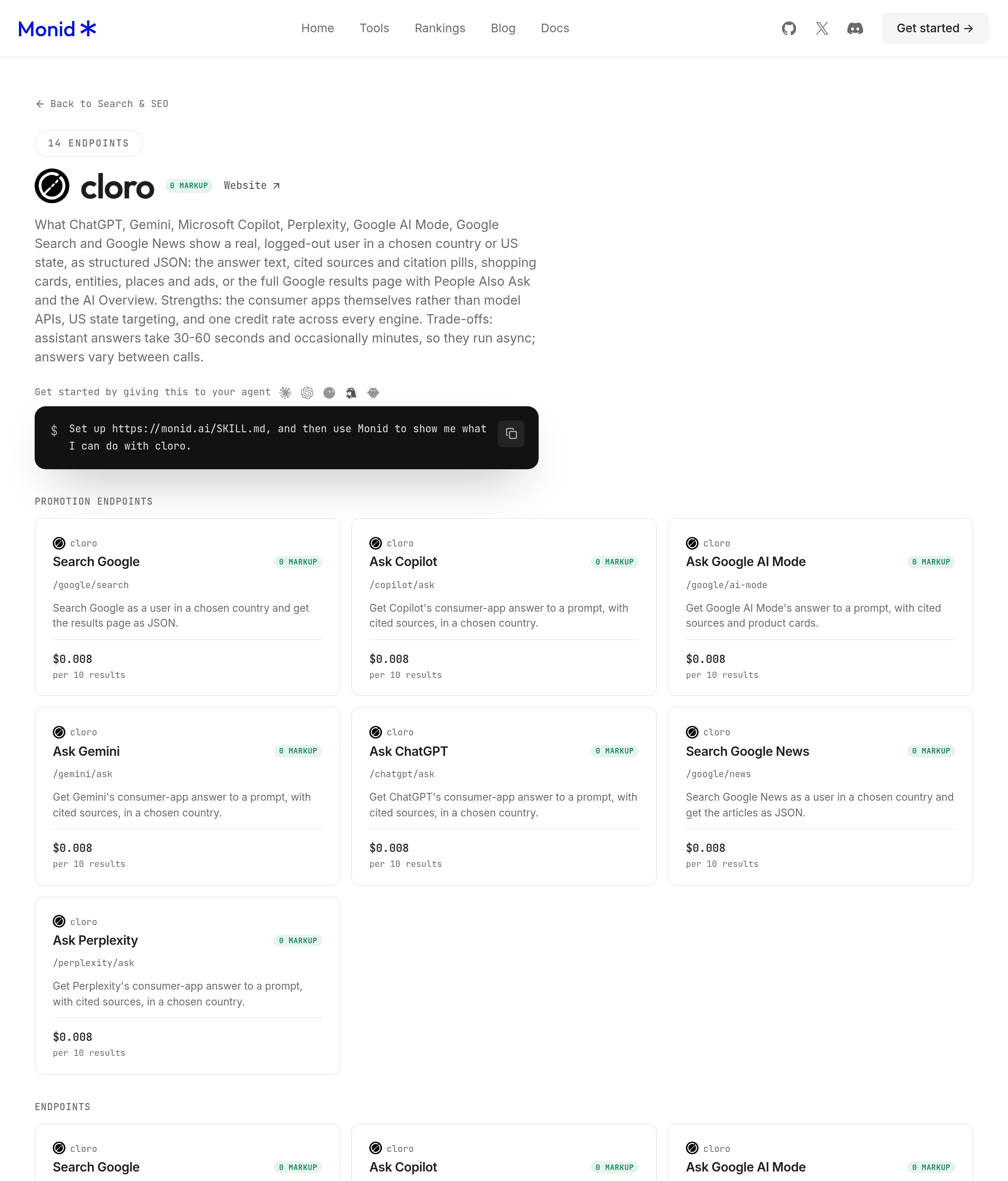
Use Cloro's /google/news inspection when the country and device are central to your task. Its input accepts query, either country or gl, language, device and page count; the Cloro reference describes the same search controls.
monid inspect -p cloro -e /google/news -j
Its listed unit price is $0.008 per ten results, Verified 2026-10-28. This is per-unit billing, so we inspected it without making a paid call.
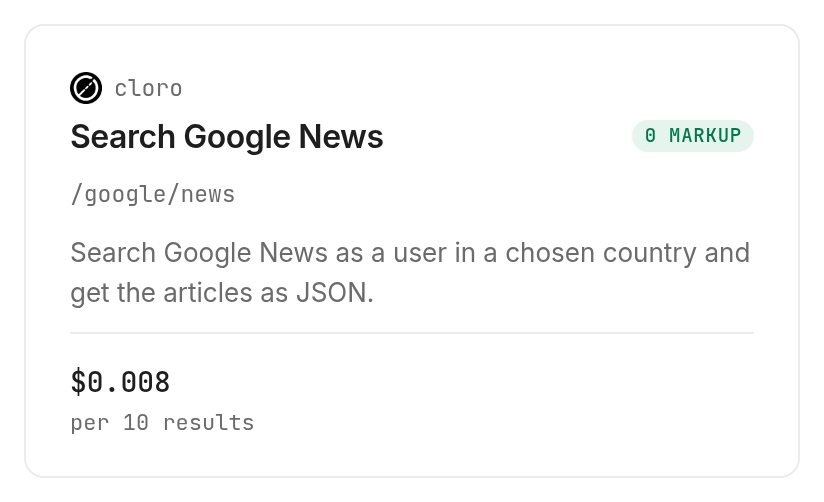
The declared return fields include position, title, link, snippet, source, date and page. Those are declared fields, not a second measured dataset; don't merge them into the Apify array without an explicit mapping.
Inspect location and depth controls
Use DataForSEO's /serp/google-news inspection when location and search depth drive your requirements. The schema accepts a keyword, location identifiers, language and depth, while the DataForSEO reference documents the news result structure.
monid inspect -p dataforseo -e /serp/google-news -j
The listed price is $0.002 per page of 100 results, Verified 2026-10-28. Although the headline billing type is per call, its notes specify page settlement; we left this route inspect-only under the test's minimum-unit restriction.
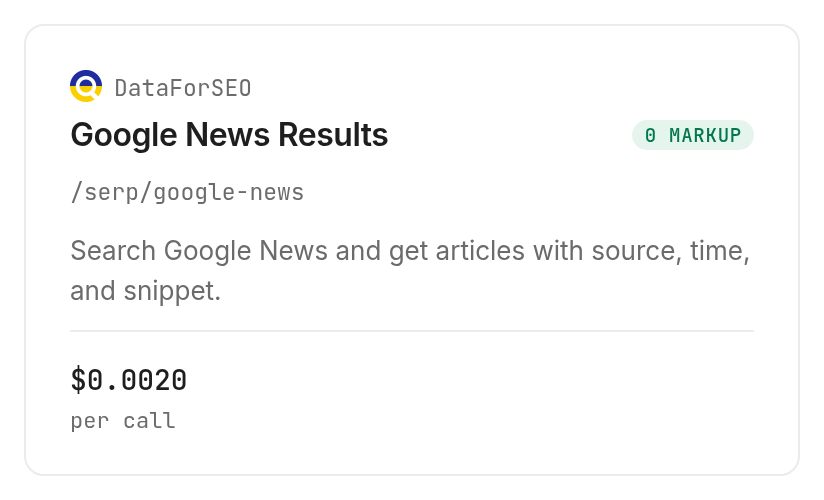
Its declared returns include rank, title, URL, domain, source, snippet and publication time. Use those declarations to plan an adapter, then test that adapter against a real response before changing a production feed.
How do you turn the JSON into a repeatable news feed?
Turn the saved response into a feed by preserving raw records, deduplicating links and separating collection from delivery. Monid supplies the search call; your application supplies the durable state and schedule.
Save the query with every collection
Keep the keyword, region, timeframe and run ID with each batch. The returned metadata already included keyword, sourceType, timeframe and collection time; save region from your request alongside them.
For repeated jobs, store a separate collection record even when you discard duplicate articles. That preserves the difference between an empty successful search, a repeated set of articles and a search that never completed.
Deduplicate before generating summaries
Start with exact returned URLs as a conservative duplicate key within the same configuration. This test returned Google News links, so don't claim that this key unifies every publisher URL or every version of a story.
Keep the first-seen and latest-seen times in your own database. They are application fields, not fields returned by this search. A later enrichment stage can resolve links and improve deduplication without erasing the original evidence.
For a recurring company briefing, the daily news watcher guide explains the wider monitoring loop. Keep your article selection rule explicit: relevance to a company, a topic or a publication window are different filters.
A company news watcher needs a persistent company list and a daily digest destination. Decide which company mentions count before posting alerts: a competitor mention, a company press release and broad industry news serve different monitoring goals. This search returns article records without company event classification, sentiment or a news score. If your daily digest depends on those fields, add a separate enrichment stage rather than asking the search response to supply them.
Bound retries and recurring spend
Require a completed receipt before counting a batch as delivered. If a request stops returning status, retrieve its run ID before submitting another paid search; a timeout in your terminal is different from a failed provider job.
The measured search billed three units for three records. We did not measure an empty or failed Apify search, so this walkthrough makes no refund assumption for those cases. Read each receipt and stop the schedule when spend or output differs from your configured boundary.
Which tool should you use for each news task?
Choose the tool by the output and controls you need, then inspect its billing basis before a paid call. The news search catalog is the starting point for that choice.
| Use case | Best endpoint | Why? |
|---|---|---|
| Small keyword article table | Apify /data_xplorer/google-news-scraper-fast | Three returned records in our test; per result, Verified 2026-10-28: $0.001 |
| Country and device controls | Cloro /google/news, inspect-only | Explicit localization inputs; per ten results, Verified 2026-10-28: $0.008 |
| Location and depth planning | DataForSEO /serp/google-news, inspect-only | Location identifiers and depth controls; per page of 100 results, Verified 2026-10-28: $0.002 |
When should you use something else?
Use an existing dedicated Apify integration when it already fits your application and credentials. You're reading the Monid blog, and these are provider tools accessed through our shared tool layer; the returned articles aren't an independent Monid news index.
Choose a separate article extraction stage when your agent needs full text. The measured search returned headline metadata and links, and it did not deliver an article body, a sentiment score or an evidence-backed summary.
For exhaustive coverage, a historical archive or guaranteed delivery times, define and test those requirements separately. A successful three-record search establishes a working input and response shape; it doesn't establish completeness across publishers or time periods.
Conclusion
You now have a repeatable Google News search, a three-record evidence table and a clear boundary between article metadata and full-text reading. Start with the tested small query, preserve sources and timestamps, and expand only after inspecting the receipt. The pitch's one-minute setup is a planning allowance for an existing agent environment; its 1-2 hours saved assumes replacing a monthly manual copy-and-clean task of that length, not a measured benchmark. Keep the source trail intact so every briefing remains traceable to the records you collected.
FAQ
Is the Google News API free through Monid?
Discovery and inspection are free; the tested article search is paid per returned result. Our three-record receipt billed three units. The tool catalog lists current prices and billing shapes.
What do I need to install?
Install the Monid CLI for the command-line workflow, or give the setup skill to your agent. Add your own API key before making the search call, and keep it out of exported JSON and source control.
Can I use Google News results from Python?
Yes, your Python program can consume the saved JSON article array. The demonstrated access method is the CLI; parse its output and keep the run receipt separate from the records before building a dataframe.
How many articles can I request at once?
The tested call requested and returned three articles for one keyword. The Apify schema defines maxArticles per keyword or topic, with zero meaning unlimited. Keep a positive cap and account for every input keyword when setting your budget.
Does the response include full article text?
The tested response did not include full article text. It returned titles, sources, URLs, publication times, images and collection metadata; all image values were null. Extract and review the linked article separately before writing a detailed summary.
Can I schedule a daily Google News search?
Yes, schedule the demonstrated command in your own runner. Save run IDs, deduplicate records and set a spending boundary before repeating it. The search operation retrieves a batch; your scheduler manages when that batch is collected.
Are failed searches charged, and can I reuse the data?
The successful test receipt establishes only its three-result charge, not failure billing. Read the applicable tool's billing notes and the actual receipt. Rules for collecting and reusing content differ by jurisdiction; review the rules that apply to your use.
Published October 2026.


