How to Read H1B Data Info Before Comparing Jobs
Read H-1B filing records, separate wages from hiring claims, and build a review table with employer, role, location and status.
Build an employer research sheet without treating filing history as a hiring promise. Paste this into your agent:
Set up https://monid.ai/SKILL.md, and then use Monid to retrieve page 1 of 2025 H-1B salary records from Levels.fyi. Make a review table with employer, title, city, state, wage, year and certification status. Count missing levels and withdrawn records separately. Stop after one page and do not infer current sponsorship or job openings.
One bounded sample, then a review sheet. No fixed min setup or hrs saved estimate.
Recruiters and job seekers searching for h1b data info need to turn employer history into a useful research sheet. Copying 100 rows into a spreadsheet gets you a list, but it leaves the important question unanswered: which rows support the job comparison you want to make?
An employer name beside a wage does not tell you whether a vacancy exists today. A status label, an unspecified pay period and a missing wage level each change how you should read that row.
We'll separate those questions, choose a source, and build a review sheet. The preview below comes from one real page retrieved on October 30, 2026; the collection steps appear after the interpretation workflow.
| Sample check | Observed result | What it means for your sheet |
|---|---|---|
| Records retrieved | 100 | A bounded sample, not the entire year |
| Distinct employer names | 55 | Filing rows and employers are different counts |
| Certified records | 98 | Keep the status beside each wage |
| Certified and withdrawn | 2 | Review separately |
| Missing wage level | 12 | Preserve missingness rather than filling it |
How to read H1B data info before comparing employers
Read H-1B records as evidence about the recorded employer, role and wage, then keep your hiring conclusions in separate columns. That separation gives you a worksheet another recruiter can audit without reconstructing your assumptions.
Keep the record separate from the decision
The basic observation is a row containing an employer, job title, location, wage and status. Your decision is whether that employer deserves further research for a particular role and location.
Label the first group as source data and the second as analyst notes. A note such as “check current engineering vacancies” tells the next person what to do; “sponsors this role today” claims something the historical row does not establish.
Count employers and records independently
One employer can appear repeatedly with different titles, locations or wages. Our page contained 100 rows but only 55 distinct employer-name strings, so counting every row as a separate company would inflate the research list immediately.
Keep the original employer spelling before creating a normalized matching name. Do not silently combine subsidiaries or similar names just because your spreadsheet groups them together.
Why do H-1B salary comparisons go wrong?
They go wrong when you compare rows without preserving their status, role, location and missing fields. A spreadsheet can calculate an average correctly while answering the wrong hiring question.
Match the role and location first
Compare a specific role in a specific market before producing an employer ranking. “Software Engineer” and a management title do not become equivalent because both appear in a technology company's records.
Use the title and occupational category together when reviewing matches. Keep city and state in separate columns so a broad title match does not hide a geographic mismatch.
Treat missing levels as missing
A blank level is not level zero, and a record with no level does not belong automatically in the junior group. Twelve records in our sample had a null level, which warrants a visible “not supplied” bucket.
The same principle applies to any missing field. Keep a separate completeness check rather than deleting incomplete rows before you count them, because deletion hides how much evidence your summary discarded.
Keep wage interpretation explicit
A numeric wage is not a complete compensation package. Before comparing it with an offer, establish the wage definition and pay period from a source that supplies those details.
Do not manufacture bonus, stock, hourly conversion or annualization from a bare value. A large number deserves review, not an automatic correction that makes it fit your expectation.
How to choose a source for H-1B research
Choose the source by the question you need to answer and the evidence you need to retain. A convenient browsing page, a source disclosure file and a current employer conversation serve different jobs.
Start with source files for broad analysis
The Department of Labor performance data page lists LCA disclosure files and their associated record layouts. Use that route when your project requires source columns, a documented file version and analysis across a whole release.
Read the layout alongside the file rather than guessing the meaning of abbreviations. Store the release identifier with your workbook so a colleague knows which population your totals describe.
Use a browsing page for a narrow lookup
The Levels.fyi H-1B salary page is a natural starting point when you want to browse salary records yourself. For a single employer check, reading the source in a browser avoids building a collection workflow you do not need.
Capture the context around a figure, not just the figure. Your notes should identify the employer, role, location and year you inspected so a later comparison does not mix unrelated observations.
Ask the employer about present hiring
Current vacancies and sponsorship willingness require current evidence. Put the employer's careers page and a direct recruiting response in your research process instead of deriving those answers from a filing count.
This is also where a useful shortlist differs from a database export. The export supplies leads for research; the shortlist adds the present-day facts your decision requires.
How to build a useful employer review table
Build the table in five steps: define the comparison, preserve the source, label the rows, summarize the sample and verify the next action. These steps work with a downloaded file, copied records or an automated collection.
Step 1. Write the question above the sheet
Specify the role, location and period before collecting records. “Which employers have relevant historical software engineering records in Washington?” is a bounded research question; “which company will sponsor me?” requires additional evidence.
Step 2. Preserve the original columns
Keep employer, title, city, state, wage, year and certification status exactly as received. Add retrieval date and source reference as your own audit columns, clearly separated from returned fields.
Step 3. Add review labels
Create analyst columns for role match, location match, missing fields and status review. Use labels such as “review withdrawn status” or “confirm wage definition,” with a short reason rather than an unexplained score.
Step 4. Summarize the population you collected
Report the number of rows, distinct employer names and pages included. Label a one-page result as a sample even when the response also provides a total for the full year.
Step 5. Verify the next action
Check current roles before sending the shortlist to a recruiter or using it to prioritize applications. Retain the evidence that changed a company from “historical match” to “current opportunity” so the next reviewer can follow your reasoning.
How to collect one page with Monid
Use Monid to collect a bounded page of salary records for your review sheet. It is the OpenRouter for agent tools: one key and one balance for discovering, inspecting and calling tools.
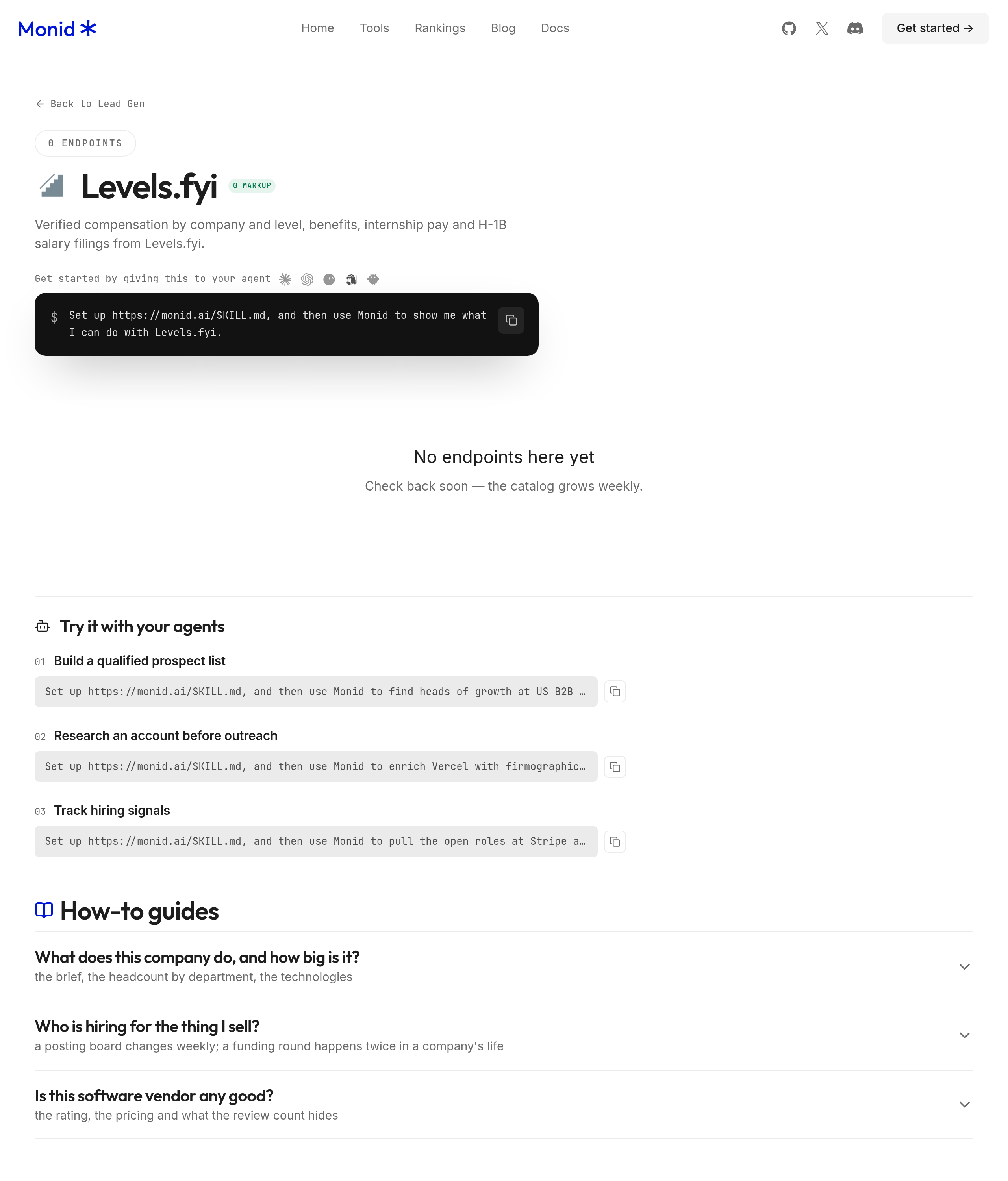
The matching Levels.fyi salary tool accepts a year and page number. An endpoint is the callable tool address; this one covers historical filing records and does not return current job openings or confirm willingness to sponsor a new employee.
For agents
Get an API key at app.monid.ai, then hand it to your agent and paste:
set up https://monid.ai/SKILL.md
The agent quickstart explains setup. Use the opening prompt to keep collection to one page and prevent the agent from turning historical data into a current hiring claim.
For humans
Install the CLI and add your key using the CLI quickstart:
npm install -g @monid-ai/cli
monid keys add -k <your-api-key> -l main
Discover and inspect before spending:
monid discover -q "h1b data" -l 5 -j --include-unavailable
monid inspect -p levels.fyi -e /get_h1b_salaries
Inspection declares year and page as integer query parameters, with years 2020 through 2025 described and page numbering starting at 1. It declares no employer search or row-limit argument, so filter returned rows locally and use one page as your initial collection bound.
Step 1. Request the first page
This is the call used for our sample; --query carries the parameters and -w waits for completion:
monid run -p levels.fyi -e /get_h1b_salaries \
  --query '{"year":2025,"page":1}' -w -j
The run completed successfully, returning 100 records with metadata reporting 549,133 total records and 5,492 pages. Those totals describe the response's year-level collection; we retrieved only page 1.
For a longer integration, the existing employer-record collection guide covers the API-oriented workflow. This guide focuses on interpreting the rows before using them in a hiring comparison.
How do you read and export the sample?
Read the records inside output.data.records, then export your source columns and review notes to a sheet. The run's billing envelope reported one result, while the records array contained 100 rows; use the array length for your worksheet count.
Decode only the fields you need
The returned compact keys included c for employer, j for job title, ct for city, st for state, w for wage, y for year and cs for certification status. The rows also included occupational category s and wage level l.
Keep other compact fields in the raw response instead of inventing interpretations. In particular, do not treat the year selector as a guarantee that every date string in a record falls within that calendar year.
| Review measure | Actual page-one result | Suggested handling |
|---|---|---|
| Certified status | 98 rows | Retain status in every export |
| Certified - Withdrawn status | 2 rows | Separate status review |
| Missing wage level | 12 rows | Keep a missing-level bucket |
| California state value | 48 rows | Label the selected geography |
| Washington state value | 18 rows | Compare matching roles locally |
| New York state value | 11 rows | Keep location context |
| Wage values above 600,000 | 2 rows | Review definition before comparison |
These are overlapping checks, not groups to add together. The business conclusion is to retain a review queue before ranking employers: the page contains mixed statuses and incomplete level information, and it is not a random sample of the full collection.
For offer comparisons, the guide to company salary and filing data explains why base salary, total compensation and filed wages need separate columns.
Save the result before requesting more
Retrieve the completed sample without making another collection call:
monid runs get -r 01M66RQJEGGZFD7F5YC2FGYEQJ -j
For your own runs, use the run ID printed by your call. Keep the raw response alongside the exported table, and record each requested page so retries do not silently duplicate your worksheet.
Review cost before expanding
The Monid tool costs $0.01 per call, Verified 2026-10-30 on the compensation tools page. Our one successful call incurred that price and took 3.922 seconds from execution start to completion; discovery and inspection are free.
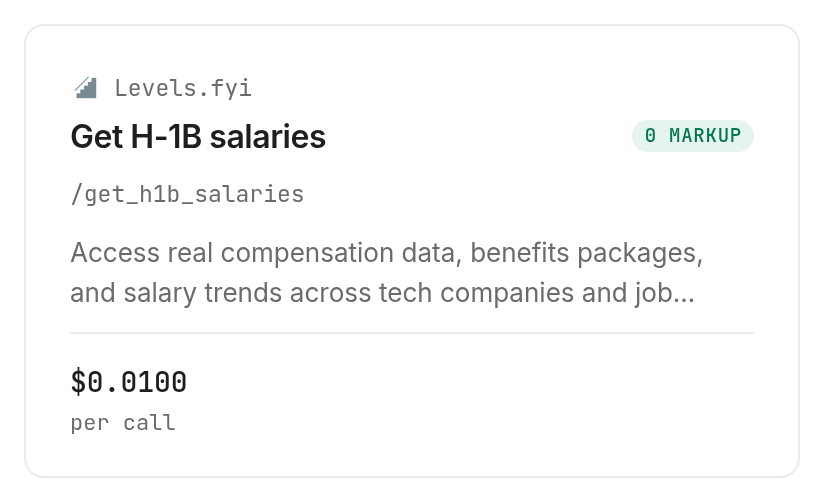
Each additional page requires another call. This successful sample establishes no empty-result or failed-run billing behavior, so do not build a retry policy around an assumed refund; inspect the current tool details in the catalog before expanding collection.
Which tool should you use for which job?
Use the tested salary tool for a paginated review sample, and use source files or current employer evidence for questions outside that sample's scope.
| Use case | Best endpoint | Why? |
|---|---|---|
| Collect a bounded filing sample | levels.fyi/get_h1b_salaries | Tested with 2025 page 1; year and page inputs; $0.01 per call, Verified 2026-10-30 |
The tool retrieves records; your worksheet supplies the review rules. Keep that boundary visible when sharing the result with someone who did not perform the collection.
When should you use something else?
Use the Department of Labor disclosure files when source-level coverage and documented columns are central to the project. Use Levels.fyi directly for a browsing task, and contact the employer when present hiring or sponsorship willingness is the actual decision.
You are reading the Monid blog, and Monid sells access to the collection tool discussed here. Its limitation matters: a year-and-page request does not search an employer directly, establish a current opening or produce an approval decision.
Conclusion
You now have a repeatable method for turning H-1B records into a review sheet: preserve source values, label missing information, count the collected population and verify current opportunities separately. The measured collection step was one successful page through Monid; setup time and hours saved depend on your existing workflow, so no fixed savings estimate follows from this test. Keep historical evidence beside current evidence, and your shortlist will support a clearer job comparison.
FAQ
Is H1B data info free?
DOL disclosure files are public; this collection tool is paid.
Does a record prove hiring?
No. Confirm current vacancies separately.
Do I need code?
No. Give an agent the prompt above.
How many rows come back?
Our first-page call returned 100 records.
Are failed requests charged?
This successful test establishes no failed-request billing rule.
Is the wage total compensation?
Do not infer stock or bonus from a wage value.
Is this research permitted?
Rules vary by jurisdiction and use; check your project's requirements.
Published October 2026.