How to Use the Apollo API in Your Research Agent
Get a company profile and people previews into your agent, preserve the returned fields, and export a useful account research table.
Get company facts and people previews into your research agent. Paste this into your agent:
Set up https://monid.ai/SKILL.md, and then use Monid to research patagonia.com with Apollo. Inspect company enrichment and people search first. Get the company profile, then search for two VPs or directors. Return company facts and counts of people with email availability, without printing personal data or revealing contact details.
Planning assumption: 1 min setup · 1-2 hrs saved on a small integration.
GTM developers searching for the Apollo API often have a concrete integration problem: one company domain needs to become an account brief plus two candidate records. Copying facts between a company page, a people list, and a script leaves the agent without a consistent input.
A company profile and a people preview answer different questions. Combining them without keeping that distinction produces reports that treat an available email as an actual address, or a small page of results as the whole company.
We'll use Monid, the OpenRouter for agent tools, to retrieve both kinds of data with one key and one balance. You'll finish with a compact research table, the commands that produced it, and rules for deciding what your agent can say from the response.
Here is the finished research summary from our November 13, 2026 calls. Company figures are values returned by Apollo.
| Research item | Observed result |
|---|---|
| Company and domain | Patagonia, patagonia.com |
| Industry | retail |
| Estimated employee count | 4,000 |
| Founded year | 1973 |
| People returned in the small search | 2 |
Returned people with has_email: true | 2 |
| Email addresses returned by search | 0 |
How to use the Apollo API with Monid
Use company enrichment for the employer and people search for a small set of matching profiles. Monid provides the calling interface; Apollo provides the underlying company and people data. An endpoint is one callable operation, with its own inputs and billing rule.
Step 1. Install and add your key
For agents, get an API key at app.monid.ai, then give your agent the key securely and paste the setup instruction below. The agent quickstart explains the setup path.
set up https://monid.ai/SKILL.md
For humans, install the CLI and save your key locally. The CLI quickstart covers the command interface.
npm install -g @monid-ai/cli
monid keys add -k <your-api-key> -l main
Step 2. Discover the data and inspect the inputs
Search the catalog, then inspect the two operations before requesting data. These commands are free, and the schemas tell you exactly where each argument belongs.
monid discover -q "apollo api" -l 5 -j --include-unavailable
monid inspect -p apollo -e /organizations/enrich
monid inspect -p apollo -e /mixed_people/api_search
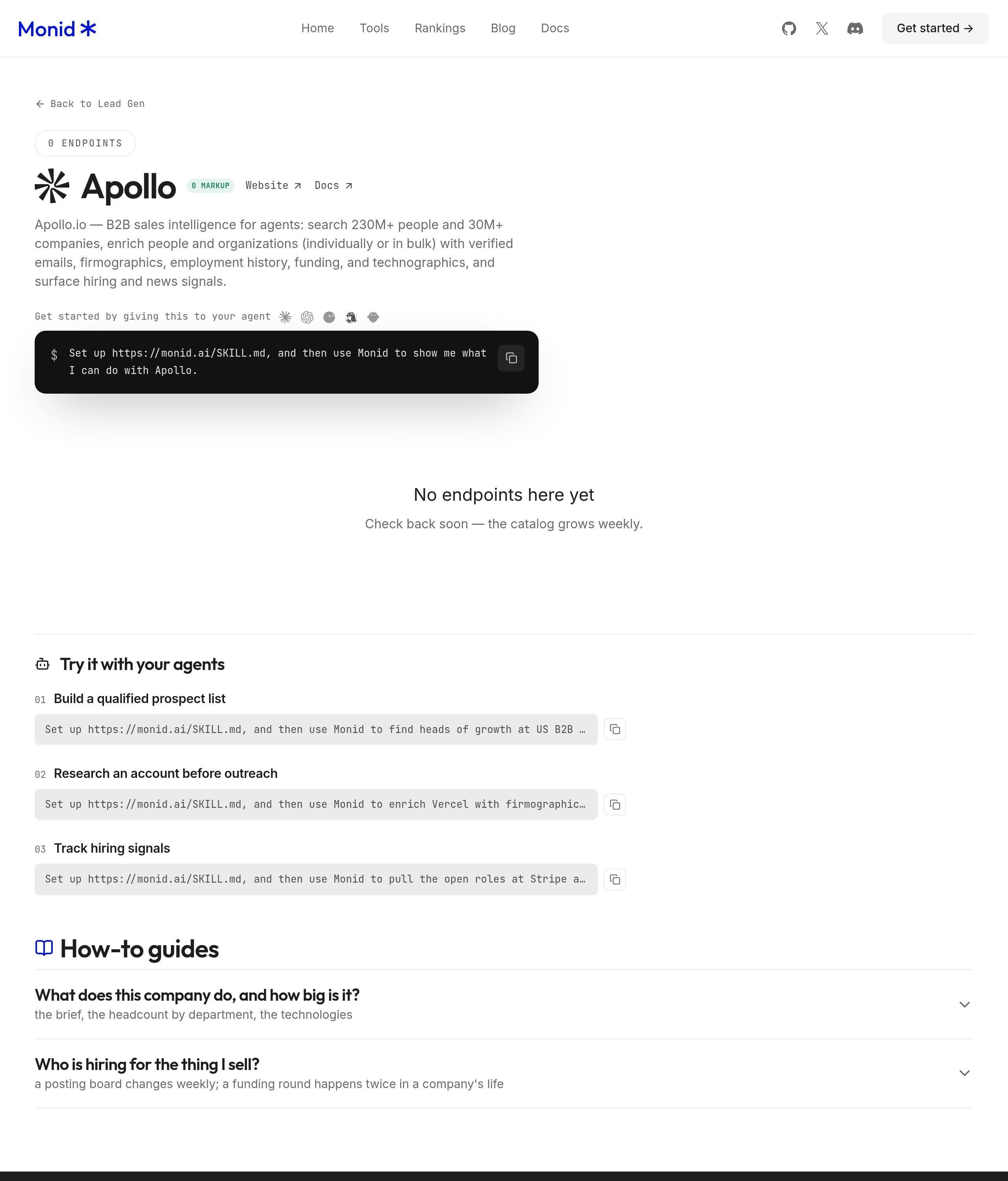
Both operations appear on the Apollo tools page. The Apollo export workflow develops people search into a larger lead-list export. Their current inputs are query parameters, so the calls below use --query; a JSON body passed with -i serves a different input location.
Step 3. Fetch one company profile
Send the employer's domain without a protocol or www. A domain identifies the intended account more precisely than a short company name shared by multiple businesses.
monid run -p apollo -e /organizations/enrich \
  --query '{"domain":"patagonia.com"}' -w -j
The completed call returned one organization object, including name, primary_domain, industry, estimated_num_employees, and founded_year. It took 1.066 seconds between its recorded creation and completion timestamps.
Step 4. Fetch two people previews
Limit the first search to two records and constrain the employer and seniority. Keep the brackets in the array parameter names because they are part of the inspected schema.
monid run -p apollo -e /mixed_people/api_search \
  --query '{"q_organization_domains_list[]":["patagonia.com"],"person_seniorities[]":["vp","director"],"per_page":2,"page":1}' \
  -w -j
The completed call returned two people in 0.913 seconds, with total_entries: 147. Both records had has_email: true, but the response contained no email-address values; the research table therefore counts availability without claiming to have contact details.
Why separate company facts from people previews?
Keep employer attributes and person availability in separate columns because they describe different entities. This is the main design choice that makes the combined report useful instead of misleading.
Keep company estimates attached to the company
The value estimated_num_employees: 4000 describes the organization record. Preserve the word “estimated” when your agent turns that field into prose, a spreadsheet header, or a qualification rule.
A useful account brief says that Apollo returned an employee estimate of 4,000. It does not convert the estimate into a verified payroll count or infer how many people work in a particular department from that total.
Likewise, retain the source's industry label rather than quietly replacing it with your own taxonomy. If your CRM needs a different category, store the returned label and your mapping separately so reviewers can understand the transformation.
Treat availability as a signal
The search returned has_email, has_city, has_state, has_country, and has_direct_phone, alongside identifying and role fields. These flags describe availability; they are not the corresponding contact or location values.
Use an availability flag to prioritize a later research step. Do not use it to populate a contact field, score deliverability, or tell a sender that an address is ready.
The separate guide to finding work emails addresses the contact-retrieval task. This article stops at company facts and people previews, which is enough for an account brief but does not produce a send-ready contact list.
The 3 ways to put Apollo data into a workflow
Choose the interface around the workflow you already maintain. This guide is on the Monid blog, so its examples use our interface; an existing working integration remains a valid starting point.
| Route | Billing arrangement | Fits | Boundary |
|---|---|---|---|
| Monid CLI or agent | Operation-specific usage from one balance | Discovering and calling company and people data together | Your application still handles storage and review |
| Existing dedicated integration | Your existing arrangement | A workflow already connected to the required source | You maintain its surrounding application logic |
| Manual research and spreadsheet | Your existing research workflow | A small task requiring close human review | Someone transfers and labels the facts |
Let an agent coordinate the calls
An agent can read the schemas, request the company profile, then retrieve the people previews. Give it a clear stopping point: two previews, no contact revelation, and an aggregate report.
This boundary matters because “research this company” leaves room for additional calls. A useful prompt names both the required artifact and the operations it excludes from the current task, keeping spending and output aligned.
Use the CLI in a script
A script suits a recurring job whose input domains and output columns are already defined. Keep the discovery and inspection phase in development, then use the verified call shapes in the scheduled job.
Save run identifiers alongside the normalized result so you can retrieve the original response when a downstream report needs explanation. Avoid turning every reformatting request into another upstream data call.
Keep manual review where it adds judgment
Manual review fits ambiguous company matches and decisions that depend on context outside the response. Inspect the returned domain and organization name before accepting a match into your account list.
If your starting point is a browser workflow, compare the value of close manual review with the need to repeat the same research automatically. Here the question is how to preserve meaning once the data reaches a program.
How to read and export your research table
Export company values and aggregate people counts with their source labels intact. Your table should distinguish what you fetched, what exists in the broader result set, and what your agent calculated locally.
Preserve the two different row counts
The people response reported 147 matching entries but returned only two because we requested per_page: 2. The finished report covers those two returned previews; it is not a census of every matching person.
Include both returned_people_count and the source's total_entries in your internal report. That lets a reviewer see the sample boundary without opening the raw JSON or assuming the rest of the search was downloaded.
The current inspected schema accepts up to 100 results per page and page numbers up to 500. Those are schema limits, not evidence that this test downloaded or validated that many records.
Build an export without exposing personal data
For a shareable account report, export the company domain, industry, employee estimate, founded year, returned preview count, and count of true email-availability flags. Keep person identifiers and contact fields out of the published version.
For internal processing, retain only the fields the next task needs and keep the raw response under your normal access controls. An aggregate marketing report and a private operational dataset serve different audiences even when they originate from the same call.
Start with this small research summary before adding pagination or downstream enrichment.
Make a business decision from the result
Our editorial recommendation is to use the company profile for initial account qualification and the previews to decide whether deeper role research is worthwhile. The observed industry and employee estimate support an account-level review; the two availability flags do not support outreach.
Write that distinction into the agent's final instruction: “Summarize the account, describe sample coverage, and list the next research question.” The output becomes a decision aid rather than a collection of unexplained fields.
How much does account research cost?
The two successful calls cost a total of $0.026, Verified 2026-11-13 from their billing records. Monid discovery and inspection are free; execution uses each operation's listed billing rule.
Separate search from company enrichment
People search is $0.00 per call, Verified 2026-11-13 on the Apollo price cards. Our search returned two previews and a zero charge, even though the run recorded two billed units.
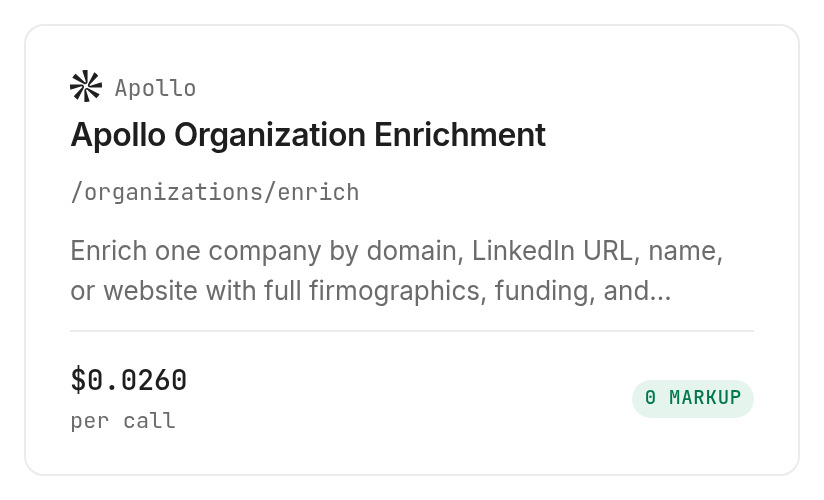
Company enrichment is $0.026 per call, Verified 2026-11-13 on the company tool listing. Our successful company lookup recorded one billed unit and a reported cost of 26,000 microdollars, matching that unit price.
Budget around the calls you actually need
One company profile can support several locally generated views: an account brief, a qualification table, and an agent summary. Reuse the saved response for these transformations instead of paying for repeated retrieval of the same input during one task.
The inspected company pricing note says an unmatched company consumes nothing. Our sample matched a company, so this guide's measured cost covers a successful match; empty-result billing was not tested here.
When should you use something else?
Use your existing Apollo integration when it already returns the required fields into your application. Adding Monid introduces another calling interface, and the one-key model is most useful when your agent needs to discover and access tools across its workflow.
For a finished sales workspace, evaluate Apollo's own product around that workspace requirement. The commands here retrieve research data; they do not create a CRM, manage a sales sequence, send messages, or replace your review process.
The concrete limitation is contact coverage: people search returns previews and availability flags, not addresses or phone numbers. If your required artifact is an outreach list, this research summary is an intermediate input, and you need a separate contact-data workflow.
Which endpoint should you use for each job?
Use only the operation that answers the next question in your research task. Both choices below were inspected and executed successfully for this guide through the Apollo tools. For an existing browser-based process, the extension-versus-programmatic workflow guide maps company enrichment and people search to that workflow.
| Use case | Best endpoint | Why? |
|---|---|---|
| Describe one known company | apollo /organizations/enrich | Returns the company profile from a domain; per call, Verified 2026-11-13: $0.026 |
| Find a small set of people previews | apollo /mixed_people/api_search | Returns preview records and availability flags; per call, Verified 2026-11-13: $0.00 |
Conclusion
You now have a repeatable company-and-people research summary with explicit sample size, source estimates, and contact coverage. Keep those distinctions when you export or summarize the data, and choose the interface that fits your existing workflow. The opening's 1 min setup and 1-2 hrs saved are planning assumptions for an already prepared account and avoiding a small custom integration, not measured timings; the measured calls took 1.066 and 0.913 seconds. Your next account brief can reuse the same columns without turning missing contact values into promises.
FAQ
Can an agent use Apollo data?
Yes, give it a domain, search limit, and output columns.
Is people search free?
Our search recorded no charge; inspect its current price before execution.
Do I need code?
No, an agent can follow the opening prompt.
How many people fit a page?
The inspected maximum is 100; we requested two.
Does has_email give an address?
No, it signals availability only.
Can I use previews for outreach?
They contain no contact values. Rules vary by location; check your requirements.
Published November 2026.