How to Use the Instagram API in Your Agent
Get public Instagram search and profile data into your agent, save a dated results table, and keep nested posts separate from account totals.
Give your agent a dated Instagram profile table instead of copied page text. Paste this into your agent:
Set up https://monid.ai/SKILL.md, and then use Monid to get public Instagram data for NASA. Inspect prices first. Search for one profile, then retrieve that profile once. Return follower and following counts, total posts, recent-post sample size, verified/private flags, retrieval time and charge. Keep the raw results separate from your summary. Do not collect personal contact information.
Allow 1 min setup · 0.5-1 hrs saved under the ten-refresh estimate below.
If you're a developer adding the Instagram API to an agent, copying ten profile pages into prompts leaves you with zero dated records your script can reliably compare. A follower count without a retrieval time becomes stale context as soon as you reuse it.
Page text also mixes account totals with individual posts. Your agent needs a defined input, structured output and a clear distinction between the account's post count and the small media sample returned alongside it.
We'll build that snapshot through Monid, the OpenRouter for agent tools: one key and one balance for discovering and calling tools. You'll collect public profile data, preserve the run evidence and export a compact table; these calls do not publish posts, send messages or retrieve private content.
Here's the finished preview from November 3, 2026. Both retrievals concern the same public institution, NASA.
| Retrieval | Profile rows | Followers | Total posts | Recent posts returned |
|---|---|---|---|---|
| Keyword search | 1 | 104,424,269 | 4,988 | 12 |
| Known-handle lookup | 1 | 104,424,270 | 4,988 | 12 |
We'll get one small response, separate its data layers, and save a repeatable snapshot. The useful deliverable is a table your next agent step can read without guessing what each number means.
How to use the Instagram API with Monid
Start with a single public account and inspect its input before paying for a request. Monid exposes callable tools, also called endpoints, that return the data to your agent or command line.
Step 1. Install and add your key
Choose agent setup for a conversational workflow or install the CLI for direct commands. Keep your key in credential storage rather than in a shared prompt or source file.
For agents: Get a key at app.monid.ai, provide it through your agent's credential setup, then paste:
set up https://monid.ai/SKILL.md
The agent quickstart explains the setup.
For humans: Install the CLI and register your key locally:
npm install -g @monid-ai/cli
monid keys add -k <your-api-key> -l main
The CLI quickstart covers command-line access.
Step 2. Find one public profile
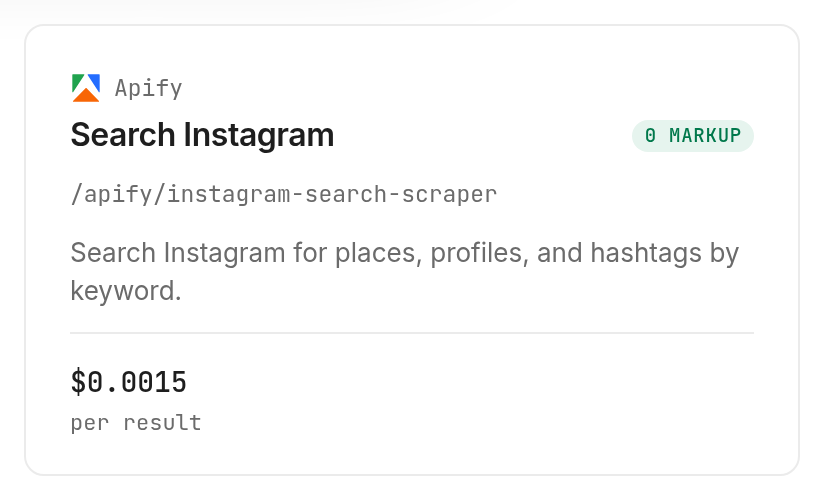
Use Instagram Search Scraper with one keyword, searchType: "user" and searchLimit: 1; those choices select profile search and bound the initial result count. Set a small limit when testing, and use one search term before trying comma-separated inputs.
monid discover -q "instagram api" -l 8 --include-unavailable -j
monid inspect -p apify -e /apify/instagram-search-scraper -j
monid run -p apify -e /apify/instagram-search-scraper \
  -i '{"search":"nasa","searchType":"user","searchLimit":1}' -w 60 -j
Our request returned one profile with follower and following counts, verification status, public/private status and nested recent posts. Its searchSource was facebook-ads; preserve that field when you need to explain where a search result came from.
Step 3. Retrieve the known account
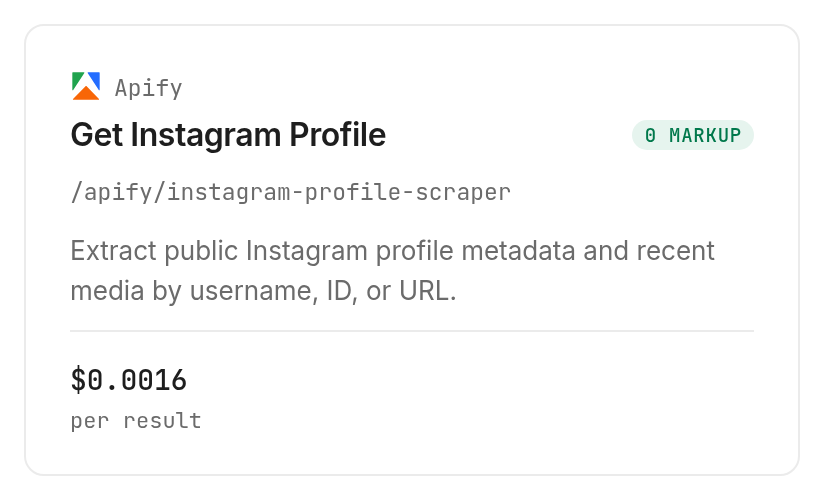
Use Instagram Profile Scraper when you already have the handle; the input key is plural usernames, containing an array. Keep includeAboutSection false for this example because the basic profile snapshot is the task.
monid inspect -p apify -e /apify/instagram-profile-scraper -j
monid run -p apify -e /apify/instagram-profile-scraper \
  -i '{"usernames":["nasa"],"includeAboutSection":false}' -w 60 -j
That request returned one profile with 12 recent posts and five external links. The provider's profile documentation describes this public-profile collection workflow.
Step 4. Read the completed response
Read status, resultCount, billedUnits and cost before processing output. If the initial response is still running, retrieve the same run ID rather than submitting another paid request.
monid runs get -r 01M6HDPY67735W2HPQ64A1M6QB -j
That command retrieves our recorded run; use the ID returned by your own request for your own output. Our profile run completed in 8.067 seconds, and search completed in 10.189 seconds, measured from each run's start and completion timestamps.
For the broader selection question, the earlier profile and search route guide complements this article. Here, the emphasis is preserving the evidence after the request succeeds.
Why separate profile totals from recent posts?
The account's total post count and the returned post array describe different things. Our profile response reported postsCount: 4988 while latestPosts contained 12 objects, so treating array length as total output coverage would misstate the dataset.
Keep the account row intact
Use one row for each retrieved profile, with follower counts, following counts and status flags at the top level. In our two calls, followsCount was 90, verified was true and private was false.
The follower values differed by one between the two responses. Keep the source and retrieval timestamp attached to each value instead of silently choosing a preferred number; these are two observations, not a measured growth rate.
Keep the media sample separate
Create a separate collection for latestPosts, keyed back to the parent profile. Returned post fields included type, timestamp, likesCount, commentsCount, hashtags and mentions; individual objects also carried media-specific keys.
For engagement analysis, use the actual available post fields and document the sampled window. Our guide to calculating Instagram engagement from raw posts explains the next analytical task; this snapshot alone does not establish a representative engagement rate.
Distinguish missing values from zero
Preserve nulls and empty arrays instead of converting everything to zero. A missing metric and a measured zero answer different questions, and an agent summarizing both as “no activity” would create a false conclusion.
The practical result is a cleaner reporting boundary: account totals describe the profile, while nested records describe the returned content sample. Your dashboard can display both without suggesting that twelve posts are the entire account history.
The 3 ways to collect public Instagram data
Choose the collection route according to where your workflow already runs. You're reading the Monid blog, and Monid resells access to the Apify tools used here; the underlying collection remains the provider's work.
| Route | Billing approach | Fits | Limitation |
|---|---|---|---|
| Monid through an agent or CLI | Inspected price and recorded run charge | Existing agent workflows using a shared key and balance | Your application still stores and interprets results |
| Apify directly | Provider-managed billing | Teams working in the provider's console | Separate provider workflow to maintain |
| Manual page review | Staff time | Visual checking of a few accounts | Repeated transcription and inconsistent timestamps |
Use your agent's existing tool layer
Choose the agent route when another step already consumes structured data. Search and profile retrieval can feed your existing report without introducing a manual export between them.
Work directly in the provider console
Choose Apify directly when its export and scheduling workflow is where you want to work. Its search documentation describes structured collection and exports; that is a concrete reason to stay in the provider's environment.
Review a page manually
Choose a manual check when a person needs to inspect presentation, context or brand identity. If you write your own page collector, you own extraction, retries and response normalization; for this small task, compare that maintenance with calling an existing tool.
How to save a repeatable Instagram data snapshot
Save the completed run alongside a reduced table, then pass only the columns needed by the next step. A large raw response contains captions, nested accounts and media links that do not belong in every downstream prompt.
Preserve the measured fields
This is a subset of the returned profile object, with identity and media details omitted:
{
  "followersCount": 104424270,
  "followsCount": 90,
  "postsCount": 4988,
  "verified": true,
  "private": false
}
Our finished results table adds measured execution metadata. The two successful calls cost a combined $0.0031, Verified 2026-11-03; current unit prices appear on the Apify tools page.
| Retrieval | Rows found | Following | Verified | Private | Elapsed seconds | Charge, Verified 2026-11-03 |
|---|---|---|---|---|---|---|
| Keyword search | 1 | 90 | true | false | 10.189 | $0.0015 |
| Known-handle lookup | 1 | 90 | true | false | 8.067 | $0.0016 |
Both requests found a profile; neither returned an empty result or failed. These are two retrieval records for one account, so deduplicate by account identity before counting unique accounts.
Export without expanding the scope
Ask your agent to create CSV columns for retrieval method, retrieval date, followers, following, total posts, recent-post count and status flags. Store the raw JSON separately so you can audit a derived number without repeating the paid collection.
Keep arrays in separate files or tables instead of placing an entire post object in a spreadsheet cell. Define the boundary between identity fields, account metrics and nested content before you export.
Make refreshes explicit
For recurring reports, retain successive snapshots instead of overwriting the previous record. Record the input, completion time and run ID with each snapshot; that makes a change attributable to a specific retrieval rather than to an agent's memory.
Let your own scheduler invoke the same small-input command when needed. Discovery and inspection find and describe the tool; scheduling, storage, deduplication and report delivery remain application responsibilities.
How much does an Instagram data request cost?
The tested search and profile tools bill per result, and both recorded one billed unit for one returned profile. Monid makes discovery and inspection free; submitting a tool request is the paid step.
Search costs $0.0015 per result, Verified 2026-11-03. Profile retrieval costs $0.0016 per result, Verified 2026-11-03; both prices link back to the live tool cards.
Count returned profiles separately from nested posts
The 12 recent posts nested inside our profile response did not become 12 billed profile results: the recorded billed unit count was one. Use the run's billing metadata for reconciliation rather than counting every JSON object recursively.
Increasing the number of input handles or requested search results changes the scope of the request. Inspect the billing shape before expanding either dimension, and retain the final charge with each completed run.
Inspect broader collection before choosing it
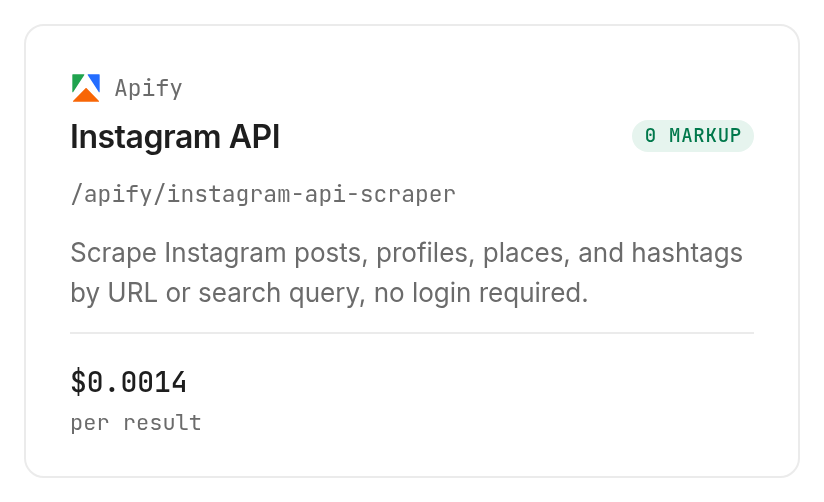
The broader Instagram API Scraper is an inspect-only option here: its listed rate is $0.0014 per result plus a $0.001 flat fee, Verified 2026-11-03. We used the two specialized tools for the measured table.
Its inspected inputs include directUrls, resultsType, resultsLimit, search, searchType and searchLimit. That describes a broader input surface, not a measured output in this article; use it only after deciding that your task needs those collection choices.
Which tool should you use for each job?
Use the smallest collection that delivers the fields your next step needs. Browse the Instagram tools for the category, then inspect the selected input and billing shape.
| Use case | Best endpoint | Why? |
|---|---|---|
| Find a profile from a keyword | Instagram Search Scraper | Tested with one term and one returned profile. Verified 2026-11-03: $0.0015 per result |
| Refresh a known account | Instagram Profile Scraper | Tested with one handle and nested recent posts. Verified 2026-11-03: $0.0016 per result |
| Evaluate broader URL collection | Instagram API Scraper | Inspect only; select the required collection type. Verified 2026-11-03: $0.0014 per result plus $0.001 flat fee |
For a wider discussion of collection shapes, read the Apify Instagram scraping guide. Choose a broader input surface because the job requires it, rather than because its name sounds more complete.
When should you use something else?
Use Apify directly when native provider exports and scheduling are central to your workflow. Use Instagram itself when the task is a visual review rather than structured collection.
These tools cover public retrieval, and Monid does not turn that into publishing, messaging, private-account access or a complete historical archive. The measured calls took seconds, so design them as background research steps rather than instant page interactions.
Conclusion
You now have a repeatable public-profile snapshot, a separate recent-post sample and a recorded charge for each retrieval. Through Monid, start with inspection and one small request, then preserve the evidence before expanding; the illustrative 0.5-1 hours saved assumes ten manual refreshes at three to six minutes each, excludes review, and treats one minute of setup as an allowance. Your next report can compare dated records instead of rebuilding context from copied pages.
FAQ
Is the Instagram API free?
Discovery and inspection are free; collection is paid.
What must I install?
Use an agent setup or the CLI.
Do I need to write code?
No. Your agent can prepare the table.
How many profiles can I request?
Profile inputs accept arrays; we tested one handle.
Are failed requests charged?
Reconcile each run's charge; our tests both succeeded.
Is collecting public data legal?
Rules vary by jurisdiction; check those applying to your use.
Published November 2026.