How to Use the Polymarket API in Your Agent
Build a Polymarket market snapshot for your agent with tested commands, outcome prices, liquidity, timestamps, and a three-row result table.

Give your agent a Polymarket snapshot it can read and cite. Paste this into your agent:
Set up https://monid.ai/SKILL.md, and then use Monid to fetch three open Polymarket markets through BlockRun. Return market IDs, status, Yes and No prices, volume, liquidity and metric timestamps. Keep the raw JSON and do not place trades.
Planning estimate: 1 min setup with an existing key · 0 hrs saved claimed.
You are a developer searching for the Polymarket API because your agent needs market data. Copying three market cards gives it three pieces of text, but leaves you rebuilding the relationship between the question, its outcomes, its status and the time attached to the numbers.
A price without that context is an incomplete input. Your script needs identifiers for storage, outcome labels for interpretation and timestamps for deciding whether a snapshot belongs in today's answer.
We'll build that snapshot through Monid, the OpenRouter for agent tools: one key and one balance for tool access. You'll get a tested command, a real three-row table and a rule for keeping stale context out of your agent's response.
Here is the finished shape from our open-market request on October 25, 2026. Prices below are outcome values, not API charges; they are rounded for display.
| Market ID | Status | Yes price | No price | Metric computation time UTC |
|---|---|---|---|---|
| 665374 | open | 0.199946 | 0.800054 | 2026-10-25 22:01:28 |
| 703258 | open | 0.013000 | 0.987000 | 2026-10-25 22:01:28 |
| 567621 | open | 0.020000 | 0.980000 | 2026-10-25 22:01:28 |
How to use the Polymarket API with Monid
Fetch a small list of open markets, preserve the response and extract the columns your agent needs. Monid supplies access to BlockRun; an endpoint is the callable address for a particular job, here a market listing.
Step 1. Install and add your key
Choose the setup that matches how you work; both lead to the same discover, inspect and call sequence.
For agents
Get an API key at app.monid.ai, give it to your agent securely, and paste:
set up https://monid.ai/SKILL.md
The agent quickstart explains setup.
For humans
Install the CLI and add your key locally:
npm install -g @monid-ai/cli
monid keys add -k <your-api-key> -l main
The CLI quickstart covers configuration.
Step 2. Find the data and inspect its price
Discover the tool and inspect its current schema and billing before paying for a request:
monid discover -q 'polymarket api' -l 5 -j --include-unavailable
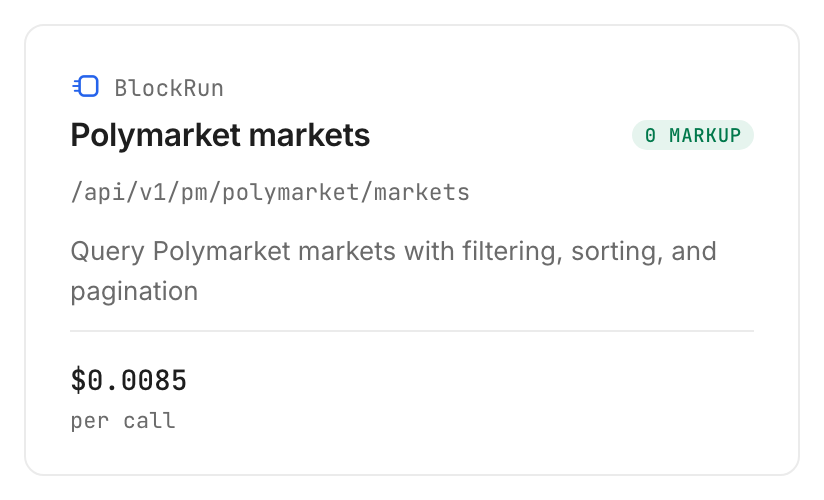
monid inspect -p blockrun.ai -e /api/v1/pm/polymarket/markets -j
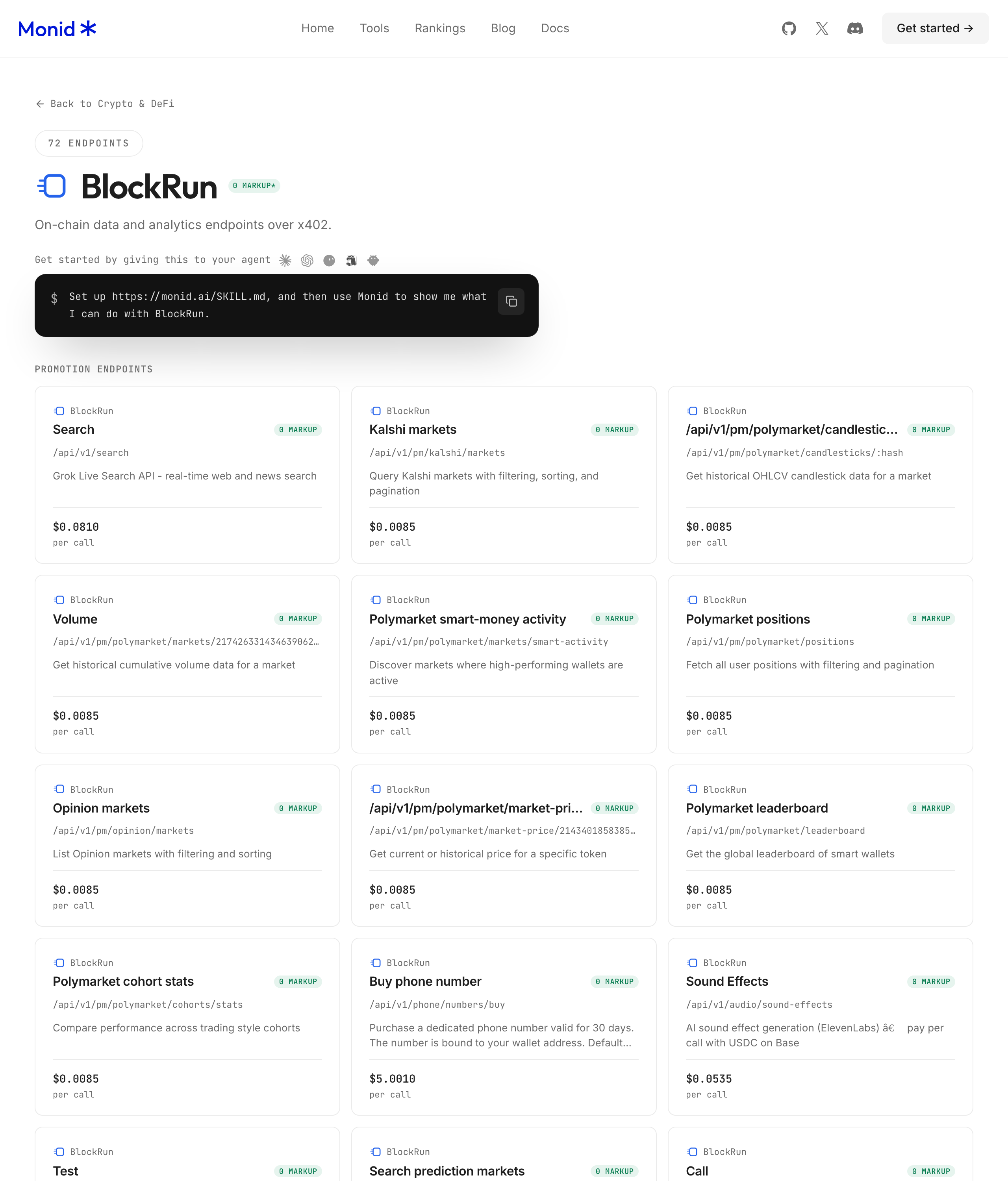
The BlockRun tool page is the provider destination; use the live inspection for the callable path and price.
Step 3. Fetch three open markets
Set a small limit when testing; limit:3 keeps the first response readable, while status:"open" selects the market state we tested.
monid run -p blockrun.ai -e /api/v1/pm/polymarket/markets \
  --query '{"limit":3,"status":"open"}' -w -j
This GET request uses --query, which passes URL query parameters; -w waits for completion and -j prints JSON.
Step 4. Read and retain the response
Read output.markets for the records and output.pagination for page metadata; our request returned three records in 2.329 seconds from recorded creation to completion.
Retrieve the same completed result without issuing another market request:
monid runs get -r 01M5TJ7GH94C0E8BJATS6EXBR6
Keep the raw response alongside your extracted table so you can trace every summary back to its input.
Why market context matters before your agent answers
Your agent needs the question and its state alongside the price. A table that drops those relationships invites the model to turn a number into an unsupported claim.
Keep labels attached to prices
The response contains an outcomes array with label, token_id, predexon_id and price. Select an outcome by its label rather than assuming that the first element always means Yes.
Our sample contains Yes and No labels on all three open records. Preserve those labels when flattening the JSON, and retain the original numerical precision in storage even when the visible table uses six decimal places.
Separate a market from its event
The records contain market_id, market_slug, condition_id and question_id, plus event_id, event_slug and event_title. Keep the market identifier as the row key and the event identifier as grouping context.
This is a schema design recommendation: grouping is useful, but merging different market IDs into one row discards their individual outcomes. Retain title and description with the raw record so an analyst can read the exact question and resolution text before interpreting its numbers.
Give the model a bounded task
Ask the agent to report the returned observations, explain its selection and state the observation time. Do not ask it to invent a probability when a field is absent or turn a snapshot into an execution recommendation.
For a different job, such as comparing matched questions on Kalshi and Polymarket, use the separate guide to matched prediction-market data. Matching two venues requires checking both questions and units; this guide stops at a single-venue snapshot.
The 3 ways to feed market data to an agent
Choose based on whether this is a one-off reading task, a repeatable script or an agent that needs several tools. The method changes how you obtain the input; the need to retain labels and timestamps stays the same.
Copy a small snapshot manually
Manual capture fits a one-off note. Record the question, outcome label and observation time together, then keep the original source with the note.
The limitation is repeatability: every refresh requires another capture and another check that the columns still describe the same market. Once that becomes a recurring task, move the collection into code.
Keep an existing direct integration
If you already have a working integration with the fields and freshness your application needs, keep it. Add storage and validation around its response rather than replacing a proven dependency for a new tutorial.
This guide does not document the vendor's API, plans or fees. The relevant decision is whether you need another access layer for your agent's broader tool use.
Add a shared tool layer
Use Monid when the same agent needs market data alongside other callable tools. Discover and inspect the tool, make a bounded request and return its structured result to the model.
| Method | Billing model | Fits | Limitation |
|---|---|---|---|
| Monid | Per call for this listing | Agent with several tool needs | Adds an intermediary and returns snapshots |
| Manual capture | Operator time | One-off research note | Repeated collection stays manual |
| Existing integration | Existing arrangement | Established application | You maintain its validation and storage |
The shared layer handles tool access. Your application still owns collection frequency, interpretation, persistence and the decision to reject an unsuitable record.
How to read and save your market snapshot
Store the returned values with their identifiers and timestamps before asking the model to summarize them. The following table expands the same three open records shown above; the monetary fields are returned market statistics in USD, not access prices.
| Market ID | Total volume USD | Liquidity USD | Trades in 1 day | Close time |
|---|---|---|---|---|
| 665374 | 75269018.074 | 4507594.690254 | 458 | null |
| 703258 | 53170479.715773 | 1077801.635856 | 126 | null |
| 567621 | 49355523.874936 | 6060355.689173 | 452 | null |
Distinguish accumulated and rolling values
total_volume_usd is separate from rolling_metrics.volume_1d, volume_7d and volume_30d. Choose the window that answers your question and label the exported column with that window.
The largest total volume in this sample is not the largest one-day trade count by a wide margin: market 665374 has 458 daily trades and market 567621 has 452. Editorial takeaway: a cumulative ranking and a recent-activity ranking answer different questions, so define the ranking before handing the table to the agent.
Keep null separate from zero
All three open records have close_time:null and winning_side:"UNKNOWN". Keep those values intact rather than converting them to a fabricated date or a settled outcome.
A numerical zero and an absent value carry different meanings. Your export should preserve that distinction, and your summary prompt should tell the model not to fill missing values from memory.
Attach the correct clock
All three records have rolling_metrics.computed_at set to 2026-10-25T22:01:28Z. The successful request completed at 22:17:22.760Z, so those metrics precede completion by roughly sixteen minutes.
That timestamp belongs to the rolling metrics; it is not a declared timestamp for every outcome price. Store both the request completion time and the metric computation time, and do not label the entire response as an instantaneous quote.
Save a page without claiming full coverage
The response includes pagination.limit:3, count:3, has_more:true and a pagination_key. Three records are a page, not the full market universe.
For the first export, write those three records and keep the pagination object in the raw archive. Before building a full crawler, inspect the current supported pagination inputs and test continuation separately; the command above establishes first-page retrieval only.
How much does a market snapshot cost?
The tested BlockRun market listing costs $0.0085 per call, Verified 2026-10-25. Discovery and inspection through Monid are free; running the request is the paid step.
Each successful request returned three markets and reported one billed unit. The access charge therefore applied to the request rather than separately to each of the three market rows in these tests.
We made two successful calls, with reported spend totaling twice the unit price. The other call took 2.506 seconds and returned three closed records; it is excluded from the open-market result table. Neither test returned an empty page or a failed response, so these results establish successful-call billing only.
Set a request budget before scheduling refreshes. Repeating the same small request still repeats the call charge, and increasing refresh frequency does not itself establish fresher underlying metrics. Use the current tools catalog for pricing when planning recurring collection.
Which endpoint should you use for this job?
Use the tested market listing for a read-only snapshot with outcome prices and context. We keep the selection narrow because every field described here came from that response.
| Use case | Best endpoint | Why? |
|---|---|---|
| Three open markets for an agent | BlockRun market listing, blockrun.ai /api/v1/pm/polymarket/markets | Returned status, outcomes, volume, liquidity and pagination; per call, $0.0085, Verified 2026-10-25 |
This selection covers the article's finished table. It does not add trades, wallet histories or order placement to that table, and the presence of a token identifier does not supply an execution workflow.
When should you use something else?
Use your existing direct Polymarket integration when it already meets your application's requirements. You are reading the Monid blog, and Monid resells the provider access described here; another tool layer is useful only when it solves an access problem you actually have.
Choose a different data path for an application that requires subsecond updates or an executable order book. This listing returned snapshots, and its rolling metrics carried their own earlier computation time. It does not provide those execution requirements.
Choose how the agent calls tools
Use a direct API call when your script already knows the tool and its input. Use an MCP server when your agent needs a standard interface for discovering and calling tools; MCP is the protocol connecting the agent to that tool server. The server still needs an underlying data source, so changing the interface does not change what a market record means.
For a fixed scheduled export, the CLI request above is enough to establish the collection step. For an interactive agent, keep tool discovery and tool calling outside the model completion: the model requests a tool, your application executes the authorized request, and the returned data becomes context for its next answer. In both designs, keep credentials in configuration and pass only the selected market fields to the model.
If your real decision concerns MCP versus calling an API directly, the MCP and API integration guide explains the architectural choice. Keep the model's reasoning, tool invocation and application permissions separate, especially when a research prototype becomes a production service.
Conclusion
You now have a repeatable three-market snapshot, a tested collection command and a storage rule that preserves identifiers, labels and separate timestamps. The pitch's one-minute setup is a planning estimate for someone with a key; zero hours saved is stated because we measured request duration, not development time. Choose this route when shared agent tool access helps, and keep a working direct integration when it already serves you. Your next market summary can be traced to a specific response rather than a copied number.
FAQ
Is access free?
Discovery and inspection are free; market requests are paid.
What must I install?
Install the CLI for terminal use; agents follow the setup prompt.
How many markets can I fetch?
Our tested limit was three; more records remained.
Are failed requests charged?
Both tests succeeded; their billing establishes no failure policy.
Can I schedule requests?
Yes. Your scheduler controls frequency and the request budget.
Can this command place trades?
No. It reads snapshots and submits no orders.
Published October 2026.