How to Use a TikTok User Finder to Check Accounts
Build a TikTok account review table from keyword searches, separate candidates from confirmed matches, and check a selected profile.
Find TikTok account candidates and turn them into a review sheet. Paste this into your agent:
Set up https://monid.ai/SKILL.md, and then use Monid to search TikTok users for "national geographic". Request two candidates, keep the search and profile checks separate, and export a review table. Do not label a candidate as the account owner without supporting evidence. Ask before fetching more pages.
Budget 1 min setup · 0.5 hrs saved in the planning example below.
Growth marketers use a TikTok user finder to replace copying names from search into a sheet. But even a search returning just two candidates leaves two decisions: which account belongs on your list, and what evidence supports that choice?
A display name alone does not answer either question. Copying it into a spreadsheet loses the original search context, while sorting by followers puts the biggest account first without establishing its relevance to your brief.
We'll build a candidate review table with Monid, the tool layer for AI agents: one key and one balance for discovering and calling tools. It supplies keyword search and selected profile data; it does not establish account ownership or campaign suitability.
- Search a specific name with a small limit.
- Preserve counts and verification signals for review.
- Check a selected account before expanding the list.
Here is the finished search preview from October 28, 2026. Labels replace account names and handles; both rows came from the same organization-name query.
| Candidate | Followers | Following | Videos | Returned verification text | Review decision |
|---|---|---|---|---|---|
| Organization candidate A | 9,686,197 | 62 | 1,495 | verified account | Review ownership and fit |
| Organization candidate B | 2,996,407 | 25 | 1,422 | verified account | Review ownership and fit |
The decision column is our editorial instruction, not a field returned by the search.
How to use a TikTok user finder with Monid
Start with one recognizable name and request two candidates. Monid connects your agent to the search tool; an endpoint is simply the callable tool address shown in its catalog.
Step 1. Install and add your key
For agents: get a key at app.monid.ai, then give your agent the setup instruction and supply the key through its credential setup.
set up https://monid.ai/SKILL.md
For humans: install the CLI and save your key using these commands; the CLI quickstart covers setup.
npm install -g @monid-ai/cli
monid keys add -k <your-api-key> -l main
Step 2. Give your agent a narrow search
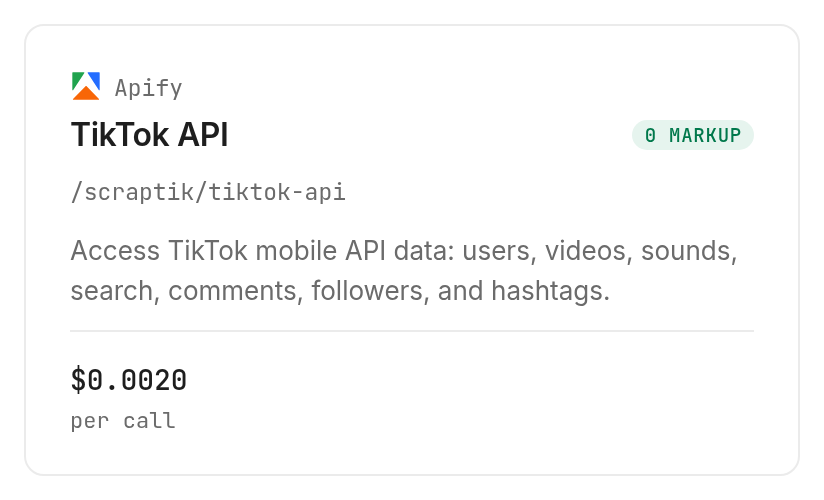
Ask for the organization name, two candidates, and a review table rather than a confirmed identity list. Use the Apify search tool /scraptik/tiktok-api with its user-search settings; choosing two results keeps the first review small.
Search users for "national geographic" with searchUsers_count 2 and searchUsers_cursor 0. Keep the query with every candidate. Show follower, following and video counts plus the returned verification text. Mark ownership as needing review; do not fetch another page yet.
Step 3. Fetch the candidates
The organization-name test returned two candidate accounts in 6.822 seconds, measured from server start to completion. Both carried the text verified account; that is a returned signal, not our confirmation of ownership.
Step 4. Read and export the table
Ask your agent to export the preview columns, retaining account identifiers in your private working file and using labels in shared examples. Save the original response separately so a reviewer can trace every count back to its source.
Step 5. Check one selected account
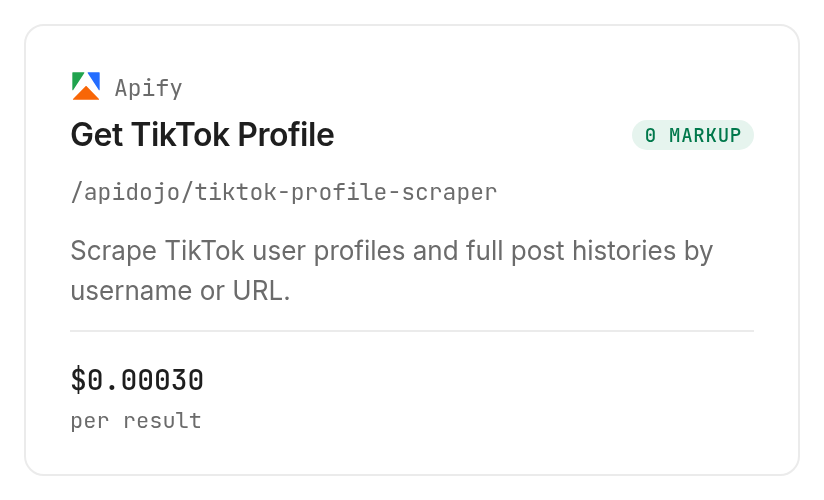
For a known public organization handle, use Apify's /apidojo/tiktok-profile-scraper with one username and maxItems:1; the test returned one post containing nested channel metadata. It took 7.691 seconds and supplied the account's bio, verification flag and counts alongside that post's engagement fields.
One post is a spot check, not a complete content audit. Continue to the TikTok catalog audit workflow when your decision requires a table of the account's videos rather than an account search shortlist.
How to read the account review table
Treat each returned row as a candidate with evidence attached. The search table tells you what was returned for your query; it does not tell you that the account is the person or organization you intended.
Keep relevance separate from returned rows
An unlikely keyword, monidzzqv20261028, returned two candidates in 5.749 seconds. Neither returned handle or display name contained that complete literal query, so the test produced two candidates and zero literal full-query matches.
That finding changes the workflow: a successful response is not a successful identification. Keep separate columns for “returned by search,” “literal name match,” and “reviewed for this brief,” rather than collapsing them into a single found/not-found flag.
Preserve the meaning of each count
Use follower_count for followers, following_count for accounts followed, and aweme_count for the returned video count. These are account-level observations; they are not the number of rows downloaded or a measure of engagement quality.
The search wrapper reported resultCount:1 while its nested user_list contained two users. Count the nested users for your shortlist, and retain the wrapper count only as execution metadata.
Record separate observations separately
The selected profile check returned 9,686,264 followers and 1,519 videos inside channel, while search candidate A showed 9,686,197 followers and 1,495 videos. Keep the source and retrieval time beside each observation; do not turn those different snapshots into a growth calculation.
For your working spreadsheet, add a retrieval-time column, a source column and a reviewer note beside the returned fields. Keep the original query on every row, even when several queries lead to the same account; that preserves why the account entered your list.
Use three review outcomes: retain for closer inspection, reject for this brief, or hold for more evidence. These are editorial labels you create, not classifications supplied by the tool. A rejected row is still useful because it prevents the next reviewer from repeating the same check.
When exporting CSV, keep identifiers as text and put search counts and post metrics in separately named columns. A post's likes value and channel.likes describe different levels of the response; combining them under one heading would make comparisons meaningless. Preserve missing values instead of replacing them with zero, because an absent field does not establish a zero count.
Our editorial rule is to review relevance before expanding the dataset. Preserve the candidate decision with the TikTok user row so the person reviewing the account can distinguish a search result from an approved creator.
How much does a small account search cost?
The tested Apify user search costs $0.002 per call, Verified 2026-10-28. Each of our two successful searches was charged that amount, including the unlikely-keyword search with no literal full-query matches.
Pay attention to what is billed
The profile and post lookup costs $0.0003 per returned result, Verified 2026-10-28. Our capped request returned one post row and billed one result; do not interpret the rate as a promise of one complete profile history for that amount.
Total measured spend for both searches and the selected profile check was $0.0043, Verified 2026-10-28. All three calls completed successfully; these tests do not establish what a failed request or a genuinely empty response costs.
Inspect alternate billing before choosing it
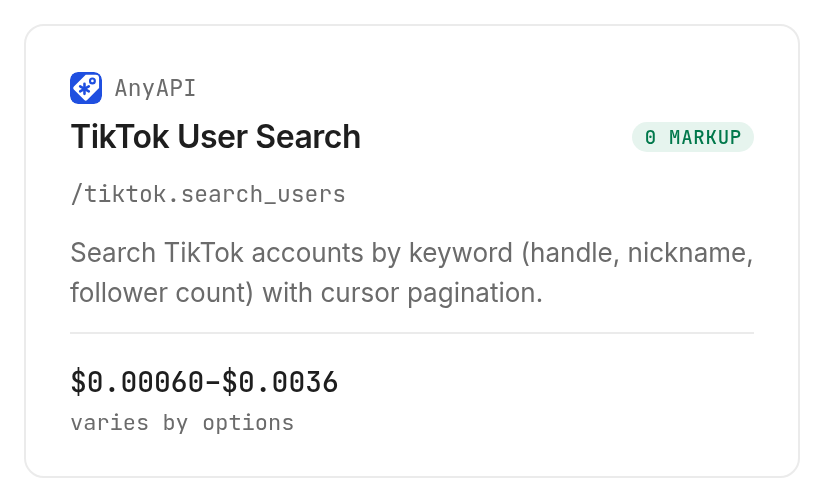
The AnyAPI /tiktok.search_users tool is an inspected alternative, not part of the measured result table. Its declared input is query, optional cursor, and optional route; its summary names users, handle, nickname, followers and nextCursor among its response fields.
Its route prices are $0.0006 for bison or flamingo, $0.0008 for quokka, $0.0012 for tiger or giraffe, and $0.0036 for fox, all per call within the route variants, Verified 2026-10-28. The top-level billing type is PER_UNIT_MATRIX, so we left it unrun under this article's conservative testing guard.
Free discovery and inspection in Monid let you read these distinctions before paying. Use the current tool catalog for the live listing, and authorize additional pages separately from your first search.
How to repeat the search in your own code
Use the inspected body fields with the CLI, then count the nested users in the response. This is the same small search input used for the measured organization query, with JSON output requested for a script.
monid discover -q "tiktok user finder" -l 5 -j --include-unavailable
monid inspect -p apify -e /scraptik/tiktok-api -j
monid run -p apify -e /scraptik/tiktok-api \
  -i '{"searchUsers_keyword":"national geographic","searchUsers_count":2,"searchUsers_cursor":0}' \
  -w -j
Keep search and profile inputs separate
The profile lookup tool accepts usernames and maxItems, while the search tool accepts the prefixed searchUsers_ fields. The capped public organization input used in our check was:
monid inspect -p apify -e /apidojo/tiktok-profile-scraper -j
monid run -p apify -e /apidojo/tiktok-profile-scraper \
  -i '{"usernames":["natgeo"],"maxItems":1}' \
  -w -j
Do not pass a keyword into the username list and expect discovery. Search produces candidates; the profile request begins after you select a known handle.
Stop pagination deliberately
The tested search responses returned cursor:2 and has_more:1. Those values signal another page, not a complete account inventory; this article did not fetch that next page.
In a repeatable script, preserve the query, cursor, retrieval time and source with every batch. Deduplicate on the returned uid, retain the original row, and stop at your authorized page budget rather than following every available cursor.
For the deeper implementation treatment, use the existing guide to keyword search and pagination. This article's focus is the review decision between discovery and expansion.
When should you use something else?
Use TikTok directly when your task is to inspect one account visually, and use your existing Apify workflow when it already supplies the required data. You are reading the Monid blog; Monid provides access to these third-party tools rather than owning the underlying account data.
Choose the route around the decision
If you already know the handle, another keyword search adds candidates you do not need. Open the account for a one-off review, or use a profile lookup when you need structured fields in a table.
If your team already uses Apify's TikTok tool, keep that established workflow when a shared tool balance adds no useful step. A new access layer is useful when it fits your agent's work, not merely because it exists.
Recognize the delivery limit
These keyword and profile tools do not identify an account from a phone number, email address or photograph. They also do not establish who controls an account, whether its audience fits your campaign, or whether it will accept a partnership.
Two candidates and one post do not establish search coverage or creator quality. Keep those decisions outside the automated “found” label, and review supporting evidence before moving an account into a confirmed shortlist.
Which search should you choose for each job?
Choose keyword search for discovery and a capped profile check for a known handle. The TikTok tools page is the place to discover a different data task rather than reusing whichever call appeared first.
| Use case | Best endpoint | Why? |
|---|---|---|
| Build a keyword candidate table | Apify /scraptik/tiktok-api | Tested with two users per search; $0.002 per call, Verified 2026-10-28 |
| Inspect a selected handle and one post | Apify /apidojo/tiktok-profile-scraper | Tested with one post and nested channel data; $0.0003 per result, Verified 2026-10-28 |
| Inspect alternate keyword-search routing | AnyAPI /tiktok.search_users | Inspect only; route-specific calls, Verified 2026-10-28, starting at $0.0006 |
For the next stage after selecting TikTok handles, the handle-to-dataset walkthrough takes those accounts into a structured dataset. Keep that expansion separate from the first keyword search.
Conclusion
You now have a repeatable candidate review table, a distinction between returned rows and relevant matches, and a capped way to inspect a selected account through Monid. The pitch's setup minute is a planning allowance, not a timed installation result; its 0.5 hours saved assumes a future twenty-account task avoids ninety seconds of manual copying per account, not the duration of this small test. Choose the route that preserves enough evidence to make your next account decision confidently.
FAQ
Is a TikTok user finder free?
Inspection is free; search calls are paid.
Do I need code?
No, an agent can build your table.
How many users can I find?
Our two-result request returned two users.
Can I search by phone or photo?
These tools take keywords or known handles.
Are failures charged?
No failed call was tested; unmatched results were charged.
Can I schedule searches?
Yes, use your scheduler with a budget.
Is collecting TikTok data legal?
Rules vary by jurisdiction; check the requirements for your use.
Published October 2026.


