How to Set Up a Google Shopping Price Tracker
Build a dated Google Shopping price sheet, review product matches, and keep comparable snapshots for your own price alerts.
Keep Google Shopping prices in a sheet you can compare tomorrow. Paste this into your agent:
Set up https://monid.ai/SKILL.md, and then use Monid to search Google Shopping for Sony WH-1000XM5 in the US in English. Start with a small sample. Save today's product titles, merchants, prices, currency and identifiers to my price sheet. Flag bundles and uncertain matches. Keep prior observations; do not invent price changes or alerts.
One prompt starts your price sheet. Budget 1 min setup · 1-2 hrs saved in the planning example below.
If you manage an ecommerce catalog, a Google Shopping price tracker starts with a familiar problem: you copy a competitor's price today, reopen the search tomorrow, and have two numbers without proof they describe the same offer. A bundle, a different color, or a different seller breaks the comparison.
A screenshot preserves what you saw but leaves the matching and arithmetic to you. A spreadsheet with only the latest price loses the earlier observation when you overwrite the cell. Neither gives you a dependable change log.
We'll build a dated price sheet using Monid, the OpenRouter for agent tools. The calls collect current Shopping listings; they do not supply historical tracking, scheduling, or notifications. Your agent or automation must save the observations and compare them later.
- Collect a small, localized search sample.
- Review product and merchant matches before choosing a baseline.
- Append future checks to your own history instead of replacing it.
Here is the finished first-check preview from our November 11 sample. Product amounts are observed listing data in USD, not tool charges.
| Observation | Merchant | Listing price in USD | Next action |
|---|---|---|---|
| DataForSEO rank 1, WH-1000XM5 headphones | Best Buy | 298.00 | Review variant, then save baseline |
| DataForSEO rank 2, WH-1000XM5 headphones | ReCell Exchange | 269.99 | Review condition before matching |
| DataForSEO rank 3, WH-1000XM5 headphones | Lowe's | 281.99 | Review exact offer |
These are three rows from one 40-listing response. They are competing offers observed once, not three dates in a price history.
How to set up a Google Shopping price tracker with Monid
Start by asking Monid for one product search and saving the response as your first observation. An endpoint is a callable tool with a defined input and price; here it supplies the current listings that your tracker records.
Step 1. Install and add your key
For agents: get an API key at app.monid.ai, then give your agent the setup instruction and the key through its credential settings.
set up https://monid.ai/SKILL.md
For humans: install the CLI and register your own key locally.
npm install -g @monid-ai/cli
monid keys add --label main --key <your-api-key>
Use the same key and balance for both searches below. Keep the key out of the spreadsheet, shared prompts, and exported product rows.
Step 2. Give your agent a precise product brief
Specify the model, country, language, acceptable condition, and whether bundles count; these define what belongs in your watchlist. Start with Sony WH-1000XM5, United States, English, and review every returned title before accepting it as the same product.
Use the DataForSEO Google Shopping product search. Search Sony WH-1000XM5 with location_code 2840, language_code en and depth 3. Preserve the returned titles and sellers. Add my own observed_at and match_review columns. Put bundles, missing identifiers and uncertain variants in a review queue; never silently merge them.
The model name narrows the query, the country fixes the market, and the language keeps the search context consistent. Your condition rule is a review instruction, not an input parameter that this call enforces.
Step 3. Collect the first snapshot
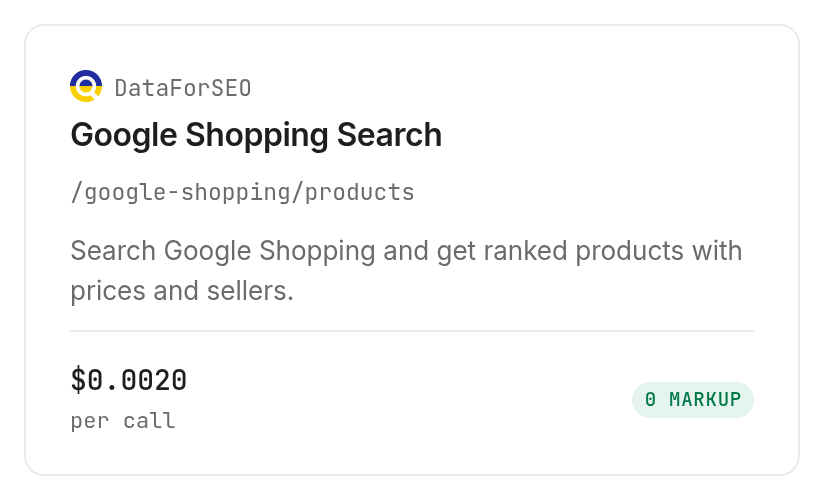
We used dataforseo /google-shopping/products with exactly those inputs on November 11, 2026. It completed successfully in 12.746 seconds from run creation to completion and returned 40 listings, so keep the sample small while designing the sheet without assuming the requested depth is a strict output cap.
Step 4. Read and export the table
Ask your agent to export the raw rows separately from accepted matches, keeping title, seller, price, currency, product_id, and shopping_url. Add observed_at, watchlist_id, and match_review yourself: those are your tracking columns, not fields promised by the product search.
Keep identifiers as text so a spreadsheet does not round long numeric strings. Save the original JSON alongside the CSV so a future review can recover the original title and offer context.
How do you read the results?
Read each price as an observation about a particular listing, not as the definitive price of the model. Our DataForSEO response included bundles and color-specific titles alongside ordinary headphones, which makes automatic minimum-price alerts a poor starting rule.
Separate matching from price arithmetic
Accept a baseline only after the model, variant, condition, and merchant satisfy your watchlist rules. A title containing the model number is a candidate match; it is not proof of identical contents or condition.
For a merchant-monitoring sheet, keep separate histories for separate merchants. For a buying watchlist, you can compare accepted offers across merchants, but keep the source merchant attached to the chosen observation.
Check product details before accepting a match
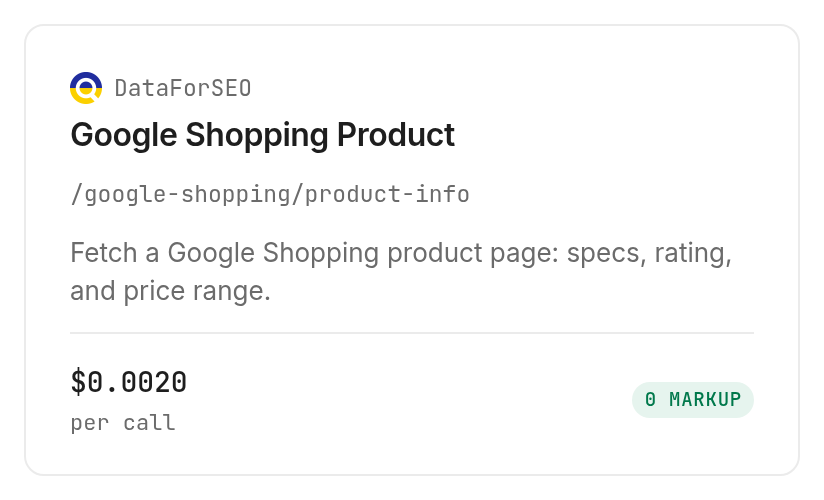
We followed the first product identifier into DataForSEO product details, using product_id 17755277695162489284, location_code 2840, and language_code en. The call returned one product with 12 specifications and five seller entries in 42.785 seconds, at $0.002 per call, Verified 2026-11-11.
Use the returned title, specifications, and seller links to review the candidate. This detail response showed Best Buy at USD 198.00 while the search snapshot showed 298.00; those are different result surfaces, not an established historical price drop. Record the source surface separately and review the offer before changing your baseline.
Use the second sample as a separate source
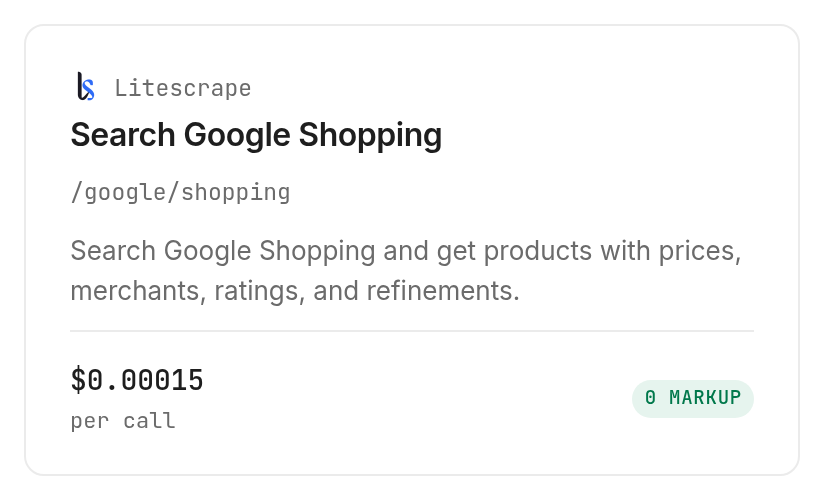
We also tested litescrape /google/shopping with the same model, US country setting, English, and num: 3. It returned exactly three listings in 11.959 seconds from creation to completion.
| Litescrape position | Returned title | Merchant | Listing price in USD |
|---|---|---|---|
| 1 | Sony WH-1000XM5 Wireless Noise Canceling Headphones | Best Buy | 298.00 |
| 2 | Smoky Pink WH-1000XM5 Noise Cancelling Headphones | Unclaimed Baggage | 148.99 |
| 3 | Sony WH-1000XM5 Noise-Canceling Wireless Over-Ear Headphones | Newegg.com - MLR Wholesale | 214.99 |
The second row explicitly names a color. The third response also marked multiple_sources: true; keep that context instead of treating the displayed source as a complete seller inventory.
The business decision is to review these candidates before declaring a winning offer. The two sources returned different search lineups, so switching sources must not manufacture a price-drop event in your history.
Keep sale labels out of the history calculation
The first DataForSEO row had price: 298, old_price: 398, and a sale tag. That old price is a value displayed by the source, not a previous observation collected by your tracker.
Use a separate column for displayed old prices and compare only saved observations when reporting changes over time. For the offer-filtering side of this task, read the guide to finding the real lowest Google Shopping price.
How much does it cost?
The tested DataForSEO search costs $0.002 per page of 40 results, Verified 2026-11-11, on the DataForSEO tools page. Inspection labels its billing shape PER_CALL and explains the page rule; our small request was charged for one page.
The tested Litescrape search costs $0.00015 per call, Verified 2026-11-11, on the Litescrape tools page. Its three returned product rows were covered by one billed call, not three separate charges.
Budget for checks rather than spreadsheet rows
Our three successful calls cost a combined $0.00415, Verified 2026-11-11. The searches returned 43 listings across two separate sources, and the detail lookup returned one product; that count is not 43 unique, approved watchlist products.
Discovery and inspection are free on Monid; execution is the paid step. A recurring budget depends on the number of search requests, the frequency of checks, and DataForSEO's page count, rather than how many rows you choose to display afterward.
Choose one source for routine checks after the initial comparison. Run a second source when you have a concrete review question, rather than doubling every check by default.
Keep failed checks separate from missing products
All three measured calls succeeded and returned product data. This sample establishes the successful-call charges; it does not establish a general refund rule for empty or failed searches.
Record a failed check as a failed check, and a successful search with no accepted matches as no accepted matches. Neither means that the product's price became zero or that every merchant stopped selling it.
How do you do this in your own code?
Use the CLI calls below to collect snapshots, then let your own program append and compare them. Monid supplies the tool calls; your database or spreadsheet supplies persistence.
Collect the same inputs each time
These are the exact request inputs used for the two successful samples. DataForSEO takes a JSON body, while Litescrape takes query parameters.
monid discover -q "google shopping price tracker" -l 5 -j --include-unavailable
monid inspect -p dataforseo -e /google-shopping/products
monid run -p dataforseo -e /google-shopping/products -w \
  -i '{"keyword":"Sony WH-1000XM5","location_code":2840,"language_code":"en","depth":3}'
monid inspect -p litescrape -e /google/shopping
monid run -p litescrape -e /google/shopping -w \
  --query '{"q":"Sony WH-1000XM5","gl":"us","hl":"en","num":3}'
Retain the run ID with each batch and archive the response in your own storage. DataForSEO returned an array containing items; Litescrape returned an object containing shopping_results, so normalize those two shapes explicitly.
Append first and compare second
Store a batch timestamp, query context, source, and the unmodified returned identifiers before calculating any change. Compare an accepted row with the last accepted observation for the same watchlist item, merchant, variant, and currency.
If there is no previous accepted observation, label it baseline. If the identifier or match context changes, route it to review instead of calculating a percentage from unrelated offers.
Add scheduling and alerts outside the search
Schedule your collector with the automation system you already operate, and keep its timezone explicit. Write a completed batch before sending notifications so rerunning a job does not create duplicate alerts.
An alert rule should require a reviewed match and a comparable prior observation. Include both observation dates and the source link in the message so the recipient can inspect the change before acting.
Which tool should you use for each job?
Use the search that fits your saved workflow, then keep its source consistent across observations. These are the three tools actually tested through Monid, with their different response shapes and billing rules.
| Use case | Best endpoint | Why? |
|---|---|---|
| Save ranked listings with explicit currency and product identifiers | DataForSEO product search | Returned items, sellers, prices and currency; per 40-result page, Verified 2026-11-11: $0.002 |
| Review one candidate product | DataForSEO product details | Returned specifications and five seller entries; per call, Verified 2026-11-11: $0.002 |
| Start with a short product-search sample | Litescrape Shopping search | Returned three requested rows, merchant sources and product links; per call, Verified 2026-11-11: $0.00015 |
None of these rows represents a hosted price-history service. Find the matching searches on the Google Shopping tools page, and inspect the selected tool before expanding a watchlist.
When should you use something else?
Use another route when you need a finished alert experience instead of a data collection step. This is the Monid blog, and Monid sells access to the provider calls; that does not make a custom tracker the right purchase for every reader.
For one personal purchase, open Google Shopping and compare the actual offers. For managed notifications, use a dedicated price-alert application you have evaluated for your products and country, rather than building a scheduler just to follow one item.
If your team already operates a DataForSEO integration, extend its existing storage and monitoring workflow. Moving a working collector through another tool layer adds work unless the shared key and balance solve a specific integration problem.
For a Walmart-specific watchlist, the Walmart price tracker guide covers saving marketplace observations. Keep those observations separate from Google Shopping discovery results even when the model names match.
Conclusion
You now have a real first-check table and a repeatable plan for collecting, reviewing, and saving the next observation. The planning example assumes 10 products checked weekly for 12 weeks at one minute of manual copying per product: two hours of copying, with a hypothetical one to two hours saved after review and maintenance; the one-minute setup line is a budget allowance, not a measured onboarding result. Choose this workflow when you want to own the history and matching rules, and choose a managed application when you want someone else to operate alerts. Your next comparison will have a dated baseline instead of a remembered price.
FAQ
Is a Google Shopping price tracker free?
The searches tested here are paid calls; catalog discovery and inspection are free. Your spreadsheet history and scheduling are separate parts of the workflow. Read the current billing rule on the matching tool page before expanding the watchlist.
Do I need to write code to track prices?
You can ask an agent to collect and export a first snapshot without writing code. Recurring checks still require an automation system, storage, and a comparison rule. A prompt alone does not create a permanently running tracker.
How many products can I check at once?
The tested searches take one search query per request. Litescrape returned our requested three rows; DataForSEO returned 40 rows despite depth 3. Search-result counts are not the number of exact products successfully matched to your watchlist.
Does it include historical Google Shopping prices?
These calls return current listings, not a historical series. Start history with your first saved snapshot and append future observations. A displayed old price is not evidence of a price your own tracker recorded earlier.
Can I schedule checks and get price-drop alerts?
You must add scheduling and notifications outside these search calls. Require an accepted product match and a prior comparable observation before sending an alert, and keep the source and country consistent between checks.
Will a failed search count as a price drop?
A failed search must never count as a price drop. Store the failure separately and preserve the previous successful observation. Read the run's actual billing record separately from deciding whether its product data belongs in your history.
Is collecting Google Shopping prices legal?
Rules differ by jurisdiction; check the rules that apply to your collection and use. This guide explains a data workflow and does not make a legal determination.
Published November 2026.


