How to Use the Ahrefs API to Review Link Anchors
Build an agent-ready anchor review table with referring-domain evidence, a two-date history check, and a bounded row budget.
Build an anchor-text review your SEO agent can repeat. Paste this into your agent:
Set up https://monid.ai/SKILL.md, then use Monid to review example.com link anchors. Inspect prices first. Return three anchor rows, two referring-domain rows, and daily referring-domain counts for November 8 and 9, 2026. Keep the reports separate, hide personal identifiers, and distinguish observations from recommendations.
Planning estimate: 1 min setup · 0.5-1 hrs saved per recurring review.
SEO developers using the Ahrefs API need evidence their agent can interpret, rather than another unlabelled export. Combining three reports creates an immediate problem: an anchor row, a referring domain and a history bucket describe different things.
Copying those rows into one sheet does not establish which domain used which anchor. A script that assumes those relationships turns a small review into an unsupported conclusion.
We'll build a dated review packet through Monid, the OpenRouter for agent tools: one key and one balance for tool calls. Start with anchor text, add separate domain evidence, then compare two history dates. The finished packet preserves the difference between returned facts and editorial decisions.
Here is the result preview from the November 10, 2026 test on example.com:
| Evidence layer | Returned rows | Observed result | Review decision |
|---|---|---|---|
| Anchor text | 3 | Each row had 1 referring domain and 1 link | Inspect context before judging repetition |
| Referring domains | 2 | Both ratings were 0; link counts were 1 and 2 | Keep domain evidence separate |
| Daily history | 2 | 267,067 then 266,832 referring domains | Investigate the change without assigning a cause |
How to use the Ahrefs API with Monid
Use Monid to discover the report, inspect its input and billing, then request a small number of rows. An endpoint is a callable report; here it takes a target domain and returns structured data your agent can save.
Step 1. Install and add your key
For agents: get an API key at app.monid.ai and give your agent the setup instruction below. The agent quickstart explains the workflow.
set up https://monid.ai/SKILL.md
For humans: install the CLI and save your key locally. The CLI quickstart covers setup.
npm install -g @monid-ai/cli
monid keys add -k <your-api-key> -l main
Keep the key out of reports and shared code. An already configured agent can start with discovery immediately; account creation and key handling are separate from the paid report request.
Step 2. Find the anchor report
Search for the data you need, then inspect the anchor-text report before supplying a target. Discovery and inspection are free; neither retrieves the paid report rows.
monid discover -q "ahrefs api anchors" -l 6 -j --include-unavailable
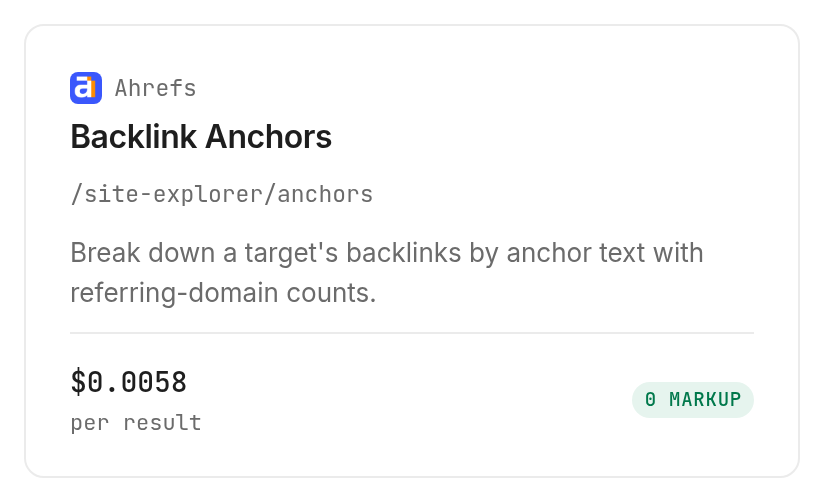
monid inspect -p ahrefs -e /site-explorer/anchors
The schema accepts target, mode, protocol, limit, where and order_by. Choose mode: domain to exclude subdomains, and set a small limit when testing so the agent does not accept the default row budget silently.
Step 3. Request three anchor rows
Run the anchors call with the same bounded input used for this guide. The inputs belong in --query because inspect declares query parameters, rather than a JSON request body.
monid run -p ahrefs -e /site-explorer/anchors \
  --query '{"target":"example.com","mode":"domain","limit":3}' -w -j
Step 4. Read and export the table
Read output.rows, then preserve the returned counts and timestamps before adding your review labels. The completed request returned three rows in 3.628 seconds, measured between the service's creation and completion timestamps.
| Returned row label | Referring domains | Links to target | First seen | Last seen |
|---|---|---|---|---|
| Anchor row 1 | 1 | 1 | 2026-02-15 | 2026-04-06 |
| Anchor row 2 | 1 | 1 | 2024-05-28 | 2025-05-31 |
| Anchor row 3 | 1 | 1 | 2026-08-18 | null |
Row labels replace the raw anchor text for this public table. They are anonymized labels for real returned rows, not sample output; the dates are the date portions of returned UTC timestamps.
Save the raw response privately and export the review columns separately. An agent can add a recommendation column, but that column must stay visibly distinct from fields returned by the report.
Why separate anchor evidence from domain evidence?
The reports aggregate different units, so a shared target does not create a row-level relationship. Monid delivers the structured reports; the review logic must preserve their meaning.
Step 5. Keep each count attached to its unit
In the anchor report, refdomains counts domains using that anchor and links_to_target counts links. Three anchor rows with one domain each do not establish three distinct domains across the sample, because one domain can contribute to more than one anchor group.
Likewise, a row limit controls returned anchor groups, rather than the total backlinks on the target. This three-row sample does not establish the site's complete anchor distribution or the share of links using a particular phrase.
Step 6. Separate missing observations from conclusions
A null last_seen value stays null. It does not become today's date, proof of removal, or confirmation that a link is live.
Our editorial rule is to retain the timestamp and request source context before acting. The same rule applies to an unfamiliar anchor: the text alone does not establish link intent, source quality or a search-ranking effect.
Keep a separate authority baseline when the review needs Domain Rating alongside anchor evidence. A domain score answers a different question from the counts attached to one anchor group.
The 3 ways to keep a repeatable link review
Choose the route by where your evidence already lives and whether you need fresh rows. The reporting model matters more than converting every step into a paid request.
Use your agent for fresh bounded checks
Monid fits a recurring agent task that needs a small, explicit report budget. Keep target, scope, requested row count and collection date together so a later run has a comparable input record.
Reuse an existing export for historical reproduction
An existing export is the right input when the task is to reproduce last week's analysis exactly. Re-querying a live report creates a new observation; it does not recreate the previously saved file.
Use a local script for transformations
A local script fits deduplication, date formatting and report assembly after the data exists. It does not supply the underlying backlink observations, so keep retrieval and transformation as separate responsibilities.
| Route | Billing basis | Best fit | Limitation |
|---|---|---|---|
| Monid report calls | Returned rows | Fresh agent-readable evidence | Only the requested report and scope |
| Existing saved export | No new report call | Reproduce a prior review | Represents its collection date |
| Local transformation script | Your own execution environment | Normalize and assemble files | Requires source data |
If your next task concerns keywords rather than link anchors, separate the keyword-research question from this link-data workflow. Do not stretch an anchor report into keyword research.
How to add referring domains and a history check
Add the two reports as independent evidence layers. Monid returns the data for the same target, but these calls do not connect a specific anchor to a specific source domain.
Step 7. Inspect the source-domain evidence
Inspect and call the referring-domains report with a two-row budget. Keep the scope identical to the anchor request so the reports describe the same target boundary.
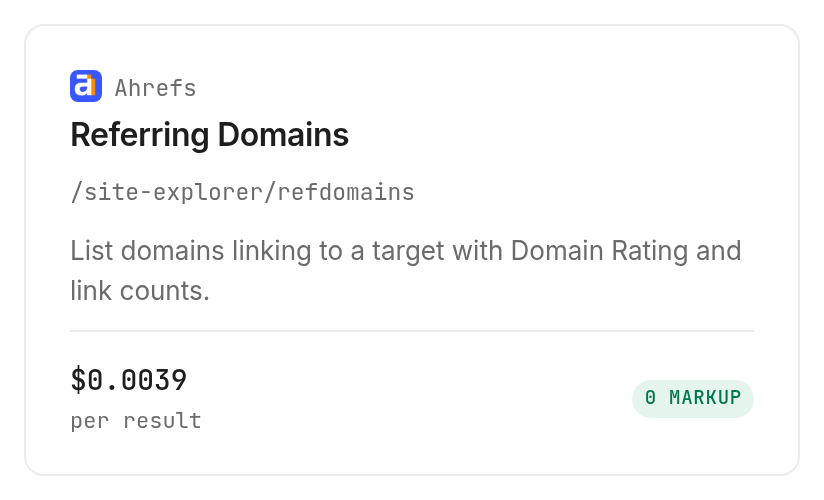
monid inspect -p ahrefs -e /site-explorer/refdomains
monid run -p ahrefs -e /site-explorer/refdomains \
  --query '{"target":"example.com","mode":"domain","limit":2}' -w -j
| Returned row label | Domain rating | Links to target | Dofollow links |
|---|---|---|---|
| Domain row 1 | 0 | 1 | 1 |
| Domain row 2 | 0 | 2 | 2 |
The call completed in 2.185 seconds and billed two rows. Source identifiers are omitted here; the returned columns also included domain, first_seen and last_seen.
These two rows contain three links in total and three dofollow links. That observation applies to this sample only, and it does not identify the sources of the three anchor groups above.
Step 8. Compare two daily history buckets
Inspect and call the referring-domain history report for a short date range. Choose daily grouping to compare the two dates directly rather than asking the agent to interpret a longer monthly series.
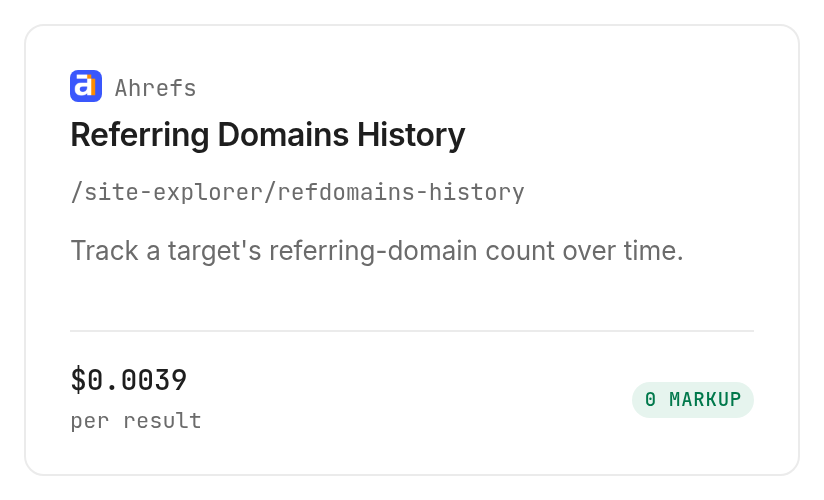
monid inspect -p ahrefs -e /site-explorer/refdomains-history
monid run -p ahrefs -e /site-explorer/refdomains-history \
  --query '{"target":"example.com","mode":"domain","date_from":"2026-11-08","date_to":"2026-11-09","history_grouping":"daily"}' -w -j
| Returned date | Referring domains |
|---|---|
| 2026-11-08 | 267,067 |
| 2026-11-09 | 266,832 |
The history request completed in 2.198 seconds and billed two rows. Subtracting the first count from the second gives a decrease of 235 referring domains; that is a derived calculation, not an extra returned field.
The business conclusion is a review trigger, not a diagnosis. Record the decrease and investigate relevant source changes before proposing any response; neither this series nor the anchor sample establishes why it happened.
How much does an anchor review cost?
These Monid reports bill per returned row, so the right budget unit is report rows rather than requests. The current Ahrefs cards show the corresponding unit prices.
Step 9. Calculate from billed rows
The anchor report costs $0.005805 per returned row, Verified 2026-11-10. The three-row run cost $0.005805 multiplied by three; its recorded charge was $0.017415, Verified 2026-11-10.
The referring-domain report costs $0.00387 per row, and the history report costs $0.00387 per bucket, Verified 2026-11-10. Each returned two rows and recorded a charge of $0.00774, Verified 2026-11-10.
Across the three completed requests, seven rows were returned and seven units were billed. The recorded total was $0.032895, Verified 2026-11-10; service intervals summed to 8.011 seconds, excluding setup and the time between requests.
Step 10. Bound the next review
The anchor and referring-domain schemas allow limit from 1 to 100 and default to 100. History uses a date range and daily, weekly or monthly grouping, with at most 60 buckets per request; it has no limit parameter.
Inspect documents no per-request minimum and free empty results for these reports. Today's calls all returned data, so the measured billing evidence covers successful nonempty requests; failed-run billing is not established by this test.
Which report should you choose for each job?
Choose the report by the unit you need to reason about. Keep the output grain visible when an agent assembles the final review. For a separate authority baseline, the domain-rating and backlink workflow explains Domain Rating alongside referring domains and dofollow counts.
| Use case | Best endpoint | Why? |
|---|---|---|
| Review anchor groups | ahrefs/site-explorer/anchors | Anchor, domain count and link count; $0.005805 per row, Verified 2026-11-10 |
| Review source domains | ahrefs/site-explorer/refdomains | Domain rating and dofollow counts; $0.00387 per row, Verified 2026-11-10 |
| Compare dated totals | ahrefs/site-explorer/refdomains-history | Date and referring-domain count; $0.00387 per bucket, Verified 2026-11-10 |
When should you use something else?
Use Ahrefs directly when your work belongs in its own analysis workspace. You're reading the Monid blog, and Monid supplies access to these Ahrefs reports; this article does not compare the two products' entire feature sets.
Use a saved export when reproducibility matters more than freshness. Use source-page evidence when a decision depends on the location, context or current presence of an individual link: these aggregate rows do not return that verification.
For a broader route decision, the guide to choosing an Ahrefs alternative for link audits expands beyond this small anchor-review packet.
Conclusion
You now have a repeatable packet with three anchor groups, two source-domain rows and two dated totals, with observations separated from recommendations. Monid supplies retrieval; your review preserves the report boundaries. The planning estimate assumes an existing key, about one minute for setup, and avoiding 30 to 60 minutes of manual report assembly per review; it is an estimate, not a timed installation or measured labor saving. Keep the inputs and collection date with each packet so your next review starts from comparable evidence.
FAQ
Can I get Ahrefs data through Monid for free?
Discovery and inspection are free; returned report rows are paid. The Ahrefs tool page lists current prices. Inspect documents free empty results for these three reports.
What do I need to install?
Install the Monid CLI for the commands in this guide, or give the setup instruction to your agent. Save your key locally and keep it out of exported review files.
Do I need to write code to review anchor text?
No custom code is required for an agent-led review. Give the agent the target, scope and row budget, then require separate observation and recommendation columns.
How many rows can I request at once?
The anchor and referring-domain reports accept up to 100 rows per request. History accepts at most 60 time buckets. These limits describe separate reports, not one combined audit.
Does a failed request cost money?
This test establishes billing for successful nonempty requests only. Read the report's billing information before building retry logic, and preserve completed run IDs so a timeout does not automatically trigger another paid request.
Can I schedule the same review?
Yes, schedule the CLI commands in your own automation environment. Keep the target and scope fixed, advance the history dates deliberately, and set a row budget for every scheduled cycle.
Does an anchor count prove a backlink problem?
No, an anchor count is an observation rather than a diagnosis. Inspect source context before taking action, and keep null timestamps unchanged instead of turning them into a removal or freshness claim.
Published November 2026.


