How to Use the Google Ads API in Your Agent
Get Google advertiser matches into your agent, separate company groups from domains, and build a reviewable research table.
Get Google advertiser matches into a table your agent can review. Paste this into your agent:
Set up https://monid.ai/SKILL.md, then use Monid to find Google advertiser matches for Nike in the United States. Keep company groups, individual advertiser records and domains separate. Show public company totals, flag ambiguous matches, and preserve the raw response privately. Inspect prices before any paid call.
Plan for 1 min setup · 1-2 hrs saved per weekly review under the assumptions below.
Growth engineers searching for a Google Ads API need data their agent can actually interpret. Copying names from a browser creates an immediate identity problem: our Nike search returned 17 items, and the first company group contained two advertiser accounts.
A brand name alone does not tell your script whether a row represents a company, an account or a domain. Combining those rows into one competitor list produces duplicate identities and unrelated name matches before the analysis starts.
We'll use Monid, the OpenRouter for agent tools, to build a research table with explicit record types. The tools here cover public advertiser discovery and inspected creative-lookup options; they do not manage campaigns or return your account's performance. Find matches, classify identities, save the evidence.
Here's the finished preview from our November 6, 2026 lookup. These are counts of returned items, with individual names excluded.
| Result category | Returned items | Interpretation |
|---|---|---|
| Multi-account advertiser groups | 3 | Expand accounts before selecting an identity |
| Individual advertiser records | 4 | Review identity before including |
| Domain records | 10 | Domain match, not an advertiser account |
| All items | 17 | Mixed search results, not 17 confirmed competitors |
How to use the Google Ads API with Monid
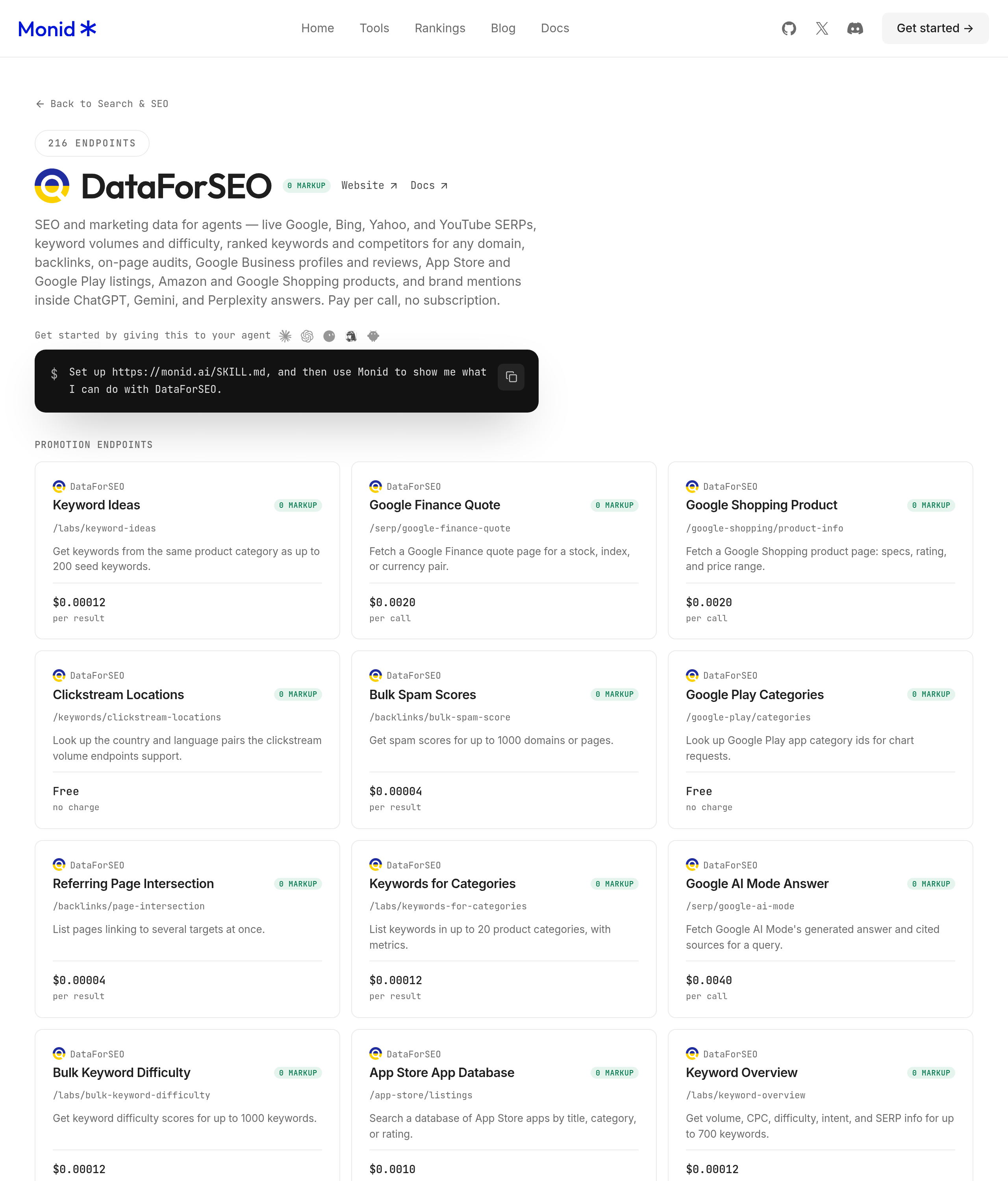
Start with the DataForSEO advertiser lookup through Monid, then classify its results before your agent uses them. An endpoint is a callable tool with a defined input and response; this one searches advertiser names rather than changing advertising accounts.
For agents
Get an API key at app.monid.ai, then give your agent the key through its secret settings and paste this instruction:
set up https://monid.ai/SKILL.md
The agent quickstart covers setup. Keep credentials outside shared prompts, exported tables and version control.
For humans
Install the CLI and store your key locally. The CLI quickstart explains this setup.
npm install -g @monid-ai/cli
monid keys add -k <your-api-key> -l main
Step 1. Find the right data source
Discover the tools, including their availability, before selecting one. This search is free and distinguishes advertiser-name research from keyword-based search observations.
monid discover -q "google ads api" -l 10 --include-unavailable -j
Step 2. Read the input requirements
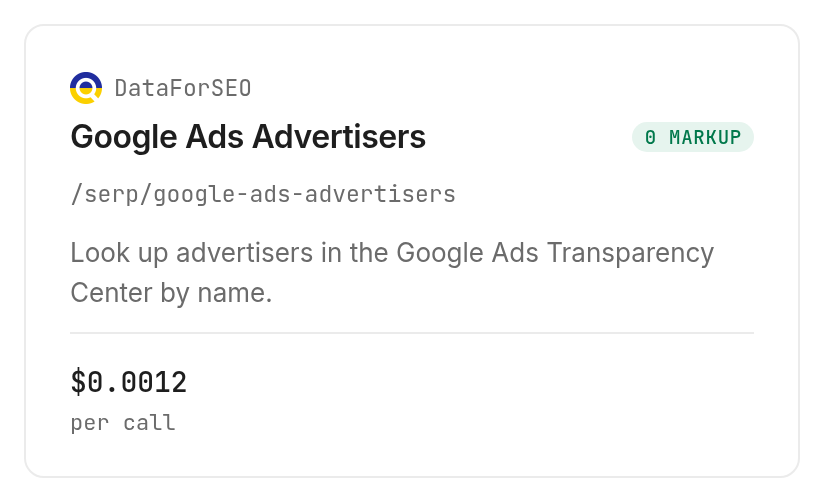
Inspect the advertiser search tool to confirm the body fields and price. We used keyword for the brand, location_code: 2840 for the United States and language_code: en for English.
monid inspect -p dataforseo -e /serp/google-ads-advertisers -j
Step 3. Request one brand first
Use the exact small request below before introducing a list of brands. This schema has no result-limit field, so control the test by submitting one keyword rather than inventing a limit option.
monid run -p dataforseo -e /serp/google-ads-advertisers \
  -i '{"keyword":"nike","location_code":2840,"language_code":"en"}' -w 45 -j
Step 4. Retrieve and preserve the response
Retrieve the completed run by its returned ID and save it privately before exporting selected columns. Our run completed successfully with HTTP 200 and one outer result containing 17 inner items.
monid runs get -r 01M6RSSZ68SSVBV729BQX24CZ4
Why advertiser identity matters before you compare ads
A search match is a candidate identity, and the record type decides what your agent can do next. The returned Nike group contained two nested advertiser IDs; a domain-only record contained no equivalent account identity in that item.
Separate groups from individual accounts
For the public company group titled Nike, Inc., the response reported location: US and approx_ads_count: 9003. Its two nested advertiser records reported approximate counts of 9000 and 3, and both had verified: true.
Those two counts add to the group count in this response. That observation supports expanding this group into two account candidates, but it does not turn every other search match into part of Nike.
Treat domain matches as a different queue
The same lookup returned ten domain records, including nike.com. A domain result and a verified advertiser result represent different information, so keep them in different review queues rather than filling missing account columns with guesses.
The business conclusion is straightforward: select the company identity before collecting creatives or comparing competitors. For a different task, qualifying a list of company websites, use the guide to finding companies running Google Ads; that workflow starts with domains rather than typed name-search matches.
A United States search setting also did not make every returned advertiser location US. Keep the requested search context alongside the returned location, and do not overwrite one with the other.
The 3 ways to collect Google advertiser data
Choose your route by the decision you need to make after retrieval. A one-off identity check and a repeatable agent workflow need different amounts of machinery.
| Route | Billing or effort model | Best fit | Limitation |
|---|---|---|---|
| Monid tool call | Paid execution; free discovery and inspection | Agent receiving structured matches | Mixed identities still need review |
| Manual browser research | Your review time | One company checked by a person | Repeated transcription |
| Your own collection script | Engineering and maintenance time | A custom collection process | You maintain parsing and storage |
Choose structured lookup for repeated reviews
Monid provides one key and balance for selecting and executing tools. Your agent still owns the review rules: record type, identity selection, evidence storage and the conditions that justify another paid request.
This separation is useful when your research assistant already performs several tasks. It can discover the relevant tool at task time and inspect the schema before choosing what to call, while your application keeps a stable table format.
Choose manual research for one decision
Use the Google Ads Transparency Center when a person needs to inspect one advertiser directly. Opening a browser and reviewing a small result set is a complete workflow when no downstream system needs the data.
Choose custom collection for custom requirements
Write your own script when the collector itself is part of your product requirements. Budget for changing page structure, response parsing and operational checks, then keep the collection boundary separate from your interpretation logic.
Avoid writing a collector merely to avoid defining the table. Every route still needs a clear rule for what counts as one advertiser, and that rule is the hardest part of this example.
How to read and save the advertiser results
Save a typed table alongside the original response, with a separate row for each level you actually use. The outer execution result, the search result and its inner advertiser items are different layers.
Keep wrapper counts separate from item counts
Our execution reported resultCount: 1; the inner search result reported items_count: 17. The first number counts the outer result, so it is not a measure of how many advertiser candidates the search found.
The inner result also contained se_results_count: 0. Read the actual items array for your export instead of interpreting that zero as an empty search.
| Field from the response | Observed value or structure | Export rule |
|---|---|---|
keyword | nike | Keep the original search string |
items_count | 17 | Count search items separately |
type | Three item types | Use as the row discriminator |
advertisers | Nested array in company groups | Expand only after selecting a group |
approx_ads_count | 9003 on the Nike company group | Label as approximate |
domain | Present on domain records | Keep in a domain-specific column |
Export only the columns your decision needs
For a company review sheet, use the search term, item type, public company title, returned location, nested-account count and approximate ad count. Add your review decision as an editorial column, clearly separate from returned fields.
Keep individual names out of shared exports. Our public example uses aggregate counts and a public company group; the complete raw response belongs in controlled storage rather than a public article or an unrestricted spreadsheet.
For keyword-based observation, a Google SERP checker workflow answers a separate question: what appears for a search in a specific context. Do not interpret an advertiser-directory match as evidence that the company appeared for your target keyword.
Build a repeatable comparison
For repeated reviews, store collection time and the exact input beside each saved result. Compare like with like: the same keyword, location, language and record type.
A disappearing match is a reason to review the saved evidence, not a reason to declare that a company stopped advertising. A changed approximate count is likewise a research signal rather than a measured campaign outcome.
Check a keyword observation separately
A second test used the Litescrape Google ads search for running shoes in Austin on desktop. It completed with eight organic_results and eight immersive_products, but no ads, local_ads or shopping_results keys in the response; keep missing groups separate from empty arrays in your parser.
monid run -p litescrape -e /google/ads \
  --query '{"q":"running shoes","location":"Austin, Texas, United States","hl":"en","device":"desktop"}' -w 45 -j
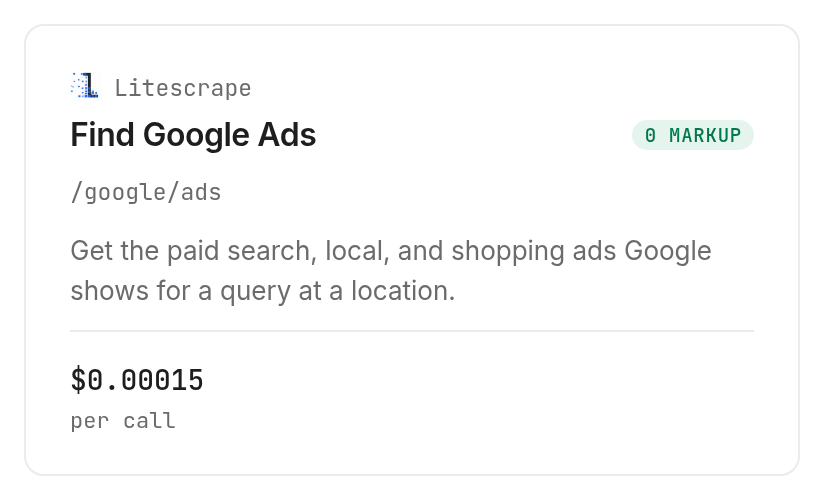
The call cost $0.00015 per call, Verified 2026-11-06, and took 67.906 seconds from creation to completion. Together the two completed tests cost $0.00255, Verified 2026-11-06; neither test establishes a site's total advertising activity.
How much does advertiser research cost?
The Monid tools catalog links to current prices. The DataForSEO advertiser lookup lists $0.0012 per call, Verified 2026-11-06. Discovery and inspection are free; execution is the paid step.
Our completed advertiser test recorded a charge of $0.0024, Verified 2026-11-06, and took 12.001 seconds from creation to completion. Treat the displayed unit price and a completed run's charge as separate budget inputs, and use the recorded charge when reconciling your own tests.
Budget before expanding the task
Start with one brand, inspect the resulting charge and decide whether the returned identities answer the question. Only then add more brands or move into creative collection.
Do not infer empty-result or failed-call billing from our successful nonempty test. That test establishes its own completed charge, and nothing about a different execution outcome.
Inspect creative lookup separately
The AnyAPI company-ads tool accepts a domain or advertiser ID, with route-specific per-call prices inside a matrix. Its inspected routes range from $0.00085 to $0.0012 per call, with the default at $0.00085, Verified 2026-11-06; we inspected this option and did not execute it.
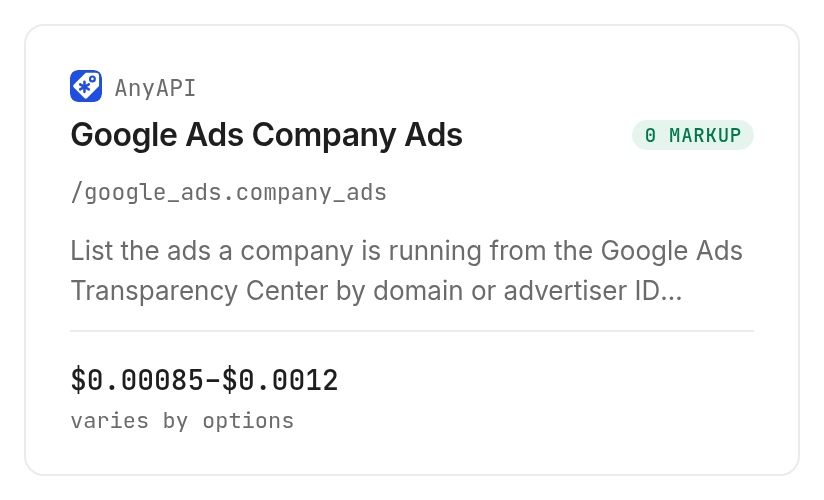
Its schema provides domain, advertiserId, region, format and date filters, plus a cursor for subsequent requests. Those are declared inputs, not results from our advertiser test, and the table above promises no creative fields from that unexecuted option.
When should you use something else?
Use another route when your required output is outside public advertiser discovery. This is the Monid blog, and Monid routes calls to providers including DataForSEO and AnyAPI; it does not replace the underlying source or eliminate identity review.
Use Google's own account tools for your campaign operations and account reporting. The tested advertiser lookup does not return account performance, spend, conversions or campaign-editing actions, so this guide cannot produce a campaign-management integration.
Use the Transparency Center directly for a single visual check. Use a separate creative-research workflow when you need a complete creative archive: the lookup here produces advertiser candidates, and a displayed approximate ad count is not a downloaded collection of ads.
Use a scheduled search-observation process when the question is recurring keyword visibility. Keep those observations separate from advertiser identity and account performance.
Which endpoint should I use for which job?
Choose the tool whose input matches the evidence you already have. Monid discovery finds candidates, but inspection determines whether the next request fits your workflow and budget.
| Use case | Best endpoint | Why? |
|---|---|---|
| Brand name to advertiser candidates | DataForSEO /serp/google-ads-advertisers | Tested mixed search items and nested account identities; listed per call, Verified 2026-11-06: $0.0012 |
| Keyword and location observation | Litescrape /google/ads | Tested response groups without dedicated ad keys; per call, Verified 2026-11-06: $0.00015 |
| Domain to company-ad lookup, inspect only | AnyAPI /google_ads.company_ads | Domain input and cursor declared; matrix default route per call, Verified 2026-11-06: $0.00085 |
Conclusion
You now have a repeatable advertiser lookup, a typed result table and a rule for separating company groups, accounts and domains. Use Monid for the structured research step and keep campaign operations in the tools designed for them. The pitch's 1 min setup is a planning allowance for an already configured agent, and 1-2 hrs saved assumes replacing 20 manual checks taking three to six minutes each; neither is a measured benchmark. Choose the route that leaves you with identities you can explain and evidence you can review next week.
FAQ
Is Google Ads API research free through Monid?
Discovery and inspection are free; executing the tested advertiser tool is paid. Its listed price appears on the research tool page, and your completed run records the actual charge.
What do I need to install?
Install the Monid CLI for terminal use, or give the setup instruction to your agent. Add your key through local credential settings and keep it outside exported research files.
Do I need to write code?
An agent can perform this workflow from the opening prompt. You still need to define the brand, search context and columns, and review ambiguous identities before using them.
How many advertisers does one search return?
Our Nike search returned 17 mixed items, including three company groups, four individual advertiser records and ten domains. The inspected advertiser-search input has no limit parameter, and this sample is not a maximum.
Does a failed request cost money?
Our successful advertiser test does not establish failed-request billing. Read the completed execution's status and charge before retrying, so your application reconciles actual requests rather than assuming every attempt has the same outcome.
Can my agent run this on a schedule?
Your scheduler can invoke the same CLI command on a recurring basis. Save the input, collection time and response for every execution, and apply a budget before expanding the brand list.
Can this manage my campaigns or report conversions?
These research tools do not manage campaigns or return your account conversions. They cover public advertiser discovery and related research inputs, so campaign operations require a separate integration.
Is collecting advertiser data legal?
Rules vary by location; check the rules that apply to your use. Keep shared research limited to the information required for the task and exclude personal records from public exports.
Published November 2026.


