How to Choose a Moz Alternative for Your SEO Work
Build a Moz alternative shortlist from 20 returned products, compare review evidence, and choose which SEO tools deserve a hands-on trial.
Choose a Moz replacement around the SEO work you actually need. Paste this into your agent:
Set up https://monid.ai/SKILL.md, and then use Monid to retrieve GetApp alternatives for Moz Pro. Keep SEO candidates, show directory ratings and review counts, and compare Moz Pro with Semrush. Separate returned facts from your recommendations.
Setup time varies; min setup and hrs saved are not measured for this workflow.
SEO managers need a Moz alternative for keyword research, growth marketers need reporting evidence, and agency founders need a repeatable client workflow. Copying names from a directory leaves you with a selection problem: the list tested here contains 20 products, including website builders and broader marketing tools.
A directory rating does not prove that a product replaces your backlink analysis, keyword tracking, or reporting process. Comparing every product equally sends you into demos that answer the wrong question.
We'll use Monid, the tool layer for AI agents, to turn GetApp's listings into a shortlist and compare one pair. These calls deliver software research data; they do not deliver SEO measurements for your website or migrate your Moz campaigns. Retrieve the candidates, filter by job, then test the finalists.
Here is the finished shortlist from the October 26, 2026 call. Ratings are rounded to two decimals; the other columns reproduce returned counts. Selection is editorial, not a ranking of product quality.
| Candidate | GetApp rating | Review count | Directory shared features |
|---|---|---|---|
| Semrush | 4.63 | 2,330 | 2 |
| Ahrefs | 4.71 | 585 | 6 |
| SEO PowerSuite | 4.52 | 382 | 7 |
| AccuRanker | 4.85 | 330 | 2 |
| SE Ranking | 4.71 | 298 | 5 |
How to shortlist a Moz alternative with Monid
Start with your required work, then retrieve candidate records using Monid. An endpoint is one callable tool operation; here, the operation fetches software alternatives from GetApp rather than doing SEO analysis itself.
Use four selection criteria before opening the list:
- Required job: name the report or decision your current process supports.
- Evidence: keep ratings and review counts together, with the retrieval date.
- Workflow fit: decide who must use the result and how they receive it.
- Acceptance test: define the task a finalist must complete before you switch.
Step 1. Connect your agent or install the CLI
For agents: get a key at app.monid.ai and give it to your agent through its credential setup. Paste the following instruction; the agent quickstart explains the workflow.
set up https://monid.ai/SKILL.md
For humans: install the command-line tool and save your key using the template commands below. The CLI quickstart covers setup.
npm install -g @monid-ai/cli
monid keys add -k <your-api-key> -l main
Step 2. Give your agent the correct product
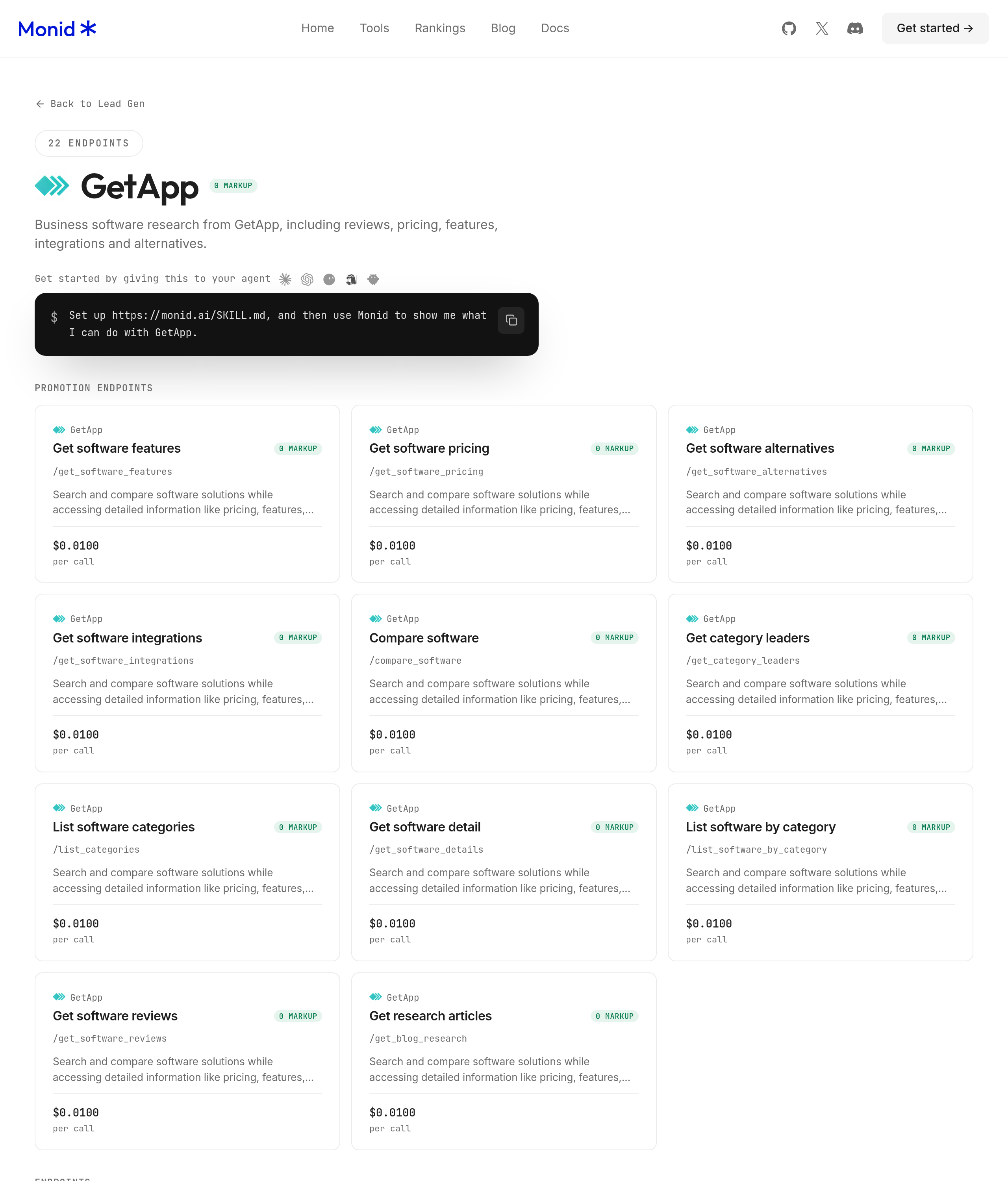
Ask for alternatives to Moz Pro, using the GetApp path marketing-software/a/moz-pro, rather than a vague request for everything related to Moz. The GetApp alternatives tool takes one product path, not a website domain or a list of keywords.
Step 3. Retrieve one product list
Ask: “Fetch alternatives for this Moz Pro path once, retain the product names and source links, and show the number returned.” Our call returned 20 alternatives in 10.608 seconds from run creation to completion; the schema exposes no limit parameter, so start with one product instead of inventing a limit.
Step 4. Keep five candidates and export the evidence
Ask: “Keep Semrush, Ahrefs, SEO PowerSuite, AccuRanker, and SE Ranking; export name, rating, review count, and shared feature count.” The preview table above is that five-row selection from the 20 returned records, with no missing candidate among those five.
Keep a separate column for your own next action. For example, “test a backlink comparison” is your instruction, not a feature guarantee supplied by the directory.
How to compare five SEO candidates
Compare candidates by their intended evaluation task, not by sorting the star rating column. The following five entries are a practical shortlist, with official product pages as the source for capabilities and the measured table as the source for review evidence.
Semrush for a broad evaluation
Semrush lists keyword research, competitor analysis, rank tracking, and backlink analysis among its tools. Start here when your evaluation spans several SEO jobs. The directory returned 2,330 reviews, giving you a substantial body of feedback to investigate, but that count does not measure accuracy.
Pricing: product access is purchased from the vendor; this article makes no plan comparison. Directory retrieval through the tested GetApp call bills per call.
Features to test: keyword research, competitor analysis, and reporting for your chosen account. Next action: reproduce one existing report with the same inputs and document the differences.
Ahrefs for a backlink research trial
Ahrefs offers search visibility and SEO research tools. Put it on the shortlist when your selection starts with link analysis, then evaluate the specific report your team uses. Its directory row returned 585 reviews and six shared features; neither number proves that two link indexes agree.
Pricing: vendor product access and directory retrieval are separate purchases. The research call is billed per request.
Features to test: backlink research and competitor investigation. Next action: use the Ahrefs and KWFinder link-data comparison to define the backlink fields you need before evaluating a full workspace.
SEO PowerSuite for a collection of focused tools
SEO PowerSuite presents Rank Tracker, WebSite Auditor, SEO SpyGlass, and LinkAssistant as separate tools within its offering. Evaluate that arrangement when your work already divides into ranking, technical checks, and links. The directory returned 382 reviews and seven shared features.
Pricing: obtain the software under the vendor's purchasing terms; the directory call does not grant software access.
Features to test: rank tracking, site auditing, and backlink analysis. Next action: have the person who owns each task complete it, then check how the outputs fit together in your reporting process.
AccuRanker for a ranking-first decision
AccuRanker presents rank tracking, reporting, tagging, and SERP analysis. Choose a ranking task as the acceptance test rather than treating this entry as an automatic replacement for every Moz activity. Its directory row returned 330 reviews and a rating of 4.85 after rounding.
Pricing: vendor access is separate from the paid directory lookup.
Features to test: rank tracking, tags, and reporting. Next action: use your required country, device, and keyword group in the trial, and have the report recipient review the output.
SE Ranking for a combined workflow trial
SE Ranking lists rank tracking, keyword research, website auditing, competitor analysis, and backlink checking. Consider it when you want to evaluate several connected tasks in one product. Its directory row returned 298 reviews and five shared features.
Pricing: the vendor supplies the product; the GetApp research call supplies listing data.
Features to test: keyword research, website auditing, and reporting. Next action: follow one issue from discovery through the report your team will actually deliver, rather than testing isolated screens.
Read shared feature counts as directory metadata
The shared feature count describes GetApp's comparison metadata, not a measured replacement percentage. Semrush returned two shared features while SEO PowerSuite returned seven; that is no basis for declaring the latter a closer functional replacement.
Use those counts to identify questions for a demo. A capability absent from a directory comparison is not proof that the vendor lacks it, and a matching label is not proof that both implementations produce equivalent results.
How to compare Moz Pro and Semrush in your own code
Use the two-product comparison after you have a shortlist. The tested GetApp comparison operation accepts the full path for the first product and the short slug for the second; these inputs are query parameters, so the CLI uses --query.
Discover and inspect before paying
The following free commands show the available operations and their current input requirements. Read the schema rather than assuming every software lookup accepts the same identifier.
monid discover -q "moz alternative" -l 5 -j --include-unavailable
monid inspect -p getapp -e /get_software_alternatives
monid inspect -p getapp -e /compare_software
Repeat the tested calls
These are the two paid commands used for this article. Run the alternatives lookup first and compare only a candidate you actually intend to evaluate.
monid run -p getapp -e /get_software_alternatives \
  --query '{"slug":"marketing-software/a/moz-pro"}' -w

monid run -p getapp -e /compare_software \
  --query '{"slug1":"marketing-software/a/moz-pro","slug2":"semrush"}' -w
Extract the business fields
The alternatives appeared at output.data.alternativesData.alternatives in the run record. Each selected record contained name, rating_avg, num_reviews, features.common_count, and cta_urls.detail; retain the source path alongside the exported row.
The second call returned output.data.compareData, including listings, features, integrations, and comparisonReviews. Its title was “Moz Pro vs Semrush Comparison (2026)”; it completed in 14.862 seconds from run creation to completion.
The comparisonReviews.first and comparisonReviews.last values were both null. Leave those review slots empty rather than asking an agent to write quotations for them. Export selected fields instead of the entire page payload, which also contains presentation and navigation data.
How much does the shortlist cost?
The two successful Monid calls were billed once each. The alternatives lookup costs $0.01 per call, Verified 2026-10-26; the two-product comparison costs $0.01 per call, Verified 2026-10-26.
Separate call count from product count
The alternatives request returned 20 listings but the run record reported one billed unit. The comparison request also reported one billed unit; it did not bill separately for every feature in the response.
The measured total was $0.02 for these two successful calls, Verified 2026-10-26. Both returned HTTP 200, so this experiment establishes successful-call billing and says nothing about charges for failures or empty responses. Discovery and inspection are free; execution is the paid step.
Budget the next decision
Do not automatically compare every pair in the list. First eliminate irrelevant product categories, then spend a comparison call on the question that determines your next trial.
A directory export is also separate from the candidate's product license. Buying research data through the tool catalog does not purchase access to Semrush, Ahrefs, or another SEO application.
When should you use something else?
Use the candidate's own workspace when your task is ongoing SEO work. This is the Monid blog, and these GetApp operations are available through Monid; that commercial relationship does not turn software listings into a replacement for Moz Pro.
Stay with Moz when the workflow already works
Do not switch because a directory rating is higher. If the current reporting process answers your business question and the alternative fails your acceptance test, keep the existing workflow.
Choose Semrush, Ahrefs, or another shortlisted product directly when you need the product experience your team evaluated. GetApp's own website is the simpler route for a one-off comparison you want to read manually.
Separate traffic research from replacement research
If the actual job is comparing website traffic, read the Similarweb alternative guide before shopping for an entire SEO suite. Website traffic estimates answer how much traffic a domain receives, where that traffic comes from, and which competing websites deserve investigation. A website traffic research task and a software replacement decision need different evidence; neither a traffic estimate nor a directory rating tests your keyword tracking workflow.
Our shortlist does not test data coverage, report reliability, migration, or team adoption. The final buying decision requires your own website, your own reports, and the people who use them.
Which tool should you use for each research task?
Use the directory operation that matches your next decision. Both rows below refer to successful calls from this article, not extra services needed to complete the shortlist.
| Use case | Best endpoint | Why? |
|---|---|---|
| Build the candidate list | GetApp /get_software_alternatives | One product path returned 20 alternatives; per call, Verified 2026-10-26: $0.01 |
| Compare the finalist with Moz Pro | GetApp /compare_software | Returned the two-product comparison; per call, Verified 2026-10-26: $0.01 |
Conclusion
You now have a five-candidate shortlist grounded in 20 returned listings, a tested Moz Pro versus Semrush comparison, and a clear boundary between directory evidence and product performance. Repeat the research through Monid when the shortlist changes, but keep trial results beside the directory facts. No setup duration or hours saved was measured here, so there is no quantified time-saving promise. Choose the replacement that completes your required SEO task and produces a report your team can use.
FAQ
What is the best Moz alternative?
The best choice is the candidate that passes your SEO workflow test. Use the five-product shortlist to decide what to trial; directory ratings do not establish an overall winner.
Can I find a Moz alternative for free?
You can read GetApp's Moz Pro alternatives page directly. Monid discovery and inspection are free, while the automated data calls shown here are paid.
Do I need to write code to compare the tools?
No, an agent can retrieve the listings and produce the shortlist from your instruction. The CLI section is for readers who want to repeat the exact inputs themselves.
How many alternatives does one request return?
Our October 26 request returned 20 alternatives for Moz Pro. The inspected input accepts one product path and exposes no result-limit parameter; that observed count is not a guarantee for every product.
Does a higher review rating mean better SEO data?
No, a directory rating is review evidence, not a test of SEO data quality. Keep the review count beside the rating and evaluate the actual report you need.
Are failed software comparisons charged?
This test does not establish failure billing because both calls succeeded. Inspect the current pricing and read the run's cost before repeating a failed request.
Can these calls replace my Moz campaigns?
No, the tested calls retrieve software listings and comparison data. They do not migrate campaigns, run website audits, or maintain your keyword tracking history.
Published October 2026.