How to Use the Walmart API to Find Products
Get Walmart search results into your agent, preserve product identifiers, and enrich a shortlist with ratings, stock and specifications.
Find Walmart products and give your agent a table it can use. Paste this into your agent:
Set up https://monid.ai/SKILL.md, and then use Monid to search Walmart for LEGO classic on the first page only. Return item IDs, titles, offer currency, ratings and review counts. Look up the first item's product details once. Keep the search and detail locations separate, retain missing values, and stop after these two paid calls.
Planning budget: 1 min setup · 0 hrs saved claimed; first-party results below.
If you're a developer searching for a Walmart API, copying product cards from a browser stops being useful when your agent needs a shortlist of 20 items. Titles alone do not give it reliable identifiers for a second lookup, and a search page is not a product database.
A script that saves only the visible headline loses the seller, location and request context needed to interpret the result. Asking a model to reconstruct those missing fields produces a table without a dependable source trail.
We'll build a product shortlist using Monid, the OpenRouter for agent tools: one key and one balance for discovering and calling tools. The finished artifact contains search identifiers, ratings and review counts, plus a selected product's specifications. We'll fetch one page, enrich one item, and preserve the context for later use.
Here is a preview from the November 9, 2026 search. Product labels are shortened; identifiers and counts are unchanged.
| Product label | Walmart item ID | Rating | Review count |
|---|---|---|---|
| Classic Large Creative Brick Box 10698 | 40996357 | 4.7 | 3253 |
| Classic Medium Creative Brick Box 10696 | 41004055 | 4.7 | 9046 |
| Classic Creative Suitcase 10713 | 965061958 | 4.7 | 4424 |
How to use the Walmart API with Monid
Use Monid to discover a Walmart search tool, inspect its inputs, and send a small request from your agent or terminal. An endpoint is the specific callable tool path; here, search finds candidates and product lookup enriches one selected candidate.
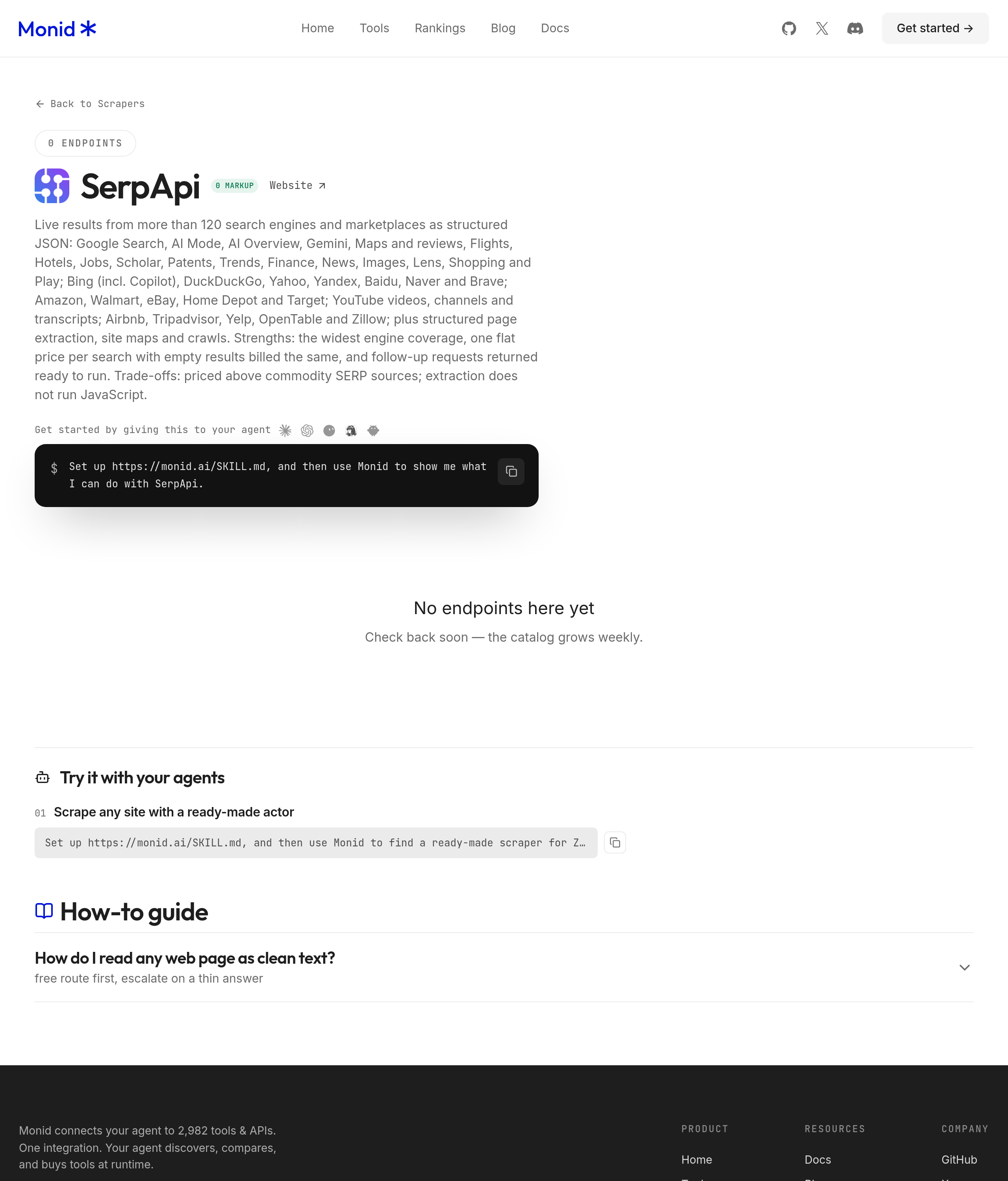
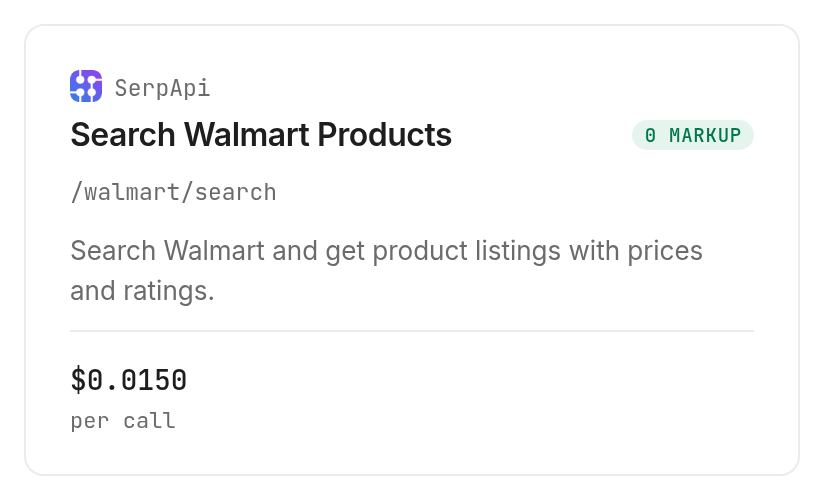
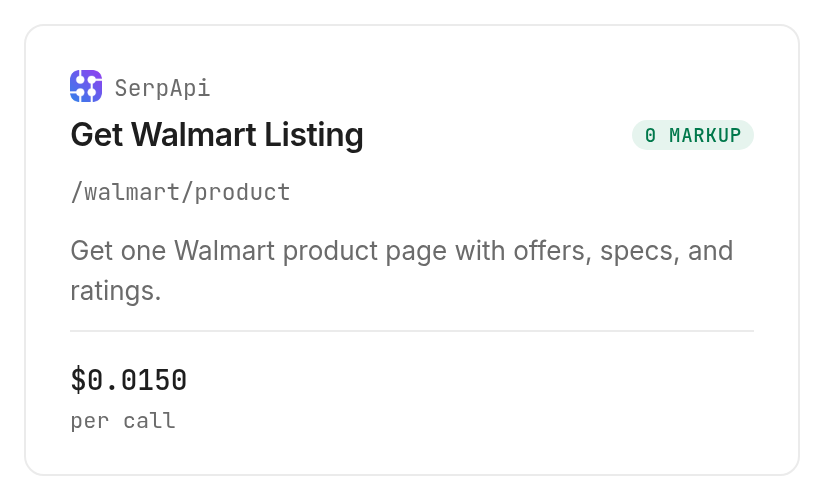
This guide uses the SerpApi Walmart search tool, serpapi with /walmart/search, and its product lookup tool, /walmart/product. These retrieve Walmart-facing product data through Monid. They do not manage seller accounts, change listings, place orders, or create a historical dataset on their own.
Step 1. Connect your agent or terminal
For agents: Get an API key at app.monid.ai, then paste the setup line and provide the key through your agent's credential flow. The agent quickstart explains the connection.
set up https://monid.ai/SKILL.md
For humans: Install the CLI and add your key, following the CLI quickstart. Keep the key out of source files and published output.
npm install -g @monid-ai/cli
monid keys add -k <your-api-key> -l main
Step 2. Find the callable search
Discover the catalog match before coding the integration. Including unavailable entries exposes status information; select an available tool and inspect it before spending.
monid discover -q 'walmart api' --include-unavailable -l 5 -j
monid inspect -p serpapi -e /walmart/search
Inspection declares query parameters, so the actual search input belongs in --query, rather than a JSON request body. It also states the billing shape and accepted filters, which lets you set a request budget before your agent starts exploring.
Step 3. Set the task boundary
Tell the agent to search one page, retain all returned identifiers, and enrich only one chosen item. Set a small limit when testing; this schema exposes page, not a limit parameter, so one page is the small search boundary.
The acceptance condition is a saved shortlist with source context, not a paragraph saying the search succeeded. Require an explicit count of saved rows and a separate record of which item received the additional lookup.
The 3 ways to bring product data into your agent
Choose the route based on where the data needs to end up and what you already maintain. The same product question requires different machinery when it is a one-time visual check, a reusable script, or a tool chosen inside an agent conversation.
Read the page yourself
Use the Walmart website when you need to inspect a single product visually. You can examine the surrounding page before deciding what matters, but transferring the findings into a repeatable structured table remains your job. This route fits a small manual decision without a downstream pipeline.
Maintain a custom collection script
A custom script gives you control over extraction and storage. You also own parsing, field changes, missing values and execution failures. Start with this route when your team already maintains collection infrastructure and has a specific requirement that the available response does not satisfy.
Give your agent a catalog tool
Monid fits an agent that needs to discover and call a tool alongside other tasks. Your application still owns normalization, storage and the final decision. In this article, Monid supplies the callable access layer and SerpApi supplies the Walmart retrieval.
| Route | Billing or effort | Best fit | Limitation |
|---|---|---|---|
| Monid tools | Per successful call | Agent or script needs structured retrieval | Your code preserves context and history |
| Browser check | Human collection effort | One visual inspection | Manual transfer into your system |
| Custom collection script | Engineering and maintenance effort | Existing collection infrastructure | Your team owns extraction behavior |
The key design choice is whether you need a candidate list or a detailed record. Search first when you do not know the item ID; enrich only the candidates whose additional fields affect your next decision. Fetching detailed records for every search hit adds calls before you have established relevance.
How to turn a search into a product shortlist
Fetch one page, keep its identifiers, and select one item for enrichment. Our November 9, 2026 test returned 18 search rows and one detailed product record, with no failed calls.
Step 4. Fetch the first page
Send the narrow query below through the Walmart search tool. Keep page at 1 so the first test does not become a pagination loop.
monid run -p serpapi -e /walmart/search \
  --query '{"query":"LEGO classic","page":1}' -w
The response contained organic_results, search_information, search_parameters, and pagination objects. search_information.total_results reported 221, while the actual organic_results array contained 18 rows; 221 is the search's reported total, not the number downloaded.
Step 5. Preserve the useful columns
Save us_item_id, product_id, title, seller_name, primary_offer.currency, rating, reviews, and product_page_url from the returned rows. Keep primary_offer intact in the raw response so a later transformation does not discard its offer fields.
The preview table shows three of the 18 rows, rather than claiming to reproduce the whole response. The different review counts also demonstrate why rating alone is a poor shortlist criterion: all three preview items had a 4.7 rating, while their review counts differed substantially.
That observation supports a practical research rule: use title and model relevance to select candidates, then use rating and review count as separate descriptive columns. Neither field establishes unit sales or future demand. An agent writing a market brief should state what the response measures instead of turning review counts into an invented sales estimate.
Step 6. Enrich the chosen item
Inspect the Walmart product lookup, then pass the first item's numeric identifier exactly as returned. The search response included a follow-up tool descriptor whose product_id parameter was 40996357.
monid inspect -p serpapi -e /walmart/product
monid run -p serpapi -e /walmart/product \
  --query '{"product_id":"40996357"}' -w
The detailed response returned one product_result. The table below contains real fields from that selected product; the specification values came from its specification_highlights array.
| Selected product dimension | Returned value |
|---|---|
| Walmart item ID | 40996357 |
| Product ID | 3ILQS74URDPZ |
| Seller | Walmart.com |
| In stock | true |
| Rating | 4.7 |
| Review count | 3253 |
| Brand specification | LEGO |
| Model specification | 10698 |
| Piece count specification | 790 |
Step 7. Export the shortlist and its context
Save the search rows as CSV for human review and keep the original JSON for your application. Store the request parameters, retrieval date, returned location and run ID alongside the rows, then mark which item received enrichment.
The useful finished artifact is two related tables: one row per search candidate and one row per selected detailed lookup. Join them by the saved item identifier. This keeps the extra specifications separate from search rows that never received a detail request, instead of filling those rows with guessed values.
How do you preserve context in your own code?
Treat each response as a dated observation with its own location and input parameters. Monid returns the retrieval result; your application decides how observations are joined, retained and compared.
Keep location separate from identity
Our search resolved to store 1256 in Shorewood, Illinois, while the product lookup resolved to store 492 in Vincennes, Indiana. Both calls omitted store_id. The selected item's rating and review count agreed across responses, but the location context did not.
Use a consistent store_id for a location-specific workflow and record the location actually returned. Do not interpret a default-location response as proof about the reader's nearest store. This matters even when your first test appears consistent, because matching values do not make the underlying contexts identical.
Handle missing values without manufacturing facts
Preserve a missing rating as missing and a returned zero as zero. Keep search out_of_stock separate from product in_stock until your normalization code explicitly maps the two meanings.
Store the raw response before extracting a smaller set of fields. That gives you a source for investigating a changed column without buying another call solely to recover information your first transformation discarded.
Bound pagination and enrichment separately
The search returned pagination descriptors, including the next page's query parameters. Follow only a predefined page budget, and stop when the returned rows no longer advance your shortlist.
Apply a separate detail budget after deduplicating candidates by identifier. A search request and a product lookup are separate paid operations; a larger search response does not automatically authorize your agent to enrich every result. For a second marketplace using the same search-to-detail pattern, see the eBay product-data guide.
When should you use something else?
Use the Walmart website for one visual check, your existing SerpApi integration for a pipeline that already works, and a different integration for seller account operations. This is the Monid blog, and we sell access to the retrieval tools described here; the provider behind these calls is SerpApi.
The demonstrated tools read product information. They do not provide order management, account administration, or automatic retention of past observations. They also return a location context that your application must handle explicitly.
For repeated observations over time, the Walmart price-tracker guide explains the separate job of keeping dated rows. A shortlist is an acquisition artifact; a tracker also needs storage, comparison logic and a schedule. Choose the latter workflow only after you know which identifiers belong on your watchlist.
Which tool should you use for each job?
Use search to find candidates and product lookup to add details to a selected identifier. The tool catalog carries the current prices. Discovery and inspection through Monid are free; the paid step is the call that retrieves data.
| Use case | Best endpoint | Why? |
|---|---|---|
| Find a candidate list | SerpApi /walmart/search | Returned 18 rows in our first-page test; PER_CALL, Verified 2026-11-09: $0.015 |
| Enrich one selected item | SerpApi /walmart/product | Returned stock and specifications for one item; PER_CALL, Verified 2026-11-09: $0.015 |
Search reported 9.76 seconds of provider processing and product lookup reported 7.14 seconds. These are the response's total_time_taken values, not an end-to-end latency guarantee. Each completed call recorded one billed unit at its listed price, so the measured total spend was USD 0.030 (Verified 2026-11-09), the sum of the two marked prices above.
Inspection states that successful empty searches are billed and HTTP errors or failed searches are free. Our two tests succeeded with results; the observed billing evidence covers those successful calls. Keep that distinction in your own execution logs, especially when an empty candidate list is a valid business outcome.
Conclusion
You now have a repeatable path from a Walmart query to a shortlist with stable identifiers and a selected detailed record. Use Monid for retrieval, then retain raw JSON, request context and normalized rows in your application. The opening's one-minute setup line is a planning budget, and zero hours saved is claimed because this test measured retrieval rather than a fresh installation or manual work. Start with one page and one selected product so your next decision rests on identifiable, dated evidence.
FAQ
Is access free?
Discovery and inspection are free; retrieval is paid.
What do I install?
Install the CLI or give your agent the skill setup line.
How many products come back?
Our first page returned 18 rows, separate from the reported total of 221.
Are empty searches billed?
Yes. Inspection states successful empty searches are billed; failed searches are free.
Can I schedule checks?
Yes. Your automation system supplies scheduling and stores dated results.
Is collection legal?
Rules vary by jurisdiction; check those that apply to your use.
Published November 2026.


